Article
Copy column and cell links and surface column IDs in table view, now generally available!

July 1, 2026
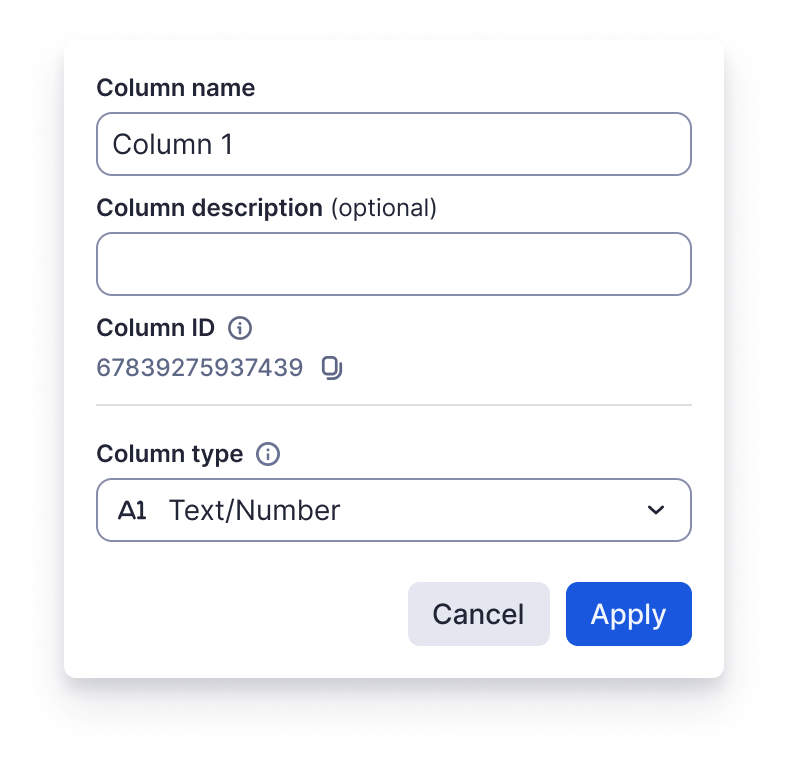
Easily navigate to a particular column or cell with the new Copy link to column and Copy link to cell options in table view. Simply right-select the column header or cell to open its context menu and then select the option to copy the column or cell link from the dropdown. That's not all. Users can now access column IDs in table view sheets by right-selecting the column header to open the column context menu and then selecting Column properties. Learn More
Environments availability: Commercial US, Commercial EU, Commercial AU
Plan availability: Pro, Business, Enterprise, Advanced Work Management
Subscription Model Availability: legacy model, user model