Replace resource guesswork with real‑time visibility
Smartsheet helps PMO and team leads manage resource planning end to end, assign and rebalance workloads, explore what-if scenarios, and use data to stay ahead of what’s next.
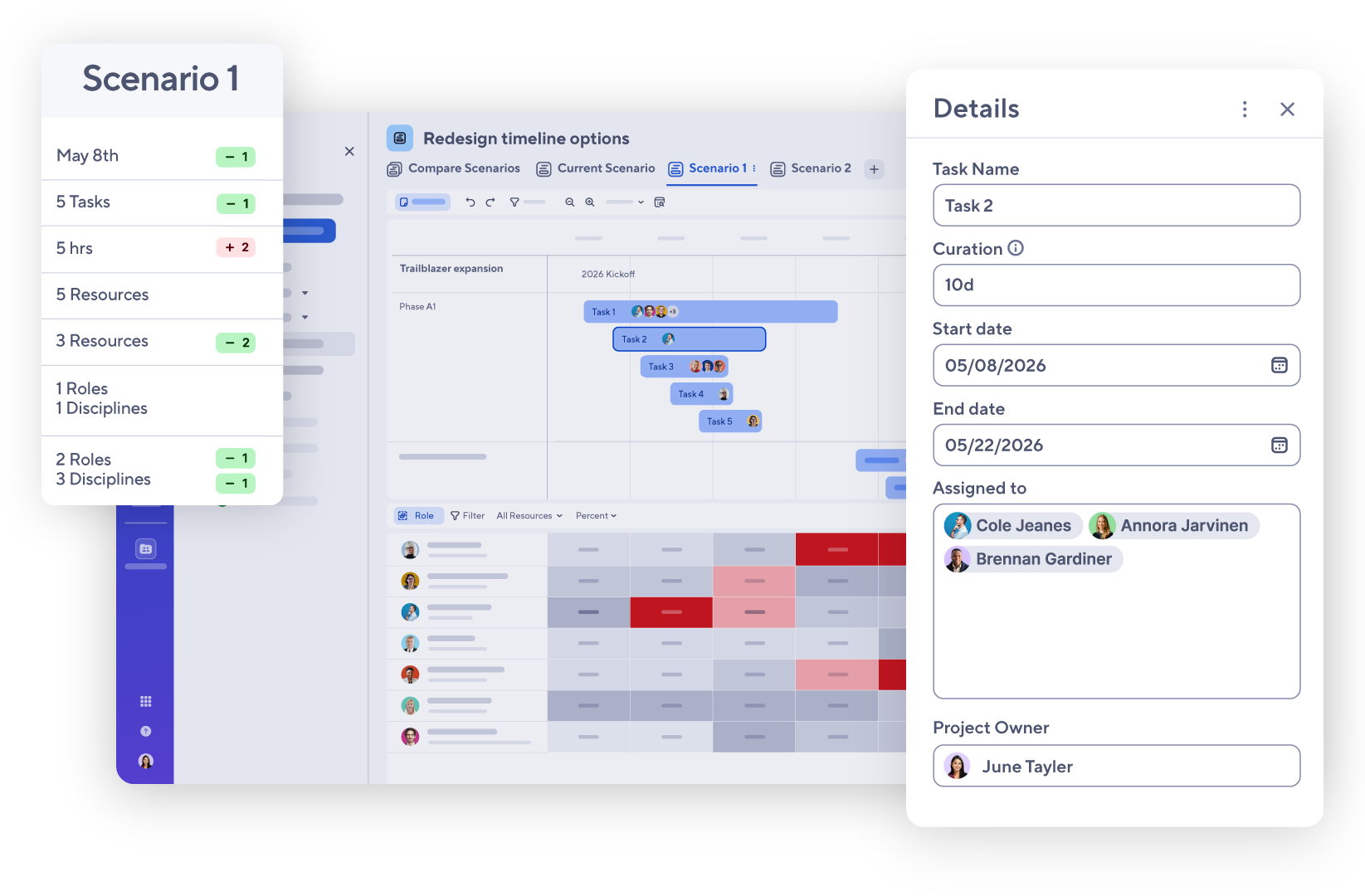
View project timelines alongside capacity, explore what-if scenarios without impacting live plans, compare options side-by-side, and execute with certainty.
Put the right people on the right work. See capacity, availability, and demand in one view so you can allocate smarter and act fast when priorities shift.
Not sure which is right for you? Scenario Planning is included in Enterprise plans. Workload tracking is included in Business plans, and Resource Management is a premium add-on.
New
Scenario Planning
Explore decisions before you commit
Test resource changes, timeline shifts, and adjust allocations across projects without impacting your live plans.
View project timelines alongside capacity and explore what-if scenarios without the fear of impacting live plans.
Compare your options
Compare scenarios side-by-side to clearly understand trade-offs and make decisions with precision.
Execute with certainty
Bring meeting-ready scenarios to leadership handoffs to drive faster alignment and apply the winning path forward.
Workload tracking
Balance workloads to keep work moving
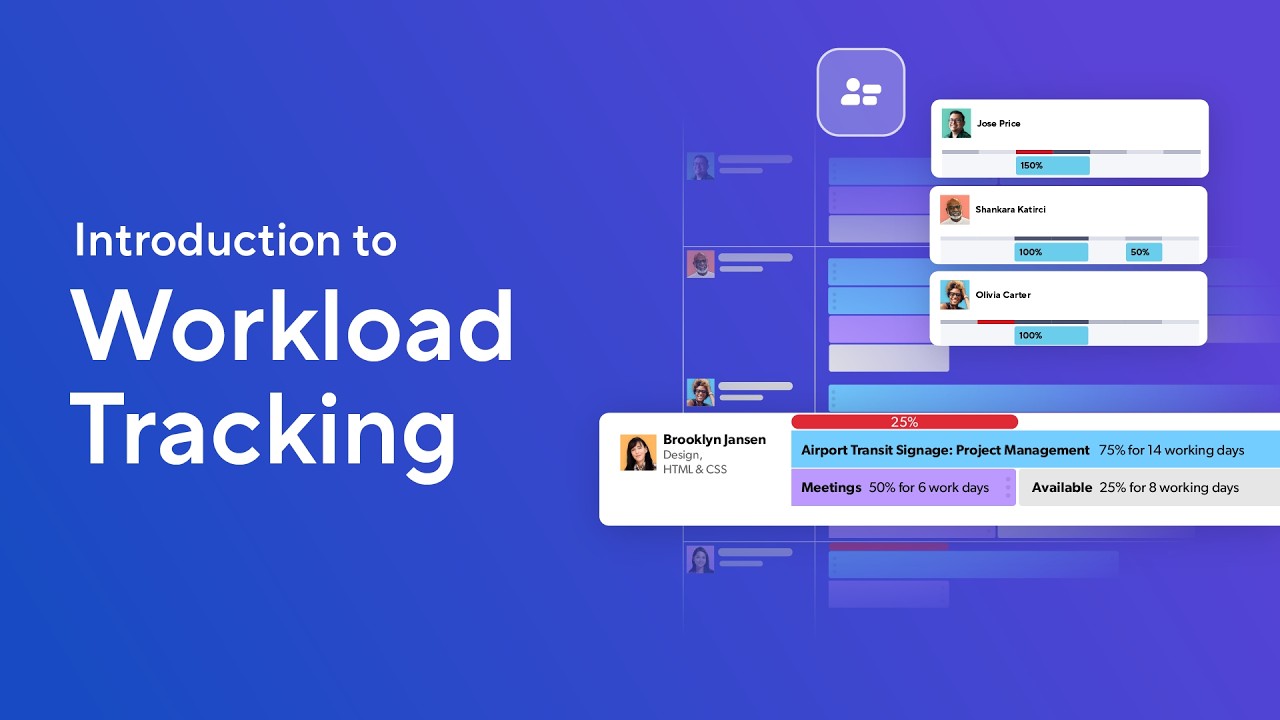
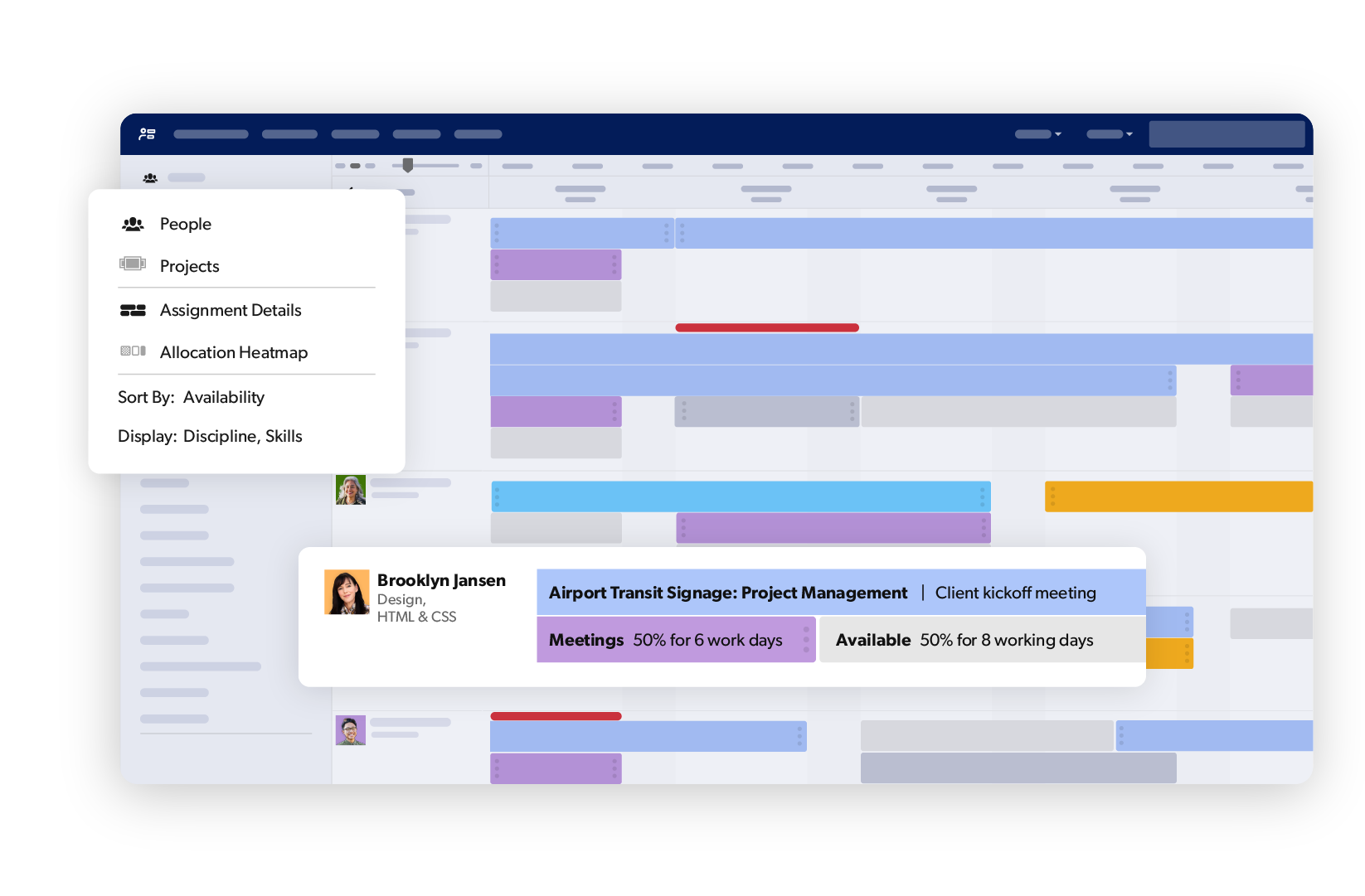
Workload tracking gives you a consolidated view across projects, empowering you to identify over-allocated team members and clear roadblocks before they affect delivery.
Match skills, availability, and interests to project demands before gaps become blockers.
Simplify time tracking
Log and submit hours in fewer steps. Feed the data that makes future estimates accurate.
Forecast future capacity
Surface staffing needs before they're urgent. Identify skill gaps and act on demand signals early.
Every resource decision, in one place
Resource Management connects every dimension of resource planning in a single, portfolio-wide view.
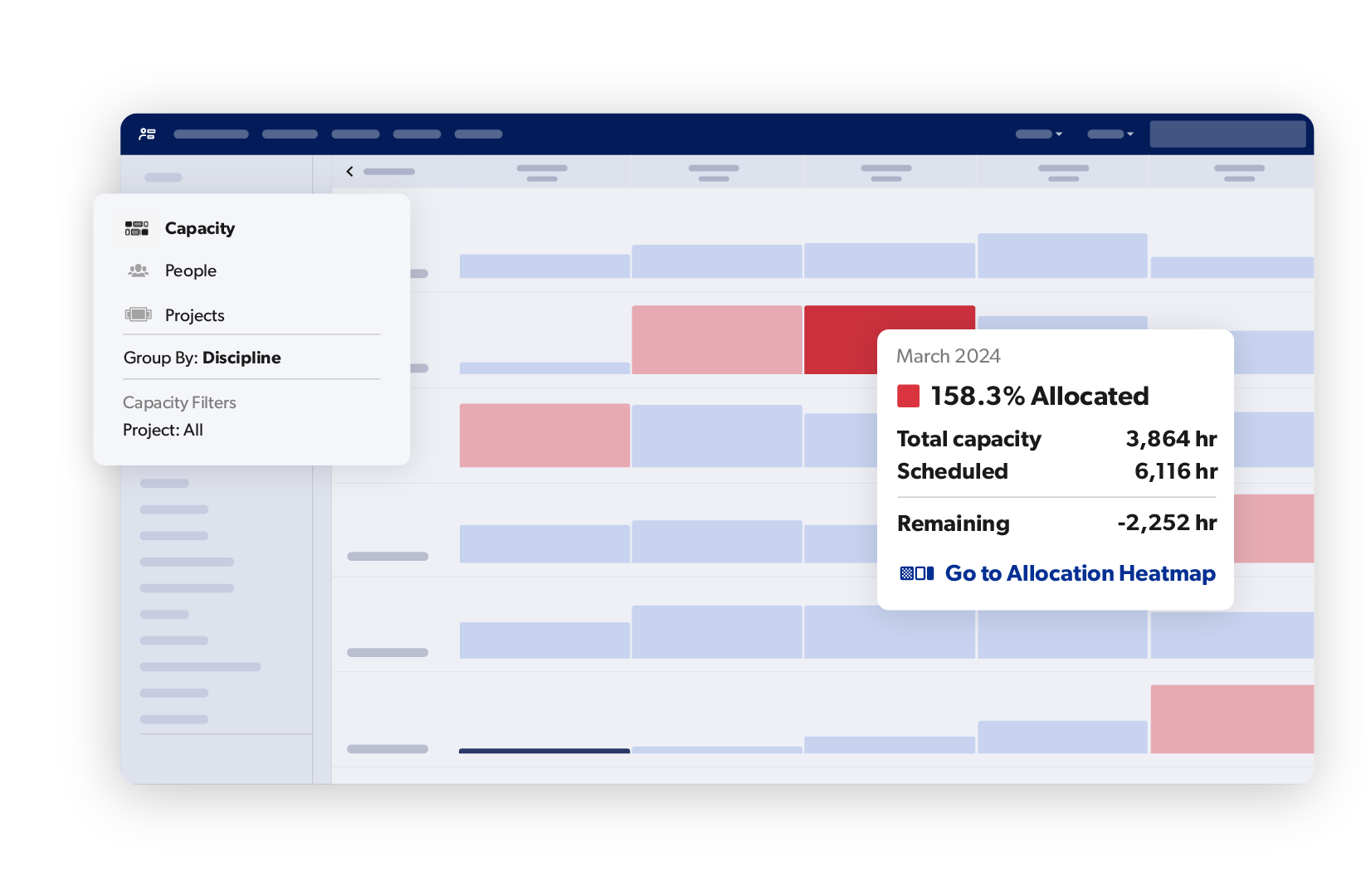
Capacity planning
Match available resources to planned work before commitments are made.
Time tracking
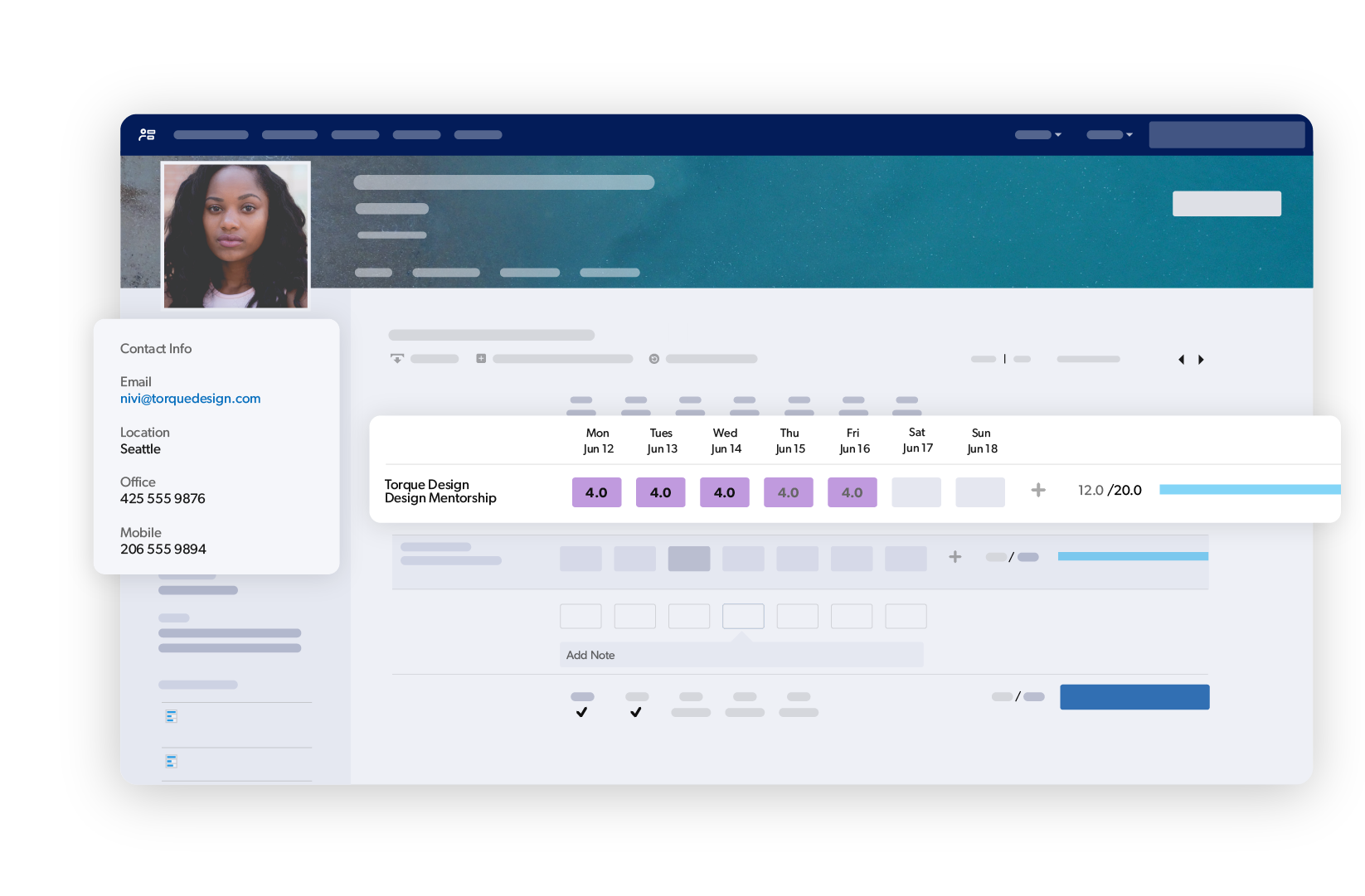
Log hours against projects and tasks to keep budgets and timelines accurate.
Demand management
Balance incoming work against team capacity so nothing gets resourced blind.
Role and skill-based assignments
Staff projects based on what the work requires, not just who is available.
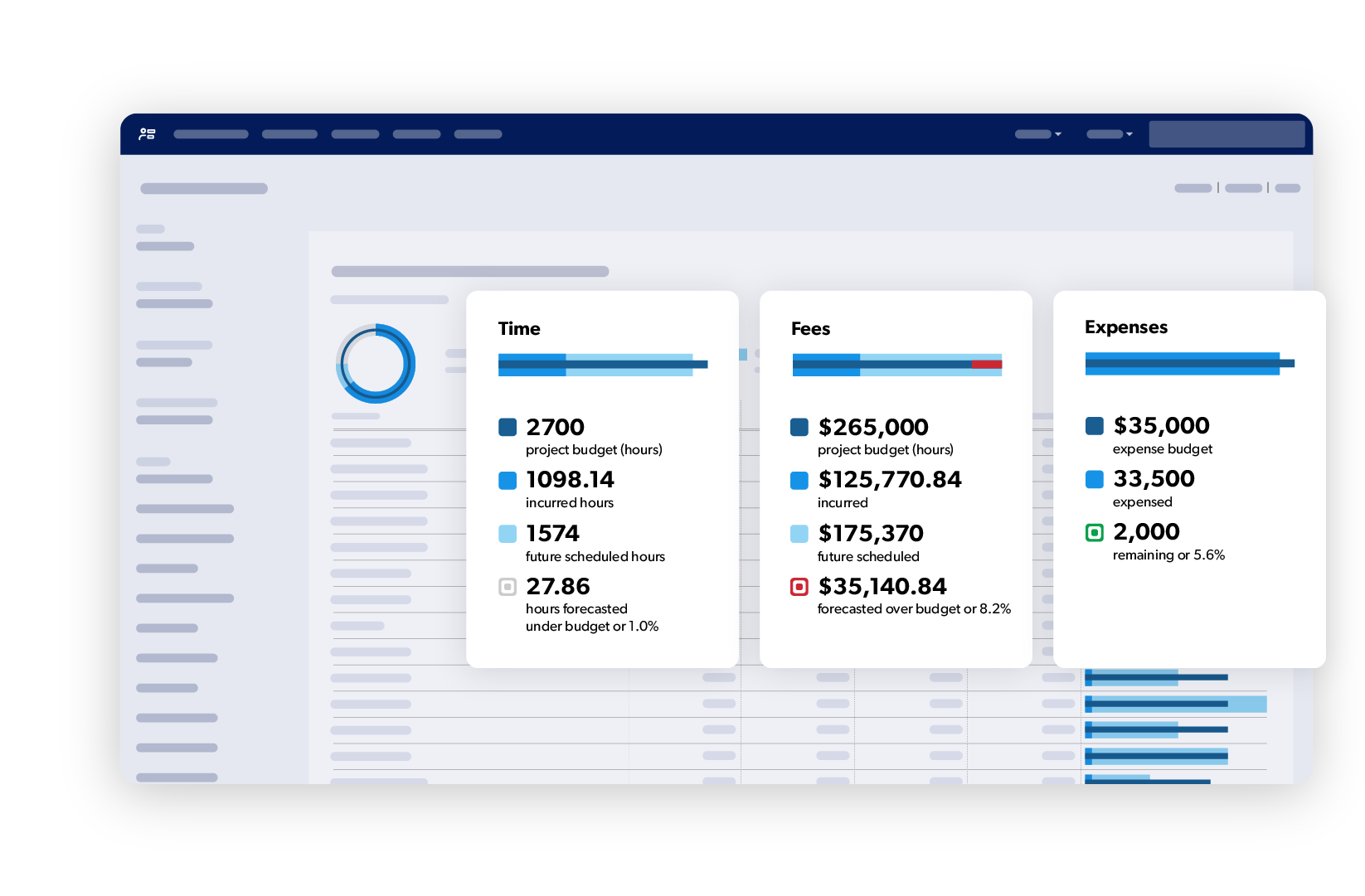
Project budgets
Track spend against plan in real time so financial decisions stay grounded in current data.
Scenario Planning
When Resource Management is added to your Enterprise plan, scenario planning gets more powerful. Plan ahead using placeholders, roles, and disciplines to explore resourcing options before any commitments are made.
Customer stories
Real stories, real impact
With Resource Management by Smartsheet, we have a tool for reviewing our team’s resource allocation to understand where we might be overstaffed or understaffed, so we can understand if we need to do cross training or make other adjustments.
Smartsheet dashboards help us see not only what projects are coming down the pipe this week, but also next week and the week after that. With that information, I can go into Resource Management and determine where to allocate people based on their availability.
Pete Broglie
Associate Director for Program Process Management, Precision BioSciences
Smartsheet did a great job managing the complexities of our projects. It has been essential for project governance, giving us a comprehensive view of the business and helping us assess risks and overall health.
Resource Planning features are available across the Smartsheet platform
Scenario Planning is included in Enterprise plans. Workload tracking is included in Business plans, and Resource Management is a premium add-on. Compare plans to find out what's available at your tier.
Scenario planning is the process of modeling alternative project and resource configurations — adjusting timelines, staffing, and task assignments — to evaluate options before committing to a plan of record.
Smartsheet scenario planning lets teams build and compare multiple versions of a project or resource plan in a sandbox environment. Changes made in a scenario do not affect live project data until a decision is made and committed.
A plan of record is the active, committed project plan. A scenario is a working hypothesis — a separate, editable version used to test changes, model risk, and evaluate options without disrupting execution.
Scenario planning is used by PMO leaders, program managers, resource managers, and portfolio managers who need to evaluate staffing changes, timeline shifts, or scope trade-offs before presenting options to stakeholders.
Yes. Smartsheet Compare Scenarios view measures each scenario against the current plan of record, surfacing differences in delivery dates and allocation risks across options.
Workload tracking
Workload tracking is the process of monitoring each team member's task assignments and allocation percentage across active projects to maintain visibility into capacity and prevent overcommitment.
Smartsheet calculates each resource's allocation based on assigned tasks, start and end dates, and allocation percentage. A heatmap flags overallocation, full commitment, and available capacity directly within the project sheet.
A workload heatmap is a color-coded visual that displays each resource's allocation status — overallocated, fully booked, partially assigned, or available — across a project timeline, enabling program managers to act on capacity issues without leaving the sheet.
Yes. The workload schedule consolidates assignments across all sheets where workload tracking is enabled, giving program and resource managers a cross-project view of each team member's total allocation.
Enable workload tracking on active project sheets and assign an allocation percentage per resource per project. Smartsheet surfaces overallocation in real time through the heatmap and workload schedule, so adjustments can be made before delivery is affected.
Resource Management
Resource management is the discipline of planning, allocating, and tracking people, skills, and budgets across projects to ensure the right work is staffed correctly and executed within capacity.
Smartsheet supports capacity planning, time tracking, demand management, role and skill-based assignments, and project budget tracking — giving PMOs and resource managers a connected view of people, work, and spend.
Smartsheet maps available resources to planned work before commitments are made, helping program and resource managers identify gaps, prevent overallocation, and staff projects based on actual availability.
Yes. Smartsheet supports role and skill-based assignments so project and resource managers can staff based on what the work requires — not just who has open calendar time.
Smartsheet tracks spend against plan in real time, giving program managers and PMO leaders current financial data to inform resourcing decisions and keep projects within budget.
Demand management is the process of evaluating incoming project requests against available team capacity. In Smartsheet, it helps PMOs balance workload across the portfolio before new work is formally resourced and committed.
Execute with confidence
Smartsheet gives project and resource managers everything they need to allocate resources, track capacity, and run scenarios so projects stay on time and teams stay balanced.