Article
Fullscreen toggle in table view, now generally available!

February 19, 2026
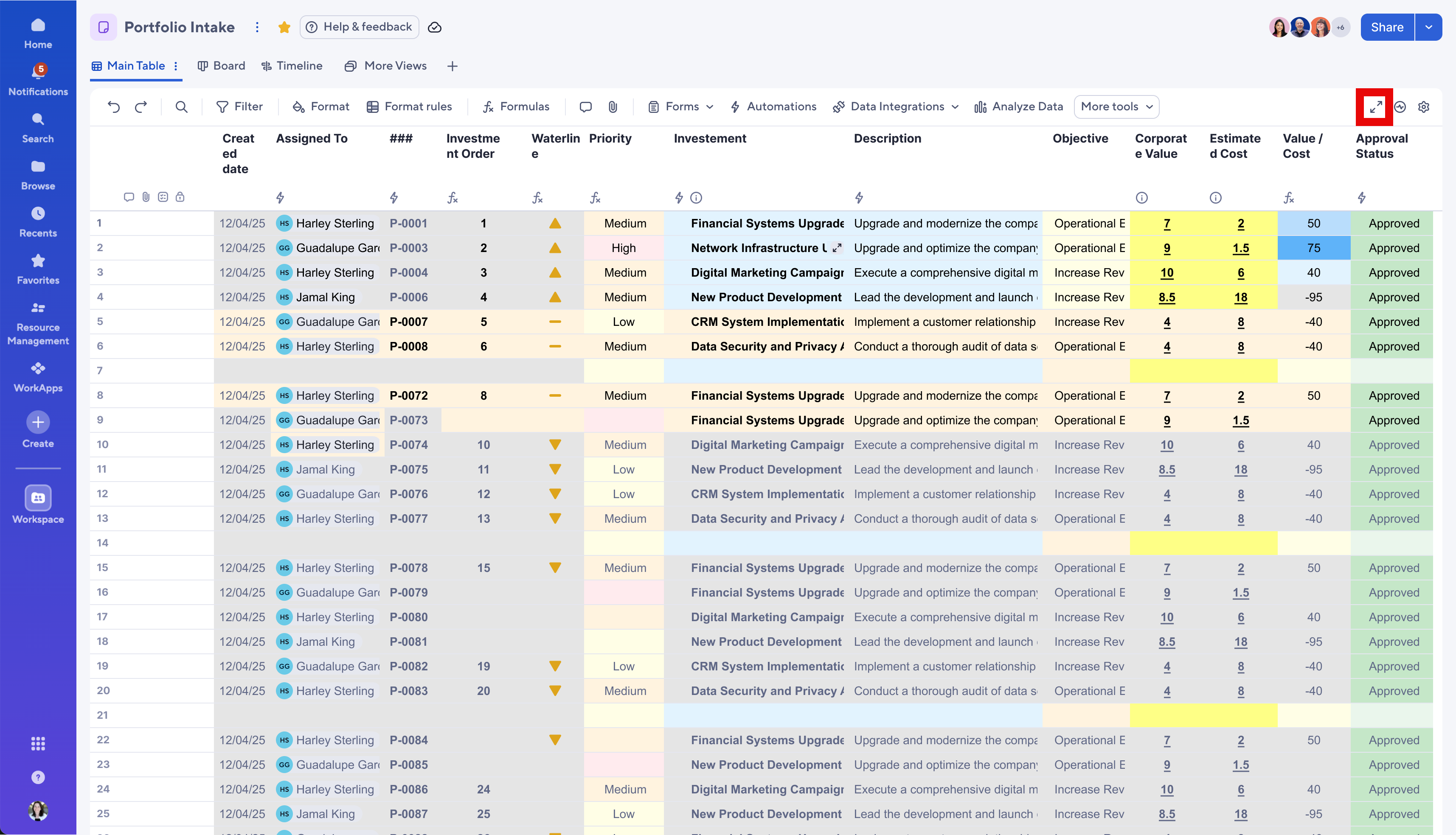
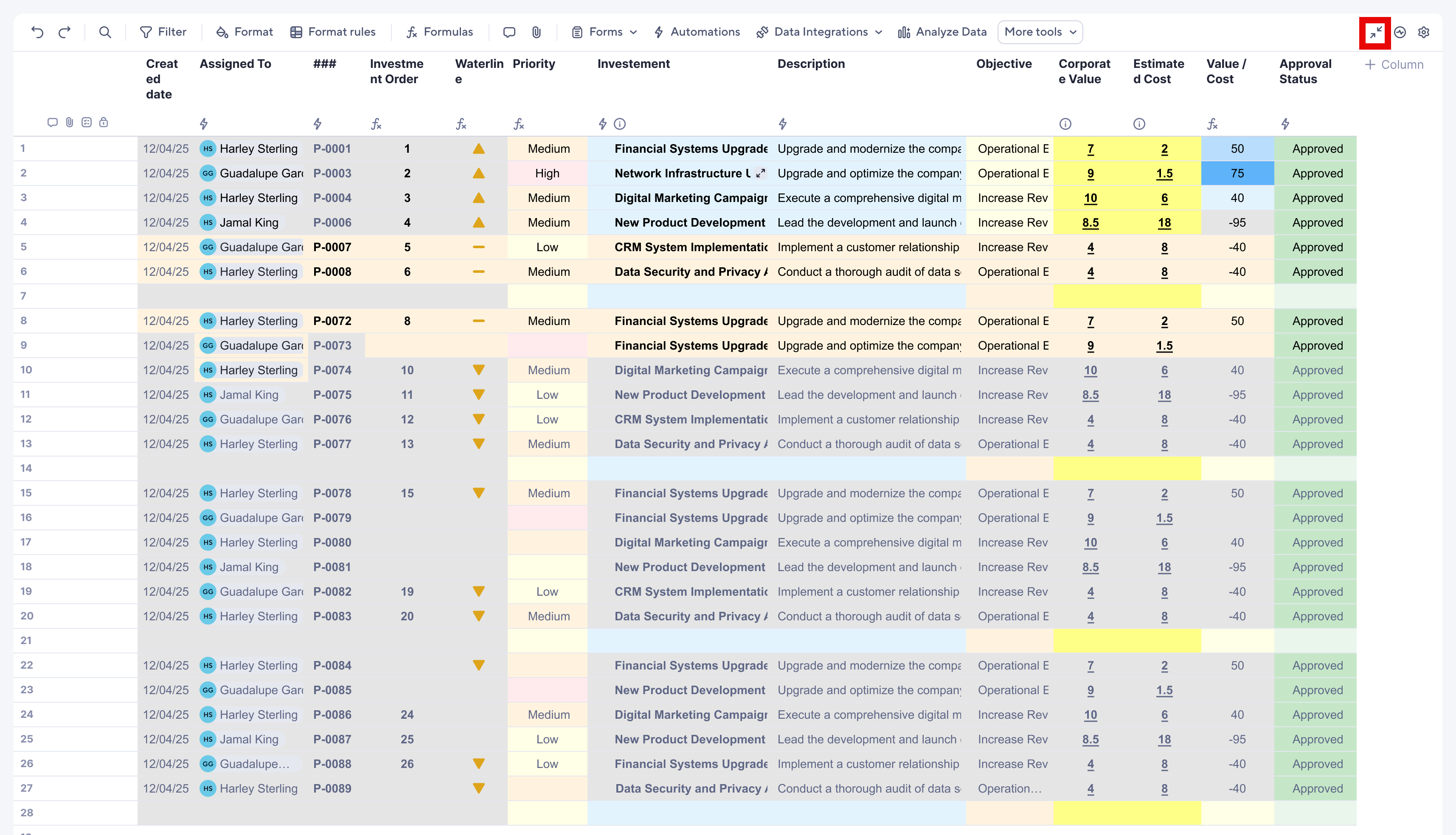
Activate the fullscreen mode toggle to immediately expand your sheet by temporarily hiding the top rail (containing the sheet name, file menu, and sharing options) and the left navigation rail. To return to the standard view, simply click the toggle again. The keyboard shortcut for this action is CTRL + \ (Windows) or CMD + \ (Mac). Learn More
Environments availability: Commercial US, Commercial EU, Commercial AU
Plan availability: Pro, Business, Enterprise, Advanced Work Management
Subscription Model Availability: legacy user model, user model