Article
Gain deeper insights and drive work forward with the new Smartsheet MCP-enabled Claude integration
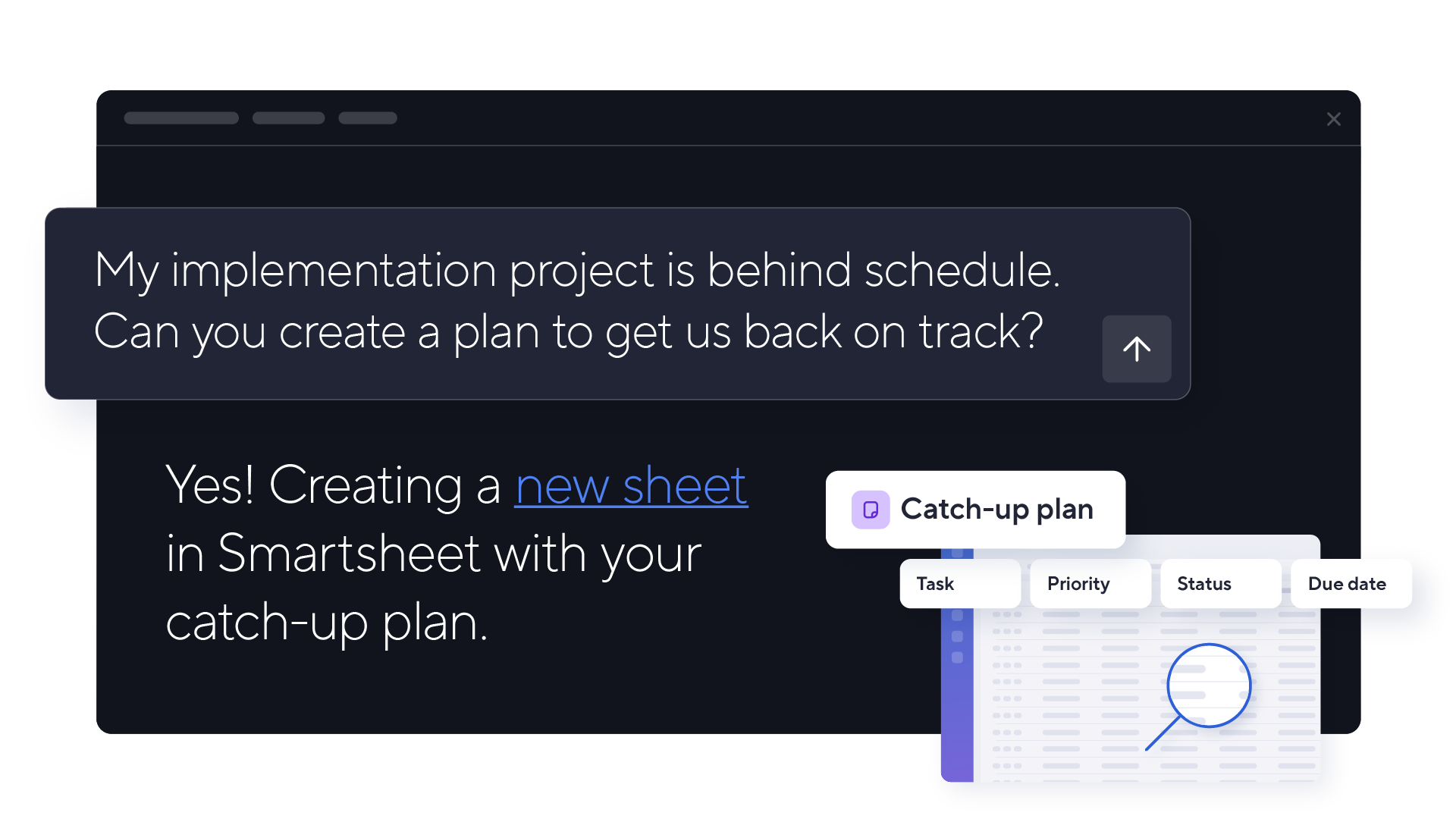

We recently shared how Smartsheet is transforming the way humans work with AI through our growing library of API-driven integrations with leading AI platforms and agent builders. Along with the many AI capabilities built directly into our Intelligent Work Management Platform, these integrations empower our clients to seamlessly connect strategy to execution, so they can focus less on effort and more on impact.
Now, we're excited to announce our first MCP-enabled connector with Claude, the cutting-edge AI Assistant powered by Anthropic. This powerful integration allows users to analyze their project data and take action in Smartsheet directly from Claude, all through a conversation. And it's just the beginning—our public MCP Server, coming soon, will connect Smartsheet to any compatible AI tool.
This article will dive into the many ways project teams and stakeholders can harness this integration to maximize efficiency, enhance work visibility, and make smarter decisions faster. But first, let’s discuss what MCP means and the long-term benefits it provides.
What is MCP, and why use it?
MCP stands for Model Context Protocol. In its simplest form, MCP is a standardized “language” that AI models and other applications or services (e.g. AI assistants like Claude, Gemini, and ChatGPT, or applications like Slack or Google Drive) use to “talk to” each other. While traditional API-driven integrations require custom code for each individual application, MCP eliminates this complexity by enabling AI models to immediately interact with any application with an MCP Server.
It’s sort of like a universal remote control. Instead of having separate remotes with different buttons and functions for your television, sound system, and DVD player, MCP allows you to use one remote (the MCP Server) for all of them.
MCP Servers also enable AI to access the context it needs — files, communications, databases, etc. — rather than relying solely on what users manually provide in conversation. This means AI can work with a complete picture of your actual work environment.
This standardization matters because it future-proofs your AI strategy; you won't need new custom integrations every time your organization adopts a new AI tool. As organizations deploy multiple AI tools across different teams, MCP ensures you're not locked into one vendor's ecosystem. Your Smartsheet data connects with Claude today and will soon connect with any new MCP-enabled AI assistant your teams adopt in the future or custom platforms your organization builds — all through one secure connection. This protects your technology investments and keeps you agile as the AI landscape evolves rapidly.
Now, let’s examine these benefits as they relate to the Smartsheet and Claude integration, specifically.
Smartsheet + Claude: Confident decisions through contextual conversation
The Smartsheet and Claude integration goes far beyond generating high-level answers to basic project questions. Claude is often chosen over other AI models for its strong comprehension, nuanced reasoning, and enterprise-friendly guardrails.
And now, our MCP-enabled connector helps Claude understand work in context, making it an expert on your Smartsheet workflows. Stakeholders can easily uncover deep work insights that allow them to make meaningful decisions and take immediate action across enterprise systems.
Analyze your data in depth
Not only do stakeholders typically make decisions outside the systems where work gets done, but project leaders also usually lack the full picture view necessary to connect and analyze portfolio data across fragmented tools. This leaves them waiting for the context, expertise, and visibility needed to uncover insights and move the business forward.
Our Claude integration changes this dynamic by allowing anyone to search and analyze Smartsheet data in seconds using everyday language (while ensuring it respects user permissions). It can even present this information alongside data from across other enterprise systems connected to Claude for a unified, actionable view — all you have to do is ask!
Here’s an example of the context-rich, performance-level analysis teams can do now in Claude:
A program manager preparing for an executive review asks Claude: "Summarize what changed across all my projects this week and highlight any new risks." Claude analyzes updates across 12 project sheets in Smartsheet, identifies that three critical tasks slipped their dates, spots a new dependency conflict, and generates a structured summary — transforming hours of manual review into a 30-second conversation.
But getting insights is only half the equation — you need to act on them quickly.
Take intelligent action
Insights are only as good as the impact they make, and turning new-found knowledge into action is usually easier said than done. For stakeholders, explaining exactly what needs to be done can feel like a frustrating game of telephone, and often takes longer than simply doing it themselves.
For project leaders, tasks like creating or updating plans, reallocating resources, and communicating changes are tedious and time-consuming. In fact, they often get in the way of teams carrying out the work itself.
Fortunately, the new Smartsheet and Claude integration solves this pain by allowing users to take intelligent actions in Smartsheet simply by asking Claude. Here’s an example of this in action:
A compliance manager asks Claude: "Add a 'Last Reviewed' column to all audit sheets in my workspace and populate it with today's date for any rows marked 'Complete.'" Claude updates seven sheets in Smartsheet instantly, ensuring governance documentation is current across the entire portfolio—a task that would have required opening each sheet individually and risking inconsistent formatting.
Try the Smartsheet and Claude integration today
Smartsheet is dedicated to helping teams supercharge work velocity and maximize business impact by meeting them wherever they get work done. And now, this includes Claude!
Start generating deeper work insights and taking intelligent action across your workflows when you try the new MCP-enabled Smartsheet connector for Claude today. Need help getting started? Check out this article for step-by-step instructions.
Not a Claude user? We're building additional MCP-enabled integrations with other leading AI platforms. And coming soon, our public MCP Server will allow you to connect Smartsheet to any MCP-compatible AI tool of your choice — from custom enterprise platforms to emerging AI assistants.