Article
New from Smartsheet: Portfolios and Scenario Planning
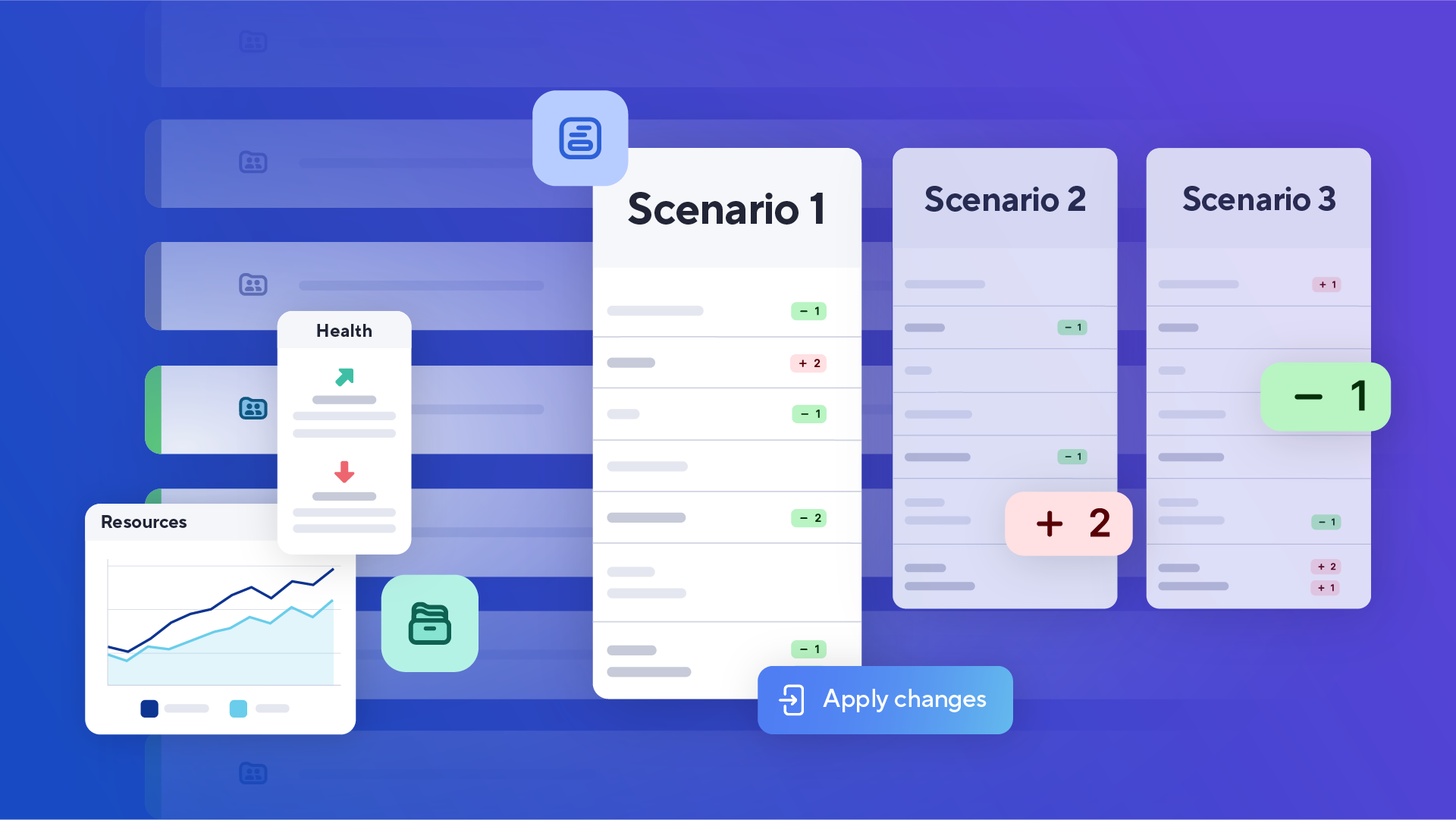
We're excited to announce two new features that help team leads and project managers streamline, plan and execute their work: Portfolios and Scenario Planning.
Portfolios: Bring standardization and visibility across projects
Without a consistent starting point, every new project starts the same way: manually copy a sheet, rebuild reports, and clear out old data. As initiatives grow, that inconsistency makes it nearly impossible to manage related projects as a connected body of work. Lack of standardization doesn't just cost time upfront, it limits visibility and makes it harder to prioritize the right work and keep initiatives aligned.

Portfolios is designed for team managers and project leads who need a structured, repeatable way to manage related projects. Standardized templates and automated project creation reduce manual setup, while a central project list and project rollup give teams the visibility to track progress, prioritize effectively, and keep leadership informed.
Spin Up Projects Faster: Turn requests into actionable project plans in minutes, skipping the repetitive setup that slows teams down.
Build in Consistency: Start projects the same way, with a consistent structure and set of deliverables so work is aligned from day one.
Surface What Matters: Roll up key metrics across connected projects so you can track progress, spot risks, and keep stakeholders in the loop.
“This portfolio has been a game changer so far for us. I just put in the request, and it auto-creates the different workspaces for us. No one has to worry about going in and adding anything. They just click on their project, and they can get to work." - EAP Customer
With our MCP Server and direct integrations with leading AI assistants like Claude, you can query your project list or portfolio reports to surface instant insights. Ask about overdue tasks, risks, or health across projects and get the answers you need to make more informed decisions.
Whether you're running a small or informal PMO, tracking departmental projects, or managing recurring workflows like new product launches, employee onboarding, or IT ticketing, Portfolios delivers the structure and visibility your teams need, right out of the box.
You can learn more about portfolios in this help article.
Scenario Planning: Make the right call before you commit
When priorities shift, a new urgent project drops in, or a resource becomes unavailable, you have to quickly figure out how to keep work on track.
Because making adjustments directly in live plans is risky, teams are forced into an endless cycle of manual rework. Without a dedicated space to explore your options, you are left copying sheets and testing changes. Once you finally discover the best path forward, you must manually apply those updates to the original plan just to move forward.
Now, there is a better way.

Scenario Planning enables teams to view project timelines alongside capacity and explore what-if scenarios without impacting live plans. You can easily shift resources, change timelines, and adjust allocations to compare your options side-by-side. Once stakeholders are aligned, simply apply the winning scenario to instantly update your sheets.
De-risk planning: Test different paths forward in a dedicated space to eliminate the risk of making changes in live plans.
Make better decisions: Ditch the gut-feel decisions. Compare scenarios side-by-side with the same data to make the right call with certainty.
Increase productivity: Eliminate manual rework and stop the endless back-and-forth by easily sharing scenarios to drive alignment and accelerate decisions.
"The new Scenario Planning enhancement makes it much easier for us to compare milestones and understand project impacts at a glance. It's a meaningful improvement to how we plan to communicate across different teams." - EAP Customer
When it’s time to align stakeholders, you can stop going back and forth across emails, meetings, and spreadsheets. Walk into leadership meetings with confidence, share scenarios directly with decision-makers so everyone is grounded in the same data, and move forward as a team with certainty.
And this is just the beginning. AI-powered enhancements to Scenario Planning are in development. Stay tuned for what’s next.
You can learn more about Scenario Planning in this help track.
Both features are available on the Smartsheet Enterprise Plan.