Article
Review seat usage and change seat types with the Seat Admin Assistant
November 26, 2026
You can now review seat usage and change seat types in the Seat Admin Assistant panel on the Seat types and true-up in Admin Center. The panel brings activity scores, license inventory, pending seat requests, and upgrade and downgrade candidates into one place, and it checks Member seat capacity before you upgrade a user.
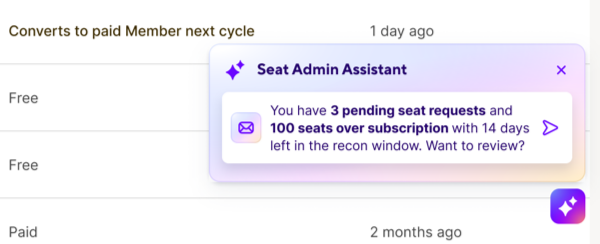
For more information, see Seat Admin Assistant overview and Review seat usage with the Seat Admin Assistant.
Environment Availability: Commercial US, Commercial EU, Commercial AU
Plan Availability: Business, Enterprise
Subscription Model Availability: User model