Article
Smartsheet API now speaks AI: Introducing Smartsheet MCP server for every MCP-compliant AI tool
In our previous post, we walked through five solutions you can build on Smartsheet API — from bi-directional integrations to AI-powered project intelligence. Build #5 was a teaser: an agentic workflow where MCP-compliant AI tools connect directly to live Smartsheet data.
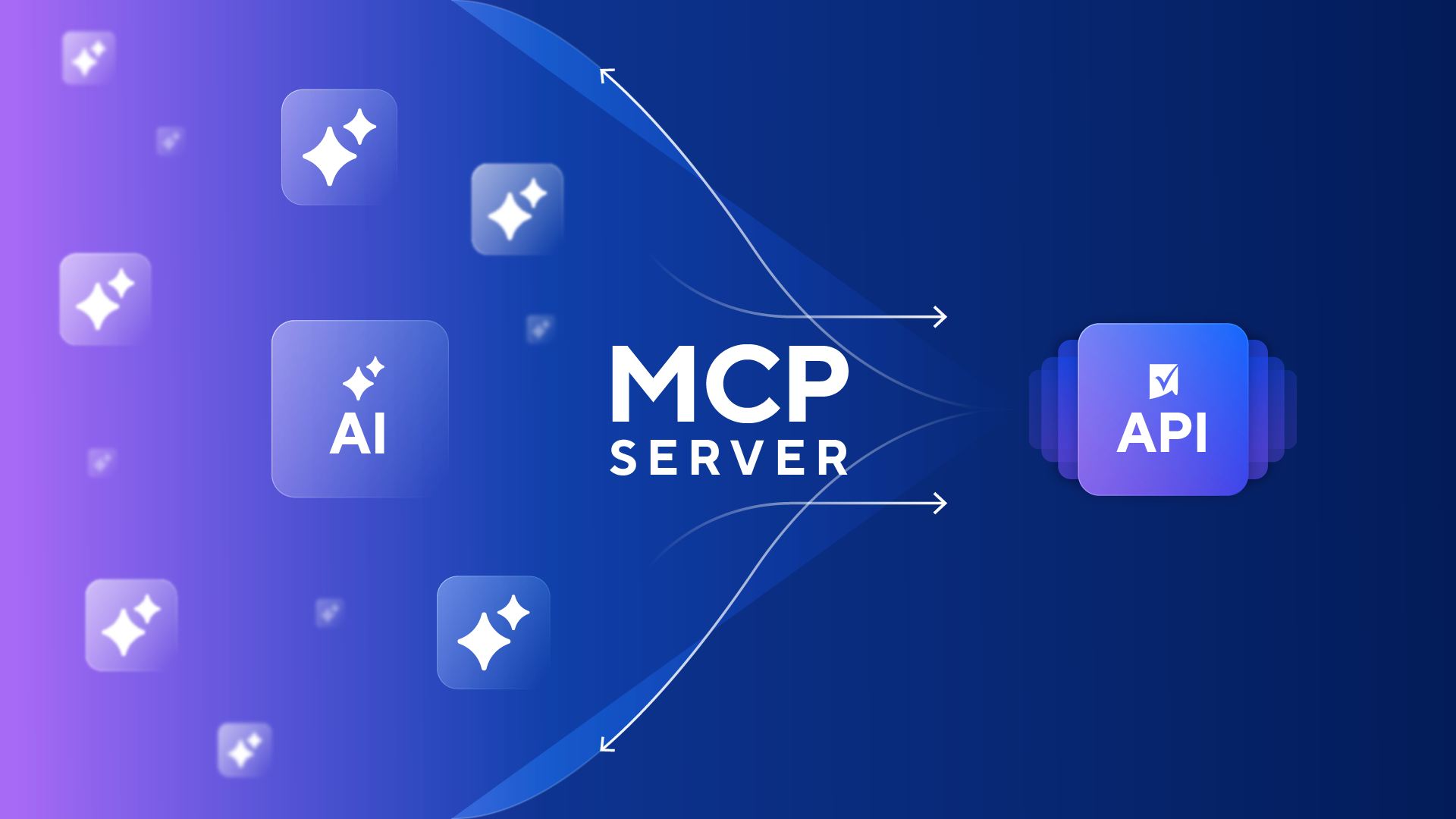
That teaser is now real. The Smartsheet MCP Server is live!
MCP Server at a glance
The Smartsheet MCP Server is an open, protocol-based integration layer built on Anthropic's Model Context Protocol standard. It exposes read/write access to Smartsheet's core work management objects — from Sheets, Rows, and Columns to Discussions, Comments, and Workspaces — through a standardized protocol that any MCP-compliant agentic client can connect to. With dozens of tools available at GA — spanning discovery, data retrieval, sheet creation, row and column operations, and collaboration — the MCP Server covers the workflows developers need from day one. As the API's capabilities grow toward full platform parity, so does what AI tools can accomplish through MCP.
In practical terms: connect your Smartsheet account to an MCP-compliant AI tool, and immediately start asking natural-language questions about your project data. "Which tasks are overdue in Project Alpha?" "Summarize risks across my portfolio." "Update the status on row 247 to complete." The AI tool queries your Smartsheet data through the MCP Server, respects your user-level permissions, and returns contextually rich, intelligent responses — powered by the same REST API infrastructure processing 1 billion calls daily.
No custom integration code. No data exports. No copy-pasting sheet contents into a chat window and hoping for the best.


How the MCP Server works
The architecture is straightforward:
- User authenticates — Connect your Smartsheet account to any MCP-compliant AI client via OAuth 2.0 or personal access token for custom agent integrations.
- User asks a question — Natural-language query: "What's blocking my Q3 launch?" or "List all high-priority tasks due this week."
- AI tool queries Smartsheet — The MCP Server routes the request through Smartsheet REST API, pulling structured data with rich metadata.
- MCP Server returns structured data — Row relationships, column types, cell history, comments — all respecting the authenticated user's permissions.
- AI tool that understands and acts intelligently on your work — Go beyond generic answers. Because the AI receives full metadata context, it delivers context-aware analysis of your project structure and lets you take action directly — searching, updating, and modifying your Smartsheet data without leaving the conversation.
The developer advantage
If you've ever built a custom integration between an AI tool and an enterprise data source, you know the pain: bespoke authentication flows, manual data serialization, fragile API wrappers that break when either side updates, and the whole thing repeated for every new AI tool your organization adopts. It's a duplicated effort across a fast-moving landscape.
The MCP Server eliminates that entire layer. It gives you one standardized endpoint that any MCP-compliant client can connect to — commercial AI assistants, custom-built enterprise AI platforms, open-source agent frameworks, internal copilots. You build once. Every MCP-compliant tool connects through the same server, the same protocol, the same security model.
This is the same design philosophy behind the Smartsheet Public API: any developer with an access token can build on the platform. Now, any MCP-speaking agentic client gets AI-native access to that same data.
Rapid time to value. Connect AI to Smartsheet in minutes via the standardized MCP protocol — no custom API integration code required. The proven API infrastructure (1 billion daily calls) eliminates experimental infrastructure risks. You focus on building intelligent features, not integration plumbing.
Protocol-based flexibility. The open MCP standard works with any MCP-compliant AI tool. You're not locked into a single vendor's ecosystem. Build custom MCP client integrations for your own platforms and agent frameworks today, without waiting for Smartsheet to ship each vendor integration. Adapt to emerging AI capabilities without rewriting integrations. Future-proof your architecture as the AI ecosystem evolves.
Rich contextual intelligence. The AI doesn't just get raw data — it receives comprehensive metadata: row relationships, column types, cell history, comments, attachments. Structured project data enables nuanced, intelligent responses rather than the generic answers you get from copy-pasting sheet contents into a chat window. And because MCP is built on the Smartsheet REST API, every new API capability automatically becomes an AI capability — the more the API can do, the more your AI tools can do.
Optimized for token economics. AI usage fees — the token costs charged by model providers for every query — are quickly becoming the new cloud spend problem: variable, hard to predict, and compounding fast as teams scale adoption. The MCP Server is purpose-built to deliver precisely structured context rather than raw, verbose data dumps. Instead of flooding the AI model with unfiltered payloads, the server returns the metadata, relationships, and fields the AI needs to reason effectively — keeping token consumption significantly lower than brute-force approaches like copying sheet contents into a chat window. Lighter payloads mean faster responses and lower per-query costs, which matters when you're running hundreds or thousands of AI-assisted queries across a global project portfolio. The efficiency is built into the protocol layer, so every MCP-compliant client benefits automatically — no optimization work on your side.
Cross-system intelligence. Where your organization has connected other enterprise systems to the same MCP-compliant client, Smartsheet data can be queried alongside CRM, ERP, ITSM, and other data in a single conversational interface — surfacing relationships across your entire tech stack that no single tool could reveal alone.
Existing skills transfer directly. If you already work with the Smartsheet API, you have the foundation. The MCP Server leverages the same REST API infrastructure, the same data structures, the same authentication model. Comprehensive documentation, OAuth guides, and prompt libraries accelerate your development. No new stack to learn.
The productivity multiplier
The MCP Server isn't just a cleaner integration pattern — it fundamentally changes how teams extract value from project data.
Today, extracting insights from Smartsheet means building dashboards, writing formulas, configuring reports, or exporting data to external tools. Each of these requires setup time, maintenance, and expertise that not everyone on your team has. The result: reporting bottlenecks, manual analysis, and stakeholders waiting for someone else to pull the numbers they need.
With MCP Server, anyone with access to an MCP-compliant AI tool can query live Smartsheet data in natural language. "What are the top blockers in Q3?" "Which tasks were updated since last Friday?" "Summarize project risks for exec review." Questions that previously required building a custom report — or chasing a PM for an update — now get answered in seconds. Leadership gets self-service access to project intelligence through their preferred AI tool, without Smartsheet training or licenses. And developers can redirect the time they spent fielding ad hoc reporting requests toward higher-value work. Because the MCP Server optimizes data payloads at the protocol layer, scaling AI-assisted queries across your organization doesn't mean scaling AI costs linearly with them.
This is the beginning of a broader shift. As Smartsheet API capabilities expand toward full parity with the platform, the MCP Server ensures that AI tools keep pace — giving developers and their organizations access to every new capability through the same standardized endpoint, without waiting for bespoke integrations or UI-only features.
What you can build
The MCP Server opens three categories of developer use cases that weren't practical before:
AI-Powered Development Workflows. Connect coding agents to Smartsheet via MCP Server — pull live project data, reason over it, and auto-generate formulas, automations, or plans without leaving your development environment. Your sprint planning tool can query Smartsheet directly, understand task dependencies, and suggest optimizations based on real project state.
Try it: "List top 5 high-priority tasks due this week and identify any dependency conflicts."
Unified Agentic Workflows. Build internal copilots that combine Smartsheet with other enterprise tools in a single agentic workflow. Orchestrate Smartsheet actions through agent frameworks — no UI required. A single prompt can pull project status from Smartsheet, check resource availability from your HR system, and draft a reallocation recommendation, all through one MCP-compliant client.
Try it: "Which of my projects are at risk based on task status and comments? Cross-reference with resource allocation from our HR system."
Smartsheet as an Enterprise System of Record. Enable any MCP-compliant AI agent to query and act on Smartsheet data as a trusted system of record — extending its reach beyond any single AI platform. Stakeholders and executives who don't use Smartsheet directly can access project intelligence through whatever AI tool they already work in, eliminating reporting bottlenecks without requiring Smartsheet training or licenses.
Try it: "Give me a high-level view of status across all active programs, and flag any projects in red status without a mitigation plan."
Security and governance
Enterprise AI adoption stalls when security can't keep pace with innovation. The MCP Server is built with governance from day one, not bolted on after launch.
Authentication: OAuth 2.0 with configurable API token scopes, or personal access tokens for custom agent integrations. The same proven authentication model developers already use with the Smartsheet API.
Permission enforcement: The AI can only access data the authenticated user has permission to see. No data leakage across projects or teams. Your existing Smartsheet permission model applies automatically.
Organization-level controls: Administrators govern MCP access at the org level — including whether write tools are enabled, and for which user groups. IT maintains control while teams innovate.
Consistent security model: The same security controls apply regardless of which MCP-compliant client connects. One governed endpoint, uniform authentication and authorization, no matter how many AI tools your organization adopts.
AI usage visibility and auditability: Beyond controlling access, organizations get visibility into how AI interacts with their Smartsheet data — which users are querying and which MCP tools are being invoked. This gives IT and leadership the observability layer that enterprise AI adoption demands: not just "who can access what," but "who is accessing what, and how." Auditability at this level is what moves AI from pilot to production-scale deployment.
Data privacy: When data is transmitted to an external AI provider, data handling and retention depend on your organization's licensing agreement with that provider. Evaluate your enterprise terms with each AI vendor before adoption — Smartsheet MCP Server enforces access controls on our side, but downstream data handling is governed by your relationship with the AI provider.
Open by design: No vendor lock-in
This is a deliberate architectural decision worth emphasizing. The Smartsheet MCP Server is protocol-based, not vendor-specific. It doesn't lock you into a single AI ecosystem.
Just as the Public API is accessible to any developer with an access token, the MCP Server is accessible to any agentic client that speaks MCP and authenticates using supported mechanisms. Smartsheet continues building direct integrations with specific AI tools as a parallel effort — but the MCP Server ensures developers don't have to wait. Any MCP-compliant client connects today, and as more AI tools adopt the standard, they connect through the same server without new integration work on the Smartsheet side.
If your organization uses a commercial AI assistant, an open-source agent framework, or builds a custom enterprise AI platform with MCP client capability — it all connects through the same standardized endpoint.
Get started
The Smartsheet MCP Server is now generally available. Here's how to get started:
If you're already building on the Smartsheet API: You have the foundation. The MCP Server leverages the same REST API infrastructure, the same authentication model, and the same data structures you already work with. Your existing API knowledge transfers directly. Connect your first MCP-compliant AI tool today. If you haven't started with the API yet, watch our getting started video and explore the developer documentation.
If you're evaluating MCP-compliant AI tools: The MCP Server is live — connect any MCP-compliant AI tool to your Smartsheet data today. Smartsheet has also built a direct Claude MCP Integration (live since March 2, 2026) for teams already working with Anthropic's platform. But any MCP-compliant client connects through the same server, so start with whatever AI tool your team already uses.
If you're building a custom AI platform: Implement MCP client capability in your infrastructure and connect to the Smartsheet MCP Server now. Your platform gets immediate access to live Smartsheet data — alongside any other MCP-enabled enterprise systems you've already integrated.
Developer Portal | API Documentation | MCP Server Documentation
We want to hear from you
What would you build first with AI-native access to Smartsheet data? Which agentic workflows are you most excited to prototype? Are there specific MCP use cases you'd like us to deep-dive on?
Join the conversation in the Smartsheet Developer Community — share your ideas, ask questions, and connect with other developers building on the MCP Server. Your feedback shapes what comes next.
