Smartsheet AI, everywhere you work
In the platform or in Claude, Copilot, or any AI tool you use — Smartsheet AI is right there with you, ready to move work forward.
Try Smartsheet for free Contact our team

Turn conversations into action with MCP-enabled integrations
Connect Smartsheet directly to Claude, Copilot, ChatGPT, Gemini, or any MCP-compliant AI agent or tool. Through our MCP Server, a secure, open standard for AI connectivity, your AI assistant can understand your live project data and take action through simple conversation.
Ask about overdue tasks, risks, or workloads. Update statuses, generate reports, or create plans, all by asking. Connect insights across your entire portfolio in seconds, not hours.




Inside the Smartsheet platform
AI Features
From surfacing project risks to enriching your data to building dashboards in seconds, Smartsheet AI is embedded directly in your workflow.

See the full picture instantly
Get up to speed on any project without hunting through rows, comments, or status updates. Smart Assist reads your sheet or workspace and gives you a clear, immediate summary — what's on track, what's changed, and what needs your attention.

Uncover risks before they escalate
Ask Smart Assist to run a health check on your project and get a clear breakdown of what's at risk, which dependencies are in danger, and where the team needs to focus, with proactive recommendations to mitigate your risk.

Take action and keep work moving
Smart Assist doesn't just surface information — it acts on it. Create sheets, workspaces, and folders, update rows in bulk, manage columns, reassign tasks, and more, all from a single conversation. Less time in menus, more time moving work forward.

Communicate clearly, without the prep work
Turn your project data into polished, audience-ready updates in seconds. Draft a stakeholder email, write a Slack update, prep for your standup, or update comments and discussions directly in your sheets to document decisions and keep teams aligned — all without leaving the conversation.

Smart Columns New
Add a Smart Column and AI automatically processes every row as your data changes — summarizing long-form content into clear takeaways, translating across languages to keep global teams aligned, or analyzing sentiment to understand the tone and intent behind your data at scale.
Each column is fully customizable: add your own instructions to adjust tone, length, focus, or output format, so the results fit exactly how your team works.

Dashboard Builder New
Stop spending time on chart configurations and layout decisions. Whether you need a real-time view of project health, a stakeholder update that pulls together data from across workstreams, or a single source of truth for your team's reporting, describe the dashboard you need, select your data sources, and AI builds it on your behalf.
Everyone stays aligned on what matters — without anyone spending hours on setup. Edit, refine, and customize your dashboard to make it exactly what you need. Spend less time building reports and more time acting on them.
-
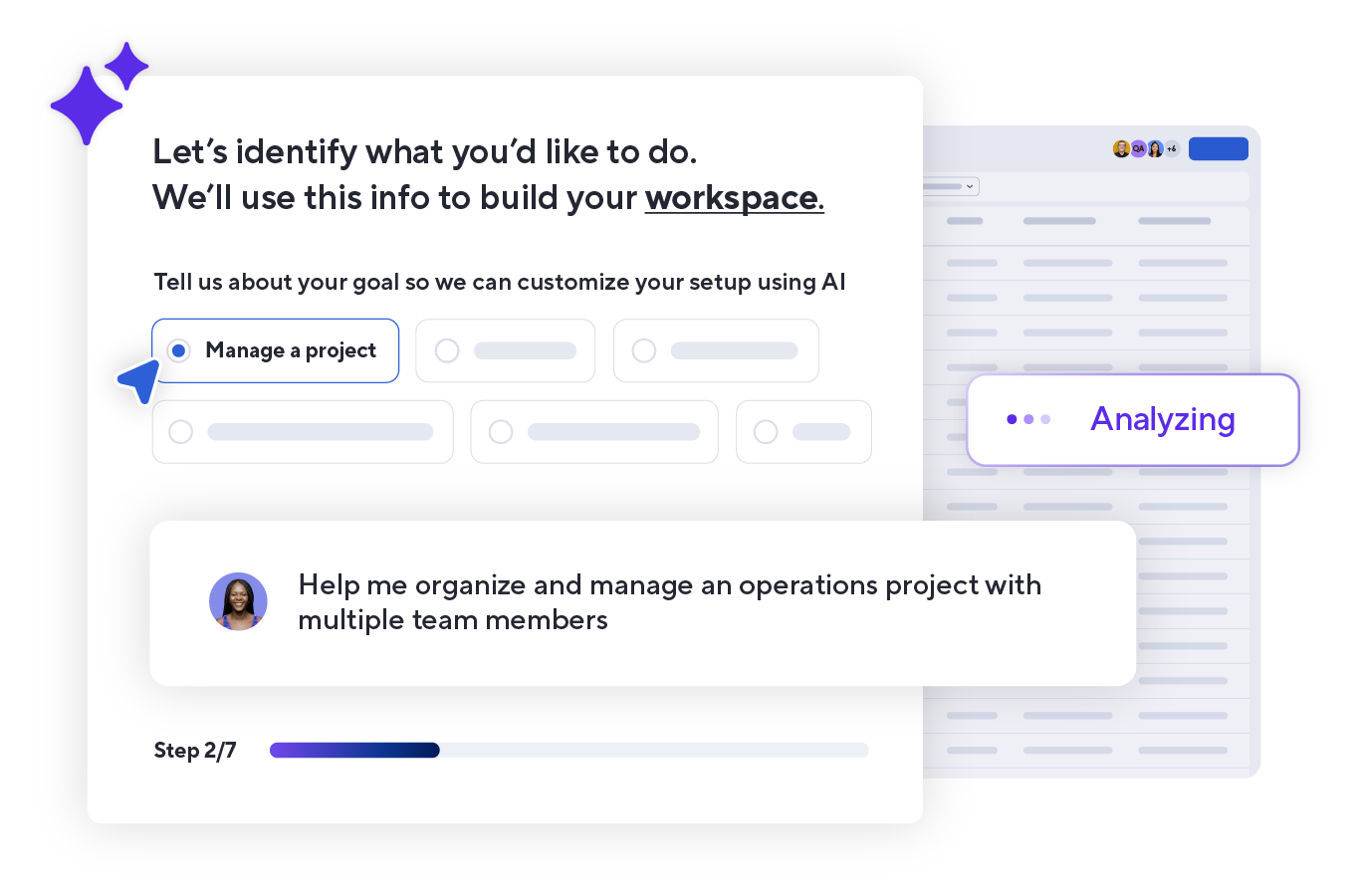
AI-powered project setup
Jumpstart your journey in Smartsheet with personalized guidance tailored to your role, goals, and use case. Our guided project creation experience for new trial users walks you through key features, recommends relevant tools, and helps you build your first workspace so you see value fast, without the guesswork.
-
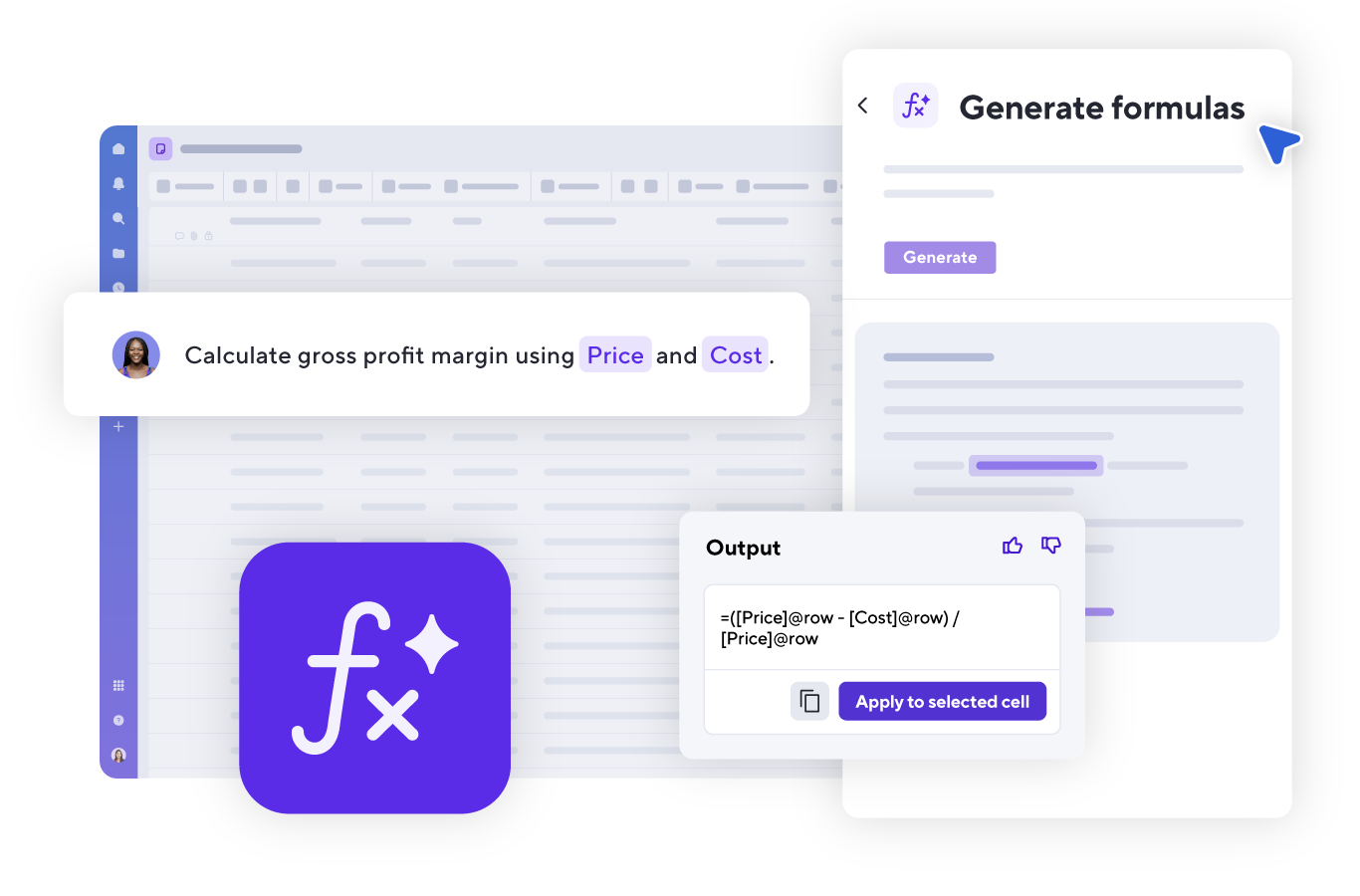
Generate formulas
Turn plain-language requests into working formulas with AI. From simple calculations to complex logic, build accurate formulas faster without needing to memorize syntax.
-
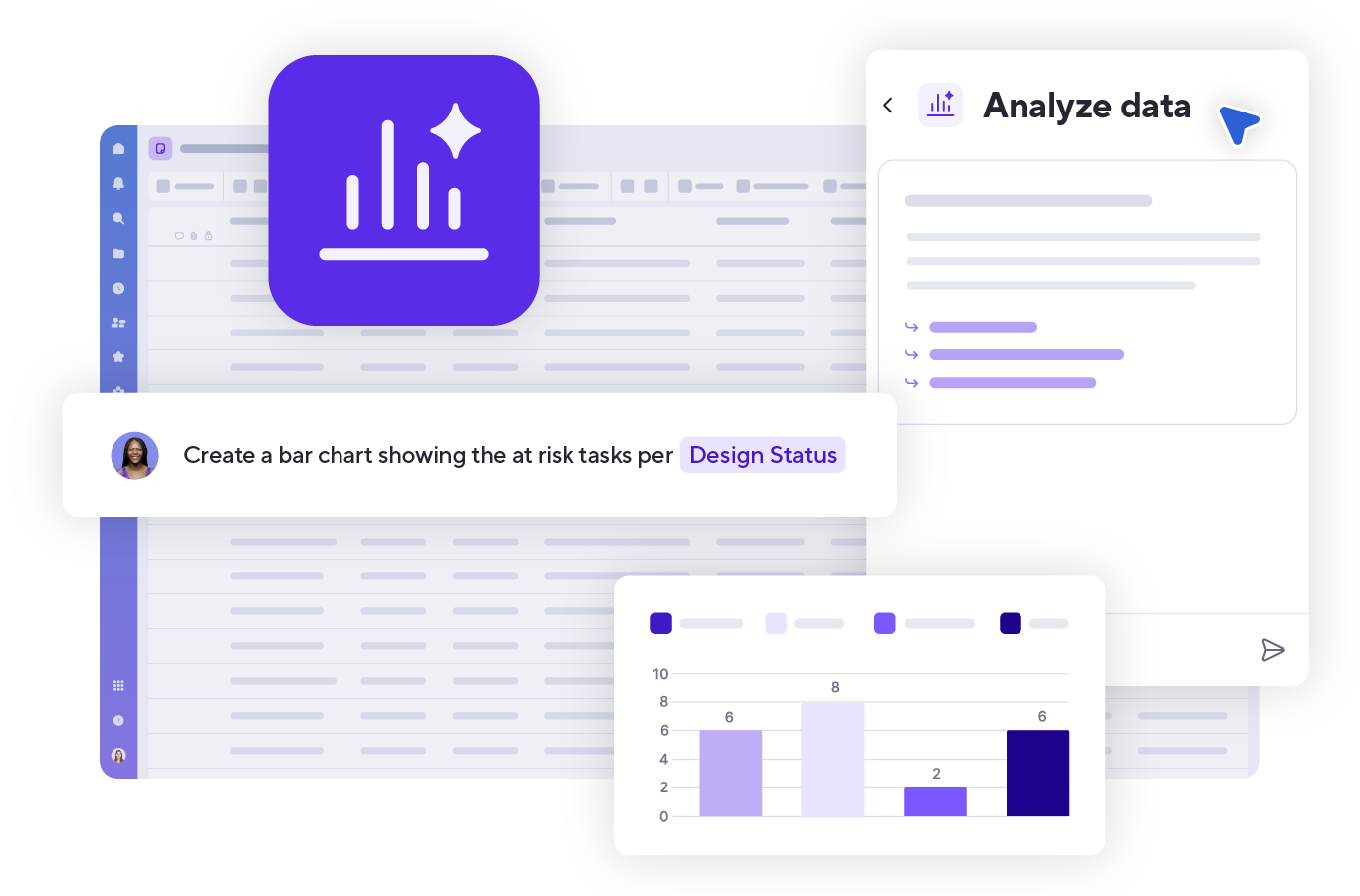
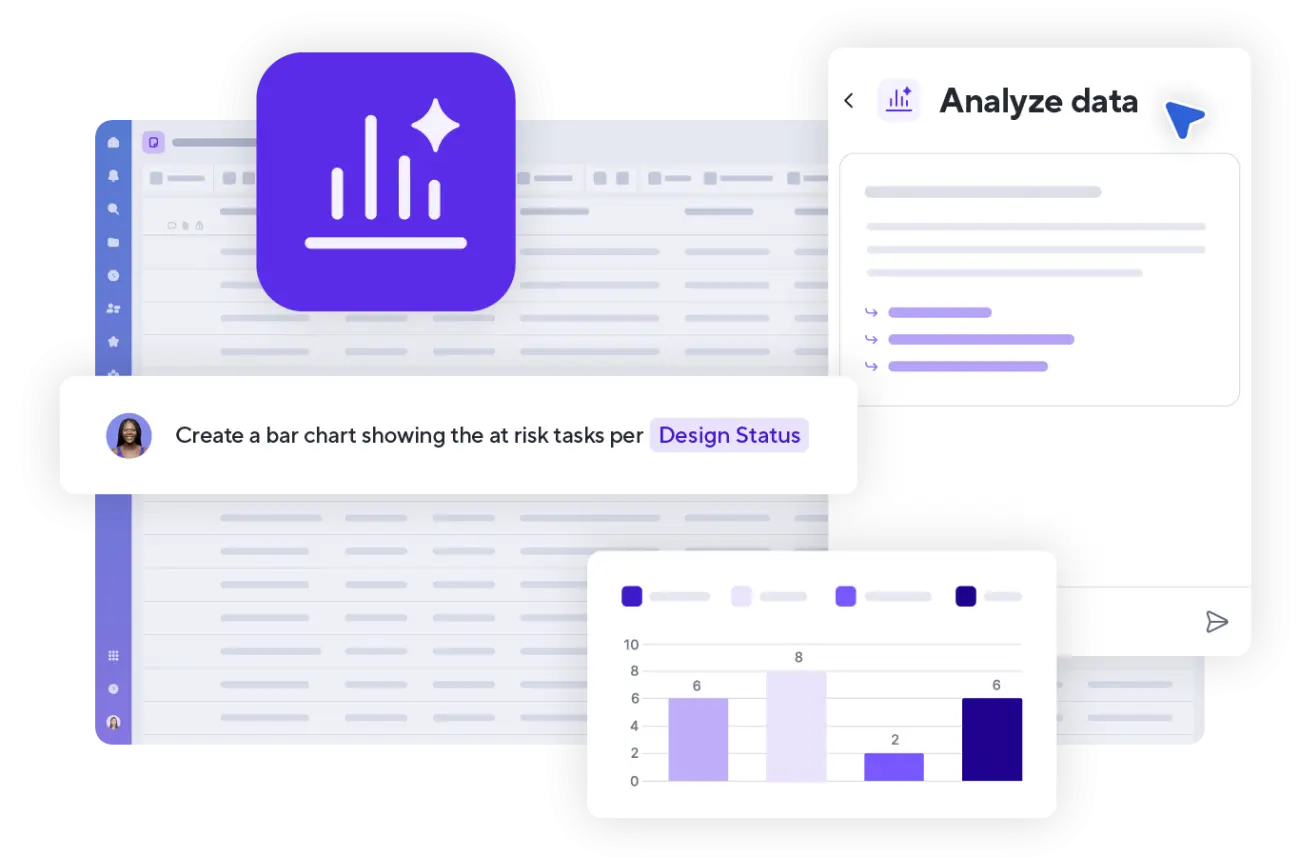
Analyze data
Get instant insights and create easy-to-understand charts and metrics with help from AI. Just type what you need to create real-time charts and add them to your dashboards — no manual setup required.
-
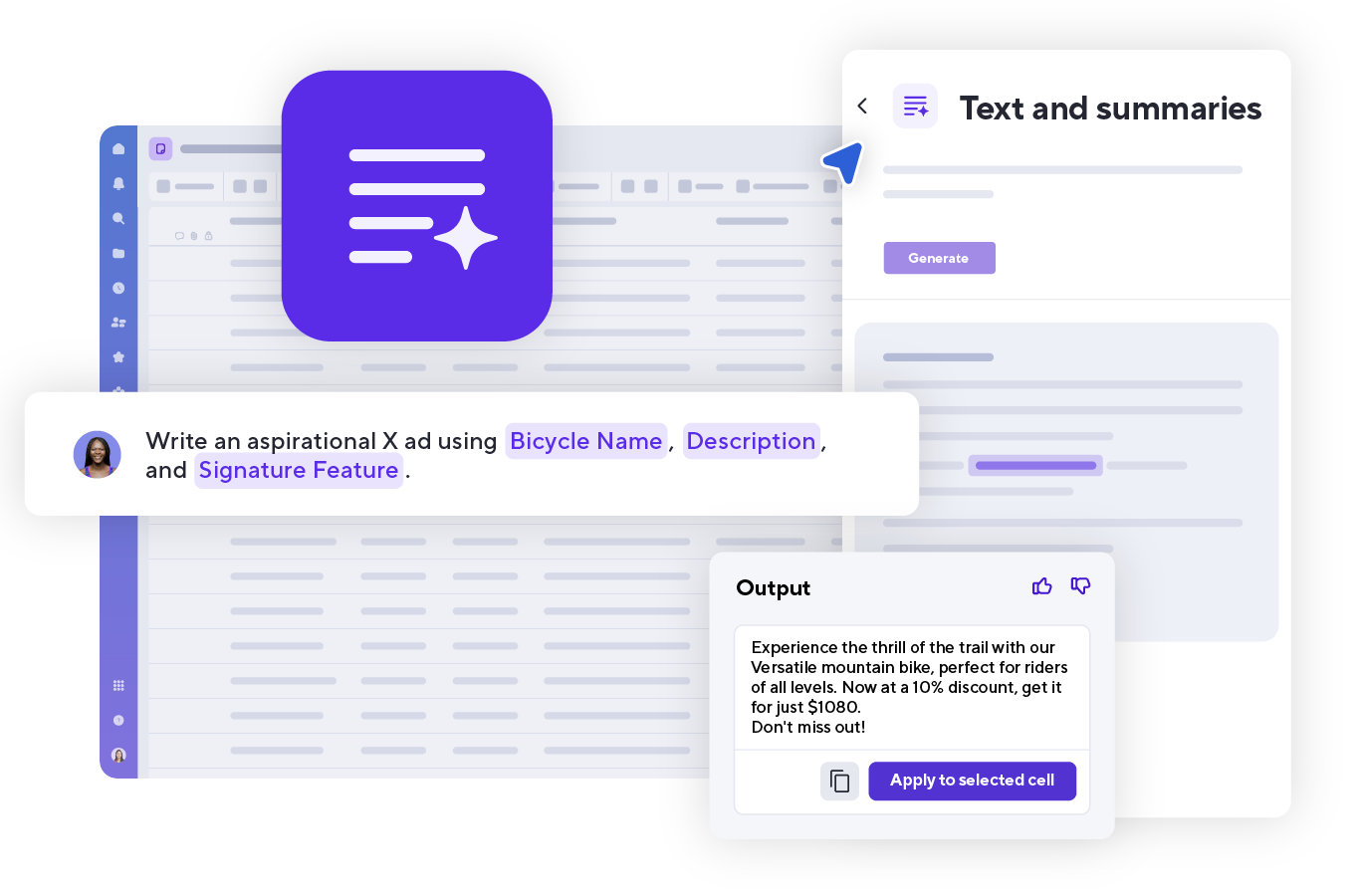
Generate text and summaries
Save time by using AI with your project data to summarize tasks, write ad copy, refine messaging, identify sentiment and meaning, translate text, and more.
-
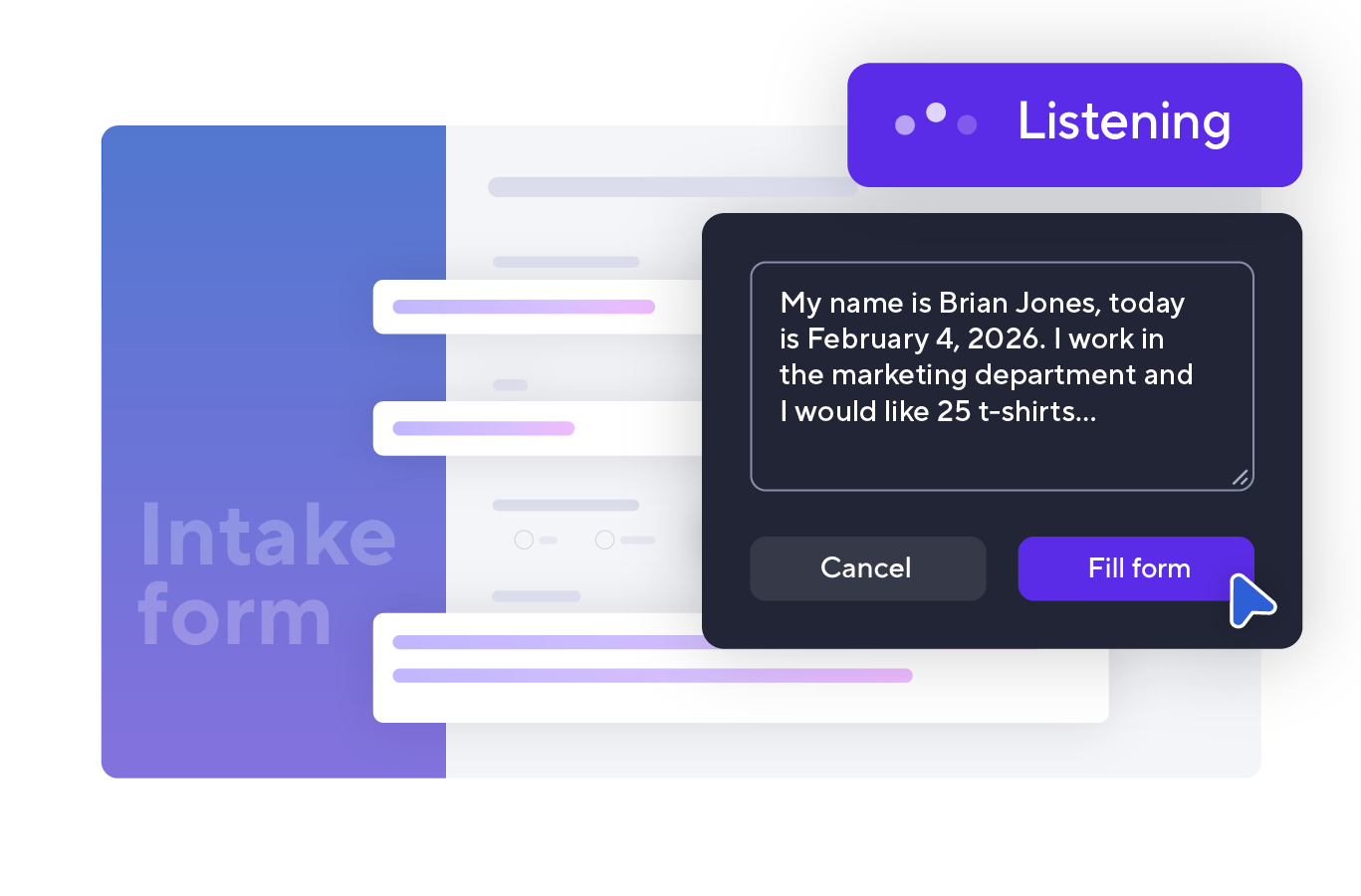
Intelligent form fill
Complete forms faster with AI that understands how you naturally speak. Just say your responses and they’re mapped to the right fields automatically — reducing manual entry in real time.
-
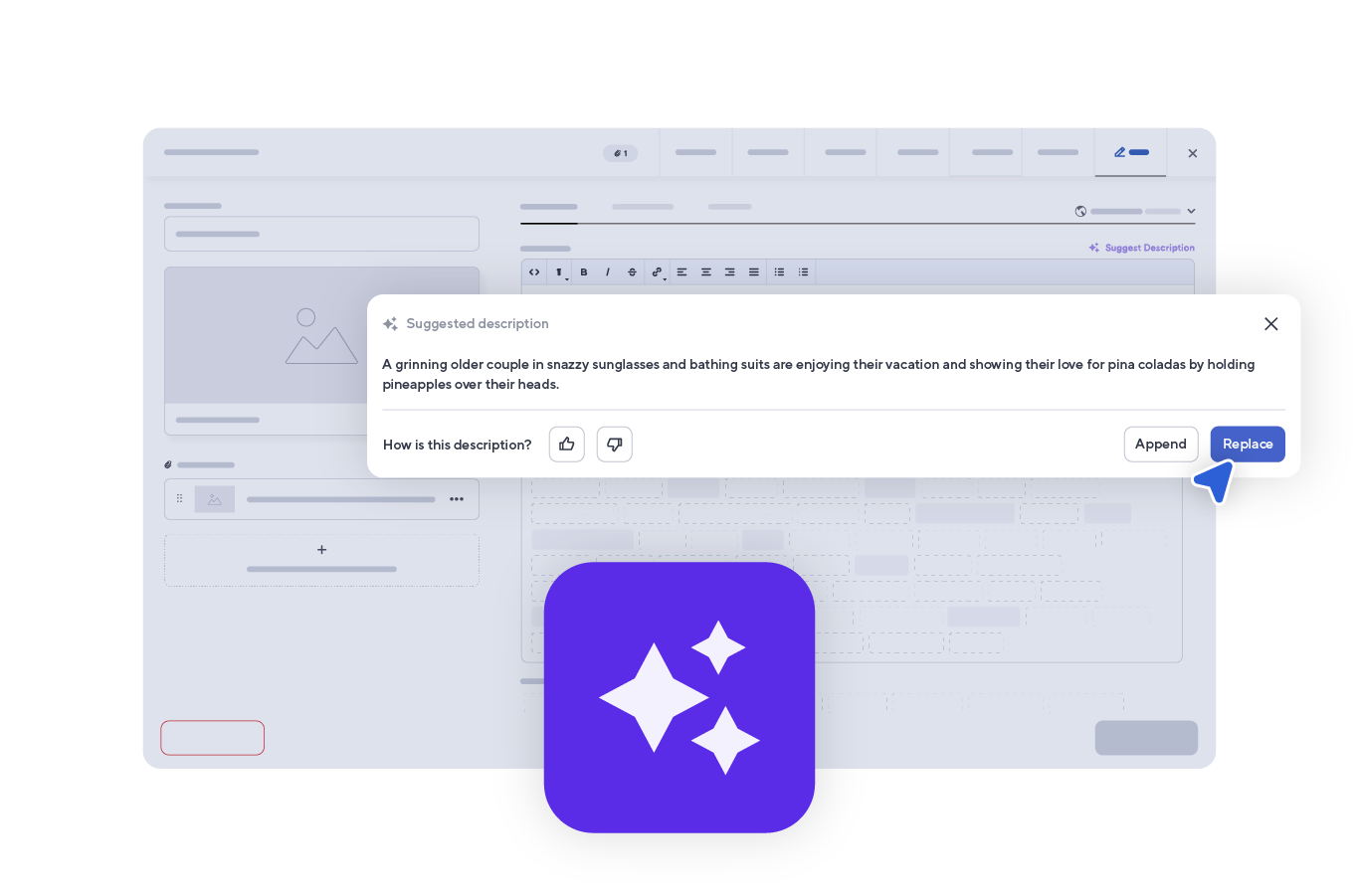
Suggested descriptions
Generate clear, on-brand descriptions for your assets in Brandfolder using AI, making them easier to find, understand, and repurpose without the manual writing.




Secure and transparent AI
At Smartsheet, we prioritize data protection and privacy. Our AI is secure, transparent, and explanatory, so you can work with confidence knowing your data is in good hands.


