
Project Risk Management Software
Smartsheet helps you identify threats early, automate response plans, and keep projects on track with a secure, flexible project risk management platform.

TRUSTED BY YOUR FAVORITE BRANDS
AND OVER 85% OF FORTUNE 500 COMPANIES.


Why use Smartsheet for project risk management?
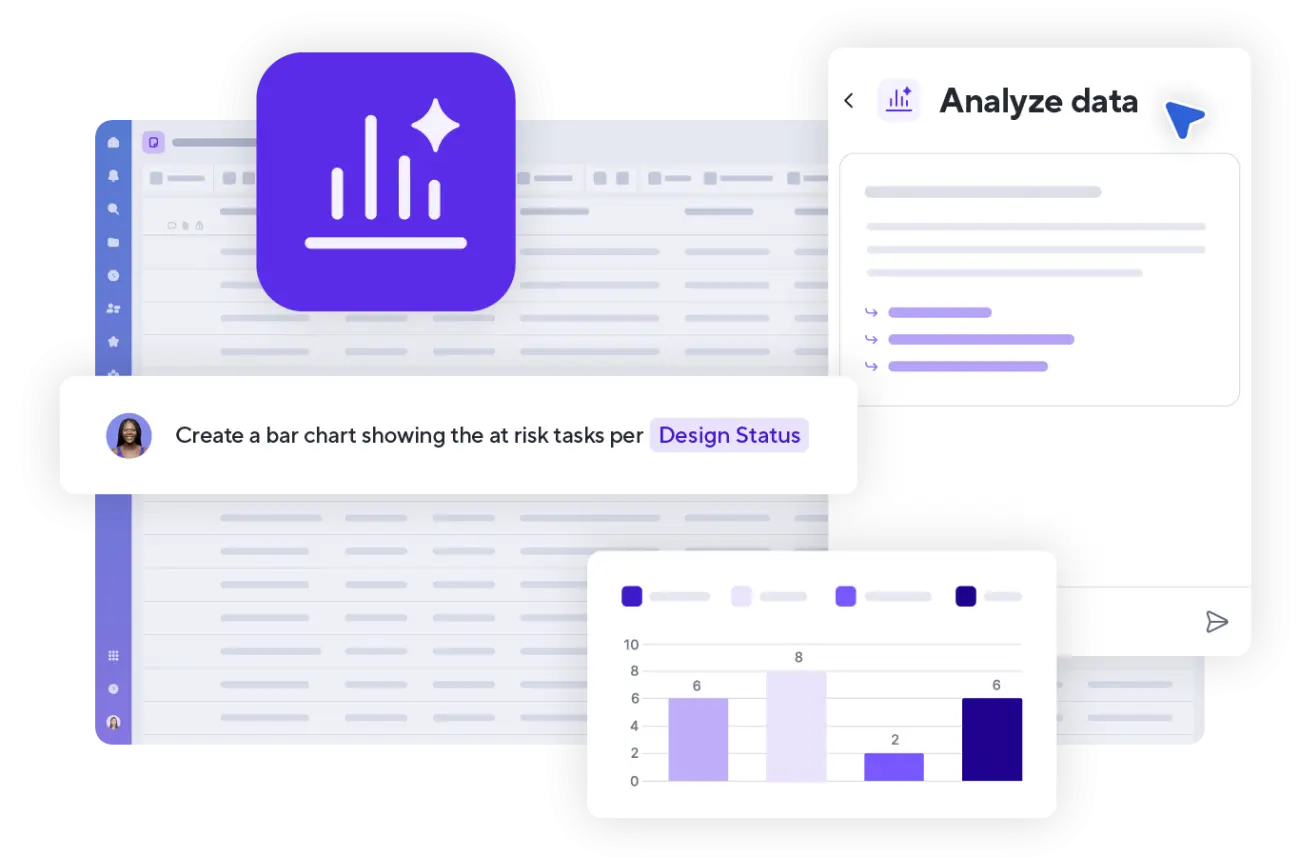
Smartsheet enables teams to move risk management out of static spreadsheets and into an active, automated platform. Centralize risk registers, trigger alerts when risk levels change, and act on issues before they affect schedules or budgets. Gain real-time visibility into risk probability and impact, ensuring stakeholders stay informed and mitigation plans are executed on time.

Identify project risks early
Spot threats before they become problems
- Capture risks in a central register instead of scattered spreadsheets
- Assess probability and impact to surface the most critical issues
- Use reports and dashboards to monitor risk exposure across projects

Turn risk plans into action
Make every risk accountable and trackable
- Assign a clear owner for every risk
- Document mitigation and contingency plans in one place
- Trigger alerts and reminders when risks require attention

Maintain real-time visibility across projects
See risk status without manual reporting
- Update status as risks open, change, or close
- Roll up risk data across multiple initiatives
- Share live dashboards with leadership and stakeholders

Stay ahead of project risk with Smartsheet
Smartsheet gives teams the visibility, structure, and automation they need to manage risk before it turns into costly delays.
Key features for project risk management in Smartsheet


Integrations
Connect risk data across your ecosystem
Smartsheet integrates seamlessly with the tools your team already relies on like Jira, Github, Slack, Microsoft Teams, Google Workspace, Salesforce, and more. Automatically sync work between systems, streamline communication, and reduce manual updates, ensuring everyone works from the same real-time data.

Smartsheet in action for project risk management
Watch this short overview video to learn how Smartsheet helps organizations analyze trends, visualize data, automate workflows, and manage work with an AI-powered platform built for security and speed.
Tanium accelerates risk analysis and response
Developed a holistic view of risk with real-time data
The Governance, Risk, and Compliance (GRC) team at Tanium, a global cybersecurity leader, uses Smartsheet to streamline how risks are reported and assessed.
The team replaced emails and calls with a form-based solution that uses automated workflows to prioritize and route each issue.
This creates a single view of risk instead of tracking threats in isolation, allowing Tanium to correlate data, spot trends, and act faster.


Project risk management for teams across any industry


Pre-built project risk management template solutions
Start faster with templates designed to organize, score, and manage project risk in one workflow. Customize them for your process and scale them across teams.

Still managing project risk in spreadsheets?
Move beyond static files and gain real-time visibility into project risks. Smartsheet gives you the structure, automation, and collaboration tools to keep delivery on track.
Project Risk Management Software FAQs
Yes. Smartsheet supports automated risk intake and assessment through customizable forms and formulas. You can set up columns to automatically calculate risk scores and use conditional formatting to flag high-priority and remove manual work from your process. Risks are surfaced through dashboards so teams can quickly identify which threats need immediate attention.
Yes. Smartsheet offers project risk management templates such as risk registers and risk matrices. These templates provide a pre-built structure to gather risks, evaluate their likelihood and impact, and track mitigation plans. You can start tracking and mitigating risks immediately without building anything from scratch.
Yes. You can build a formal risk response plan inside Smartsheet. Assign owners to specific risks, set clear mitigation deadlines, track the live status of response actions, and attach detailed contingency plans or supporting documents directly to the relevant risk row.
Smartsheet connects risk registers across projects and shows them in roll-up dashboards and reports. Leaders can compare exposure, spot trends, and prioritize mitigation work across portfolios with a clear, real-time view of overall risk.
Yes. Smartsheet allows you to archive project sheets and logs to maintain a historical record. Teams can easily review this data during future project planning to identify recurring threats, improve estimation accuracy, and refine future mitigation strategies.