

Project Management Software for the Enterprise
Smartsheet gives teams a centralized workspace to plan, track, and deliver projects with confidence. By combining task management, milestone management, resource planning, and reporting into one platform, teams can stay organized, respond quickly to changes, and make informed decisions to keep work moving forward.

TRUSTED BY YOUR FAVORITE BRANDS
AND OVER 85% OF FORTUNE 500 COMPANIES.


Why use Smartsheet for project management?
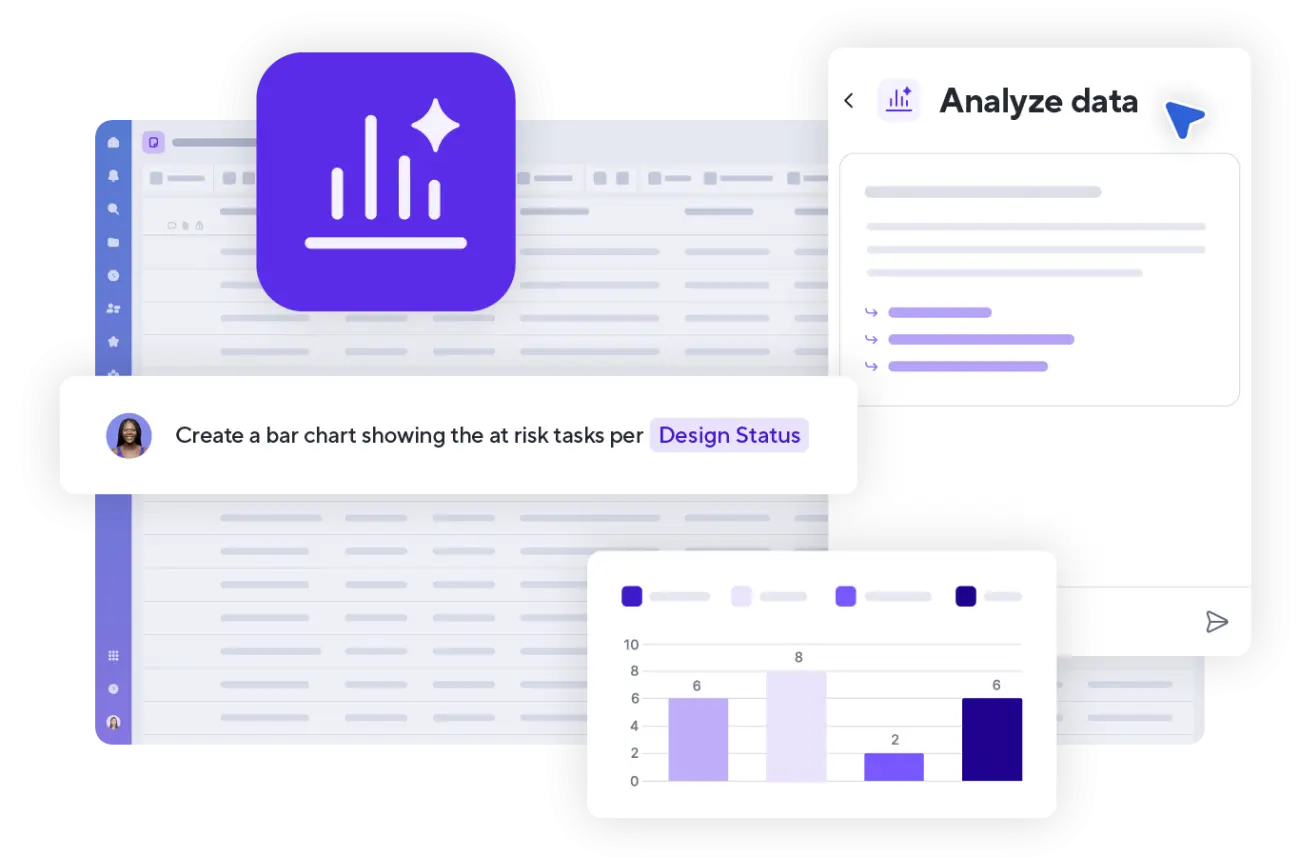
With automated notifications, AI insights, and real-time reporting, teams can use Smartsheet to identify risks, track progress, and make adjustments before issues arise. Smartsheet adapts to your teams’ workflow, whether you follow Agile, Waterfall, or a hybrid methodology.

Instill a culture of accountability
Assign ownership and purpose to every task, milestone, and project
- Assign responsibilities and deadlines so that teams know exactly who is responsible for what
- Track progress in real time to identify delays or bottlenecks quickly
- Make performance transparent across teams with dashboards that show task status at a glance

Gain portfolio-wide visibility
See the status of every project detail in one place
- Create interactive Gantt charts, Kanban boards, and timelines to map tasks and deadlines
- Highlight dependencies and assign responsibilities with clear visual cues
- Track progress and spot potential roadblocks before they impact delivery

Automate routine work
Eliminate manual updates with customizable workflows
- Automatically notify team members of upcoming deadlines and changes
- Set triggers for approvals, status updates, and workflow transitions
- Free teams from repetitive tasks so that they can focus on higher-value work

Manage every project with clarity and confidence
Smartsheet is an intelligent work management platform that allows teams to plan, track, and deliver work efficiently. Gain real-time visibility, automate routine updates, and keep projects moving without the chaos of disconnected tools.
Key features for managing projects in Smartsheet



Integrations
Smartsheet connects your project data across the tools your teams already use.
Keep projects running smoothly with integrations that link Smartsheet to the tools your teams already rely on, such as Microsoft Teams, Slack, Google Workspace, and Jira. Sync updates, share files, and align communication in real time so that work stays connected, organized, and visible from kickoff to delivery.
Smartsheet in action for project management
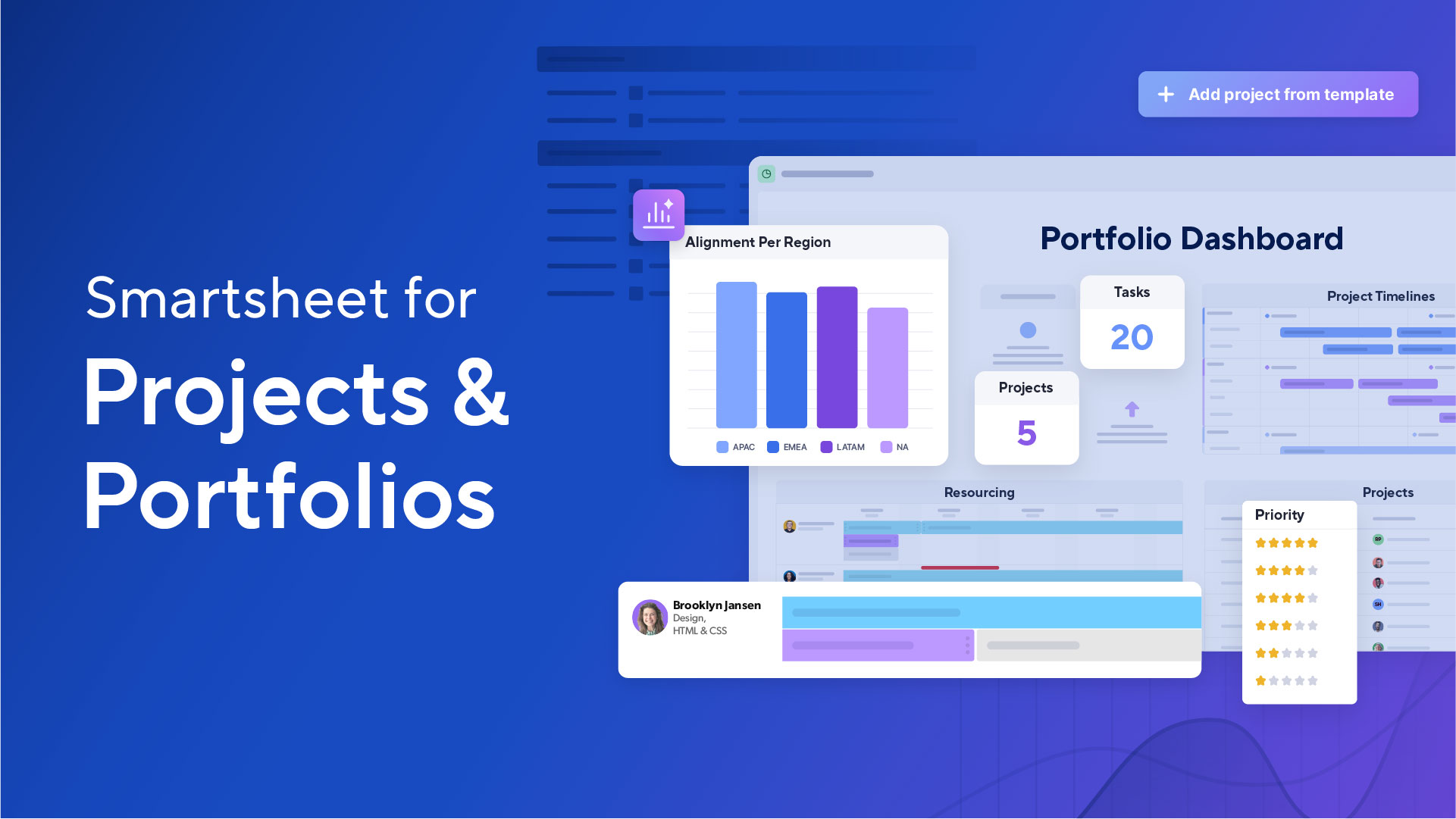
Discover how you can use Smartsheet to plan projects, track milestones, and collaborate in real time to bring clarity, speed, and structure to every phase of your project.
FOX Sports centralizes complex event projects with Smartsheet
Real-time clarity across every broadcast project, from kickoff to final whistle.
FOX Sports, home to some of the world’s biggest live sporting events, manages dozens of broadcast and infrastructure projects behind every game. Using Smartsheet, the network replaced scattered tools and disconnected spreadsheets with a unified project management system that gives teams visibility into schedules, budget management, and deliverables in real time. From capital planning to on-site logistics, Smartsheet helps FOX Sports streamline workflows, automate manual updates, and connect teams across locations. With great visibility, faster collaboration, and standardized templates, FOX Sports now manages every broadcast project with precision and confidence.

Project management for all types of projects


Pre-built project management template solutions
Use these templates to standardize workflows, reduce setup time, and scale project management across teams without reinventing processes.


Still managing projects in spreadsheets?
There’s a better way. Smartsheet takes the flexibility of a spreadsheet and adds automation, visibility, collaboration, and scalability. Replace static files with dynamic, real-time workspaces that help your team stay aligned, on schedule, and ready to scale.
Project Management Software FAQs
Yes. Smartsheet provides interactive views, including Gantt charts, boards, grid, calendar, and timeline layouts, so teams can manage projects in the format that works best for them. Toggle between views to visualize progress, track milestones, and adjust schedules in real time.
Yes. Smartsheet allows team members to share files within the platform. It centralizes collaboration by allowing teams to comment directly on sheet rows and tasks, attach files, and share updates within the same tool.
Smartsheet can automatically send real-time notifications when changes are made, deadlines shift, or approvals are needed. Set up automated reminders and alerts to ensure that no task slips through the cracks and everyone stays on schedule.
Yes. External partners and clients can be granted secure view-only or limited access to specific sheets, reports, and dashboards. This allows clients, vendors, or contractors to stay informed on progress without compromising sensitive internal data.
Yes. Smartsheet includes built-in AI capabilities that surface trends, highlight risks, and recommend next steps. These intelligent insights help teams anticipate challenges, improve planning accuracy, and make faster, data-informed decisions.
Learn more about Smartsheet AI features.
Yes. Smartsheet has an intuitive interface and a spreadsheet-like layout that make it easy for anyone to get started — no technical background required. Its usability allows teams to quickly configure workflows, templates, and dashboards to fit their needs, scaling adoption across departments with minimal training.