Excel Simple Project Timeline Template
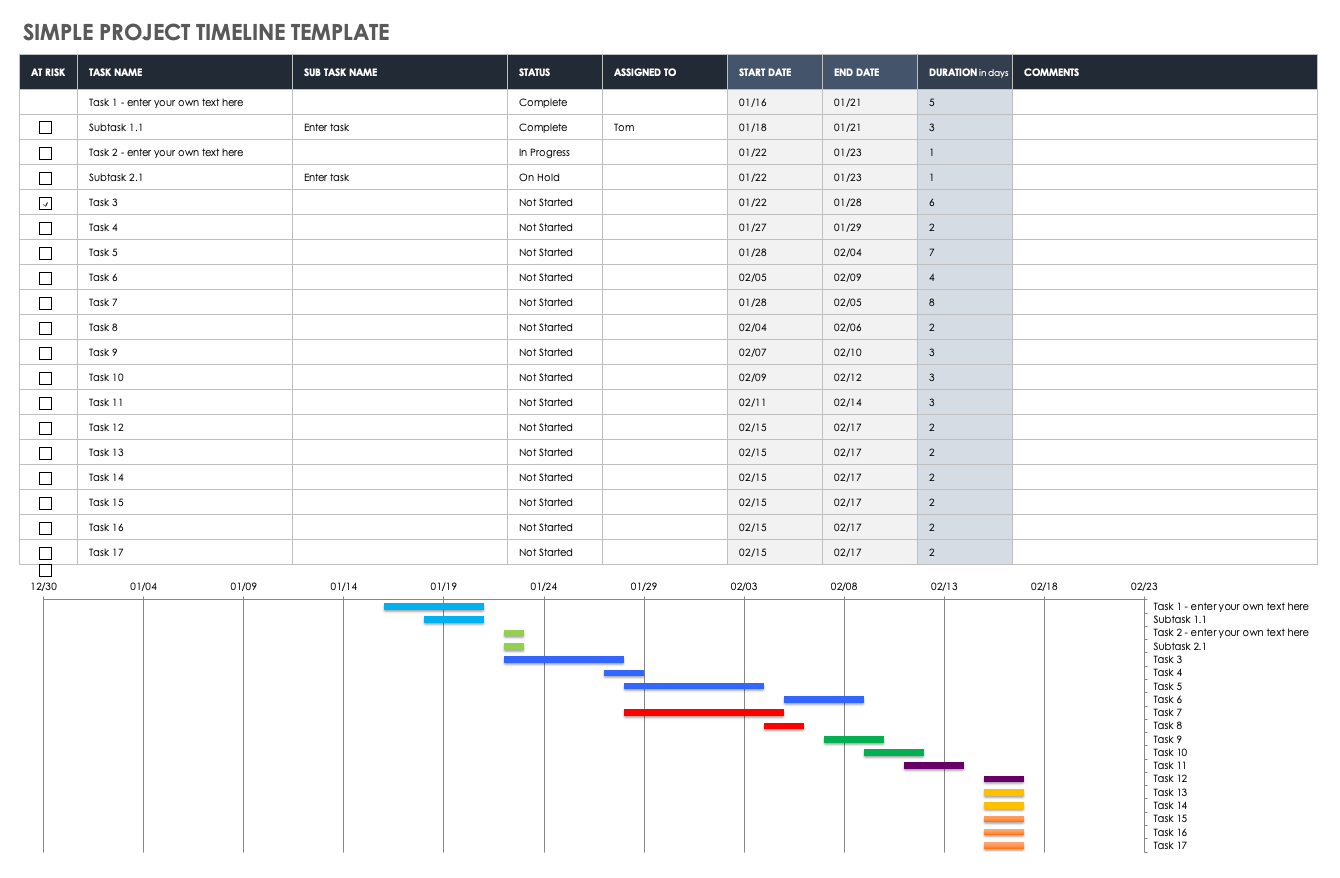
Download Simple Project Timeline Template – Microsoft Excel
When to Use This Template: Use this simple timeline to break down project tasks into weeks, months, and phases. It’s ideal for managers who need a straightforward way to track progress chronologically without complex setup.
Notable Template Features: This visually dynamic timeline features pre-filled, color-coded swimlanes for phases like project conception, definition, and launch. It uses a classic Gantt chart structure to help you plan and execute time-sensitive deliverables.
Check out this article to get step-by-step instructions on how to make a timeline in Excel.
Excel Multiple Project Timeline Template
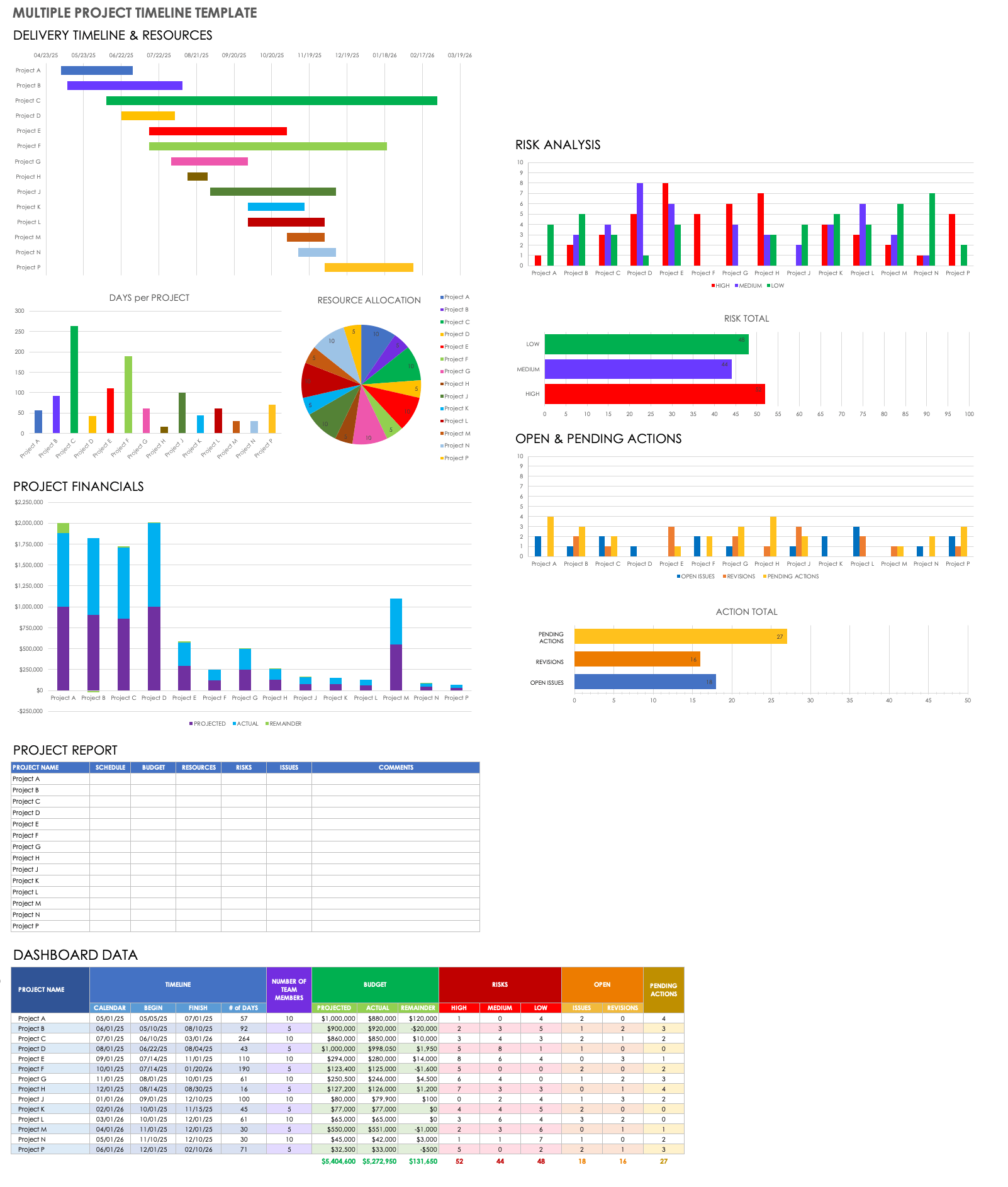
Download Multiple Project Timeline Template – Microsoft Excel
When to Use This Template: Project managers and PMOs can use this dashboard-style template to track the status of multiple projects at once. It helps you stay proactive by providing a high-level view of deliverables, resources, and risks across your portfolio.
Notable Template Features: This visually rich template includes a bar chart called Delivery Timeline & Resources for tracking sequential progress. It also features a risk analysis graph to flag high, medium, and low risks, as well as a section on open and pending actions section to track issues and revisions for each project.
To find additional resources and get the most out of your project planning timelines, see this collection of free project timeline templates.
Excel Sample Timeline Template
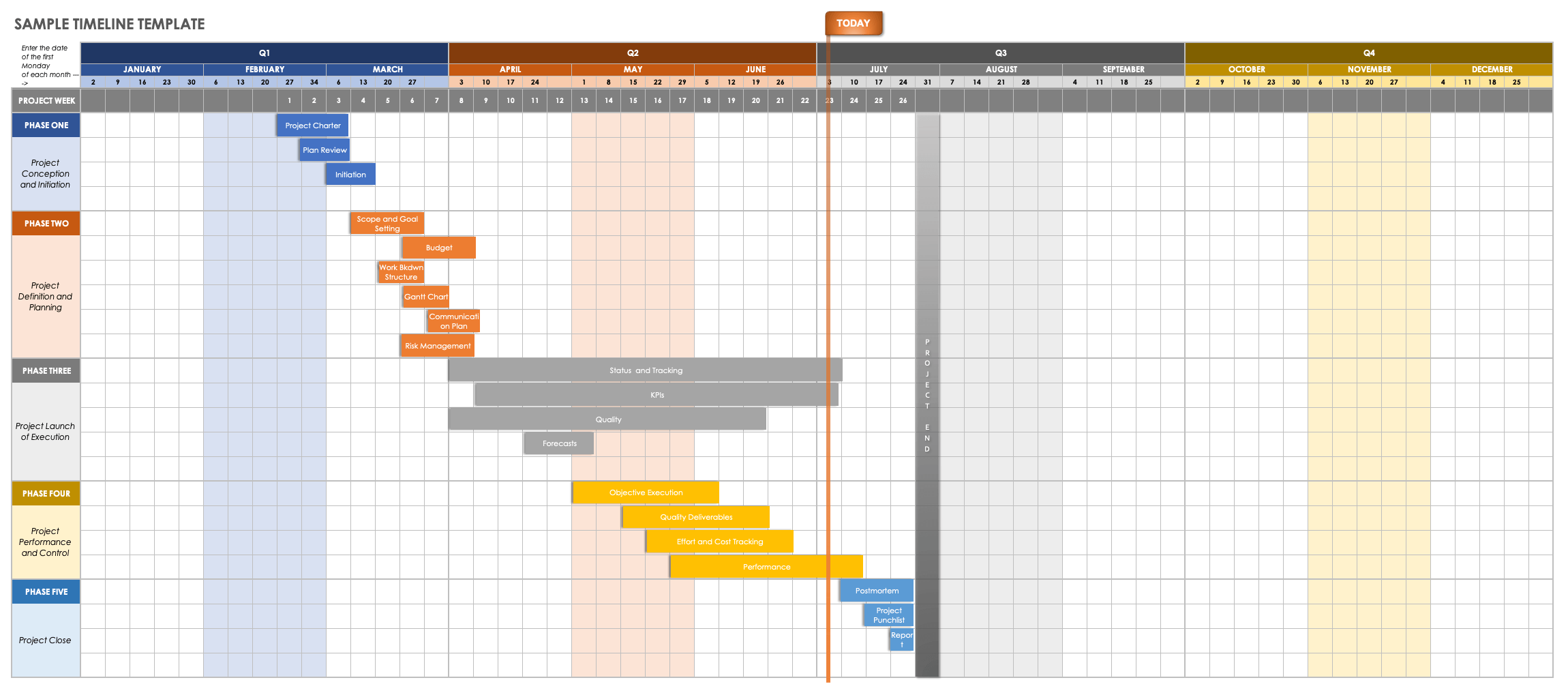
Download Sample Timeline Template – Microsoft Excel
When to Use This Template: Use this comprehensive template to guide teams through the project lifecycle from conception to completion. It lets you customize task durations and solidify key deliverables for each project phase.
Notable Template Features: This template includes editable example text to guide your planning. It allows you to view task achievement in quarterly, monthly, and week-by-week stages, keeping your team on track to meet deadlines.
Explore additional timeline templates for multiple use cases and platforms.
Excel Monthly Project Timeline Template
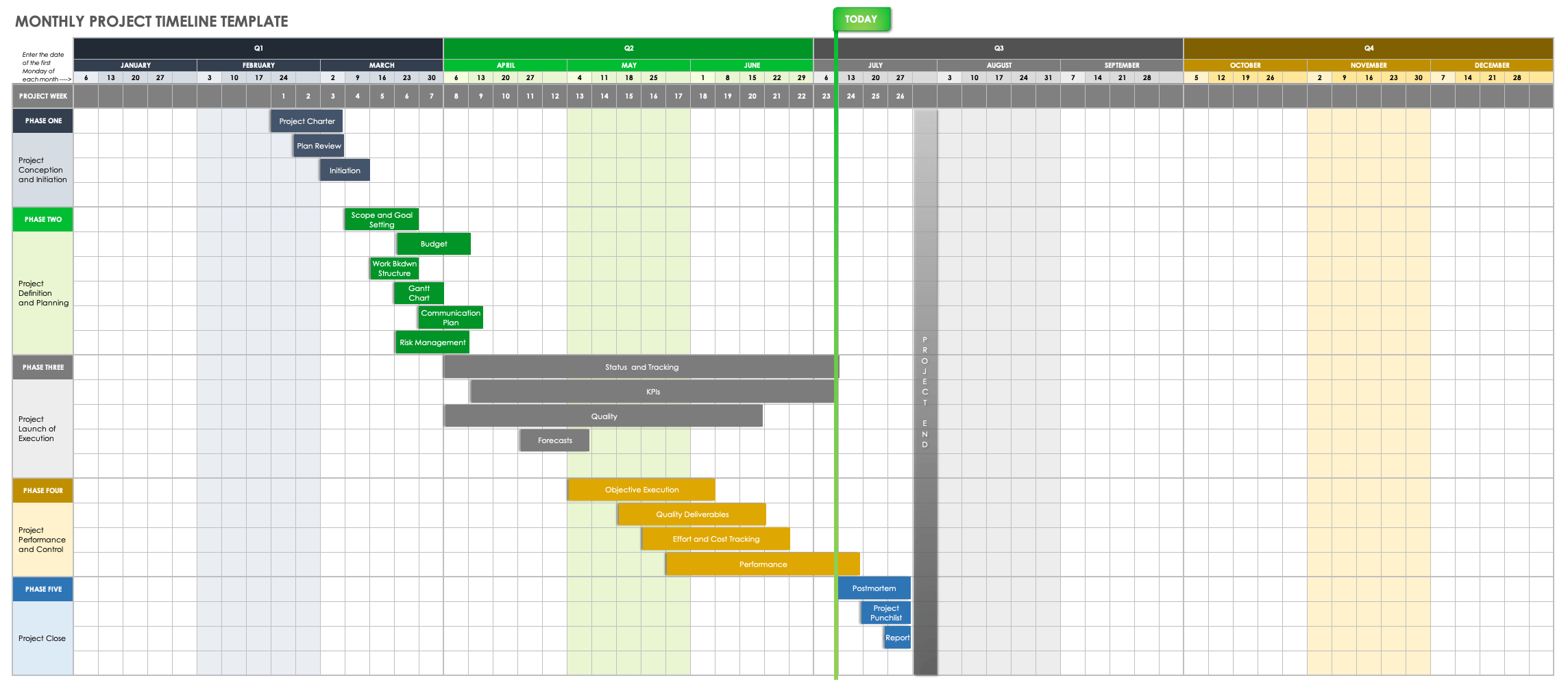
Download Monthly Project Timeline Template – Microsoft Excel
When to Use This Template: Use this template to plan tasks on a monthly basis and view the cascading progress of your entire project.
Notable Template Features: This color-coded timeline includes five horizontal phase swimlanes to capture various tasks. You can plot tasks within their respective stages and set start and end dates to visualize the project’s flow over time.
Excel Weekly Project Timeline Template
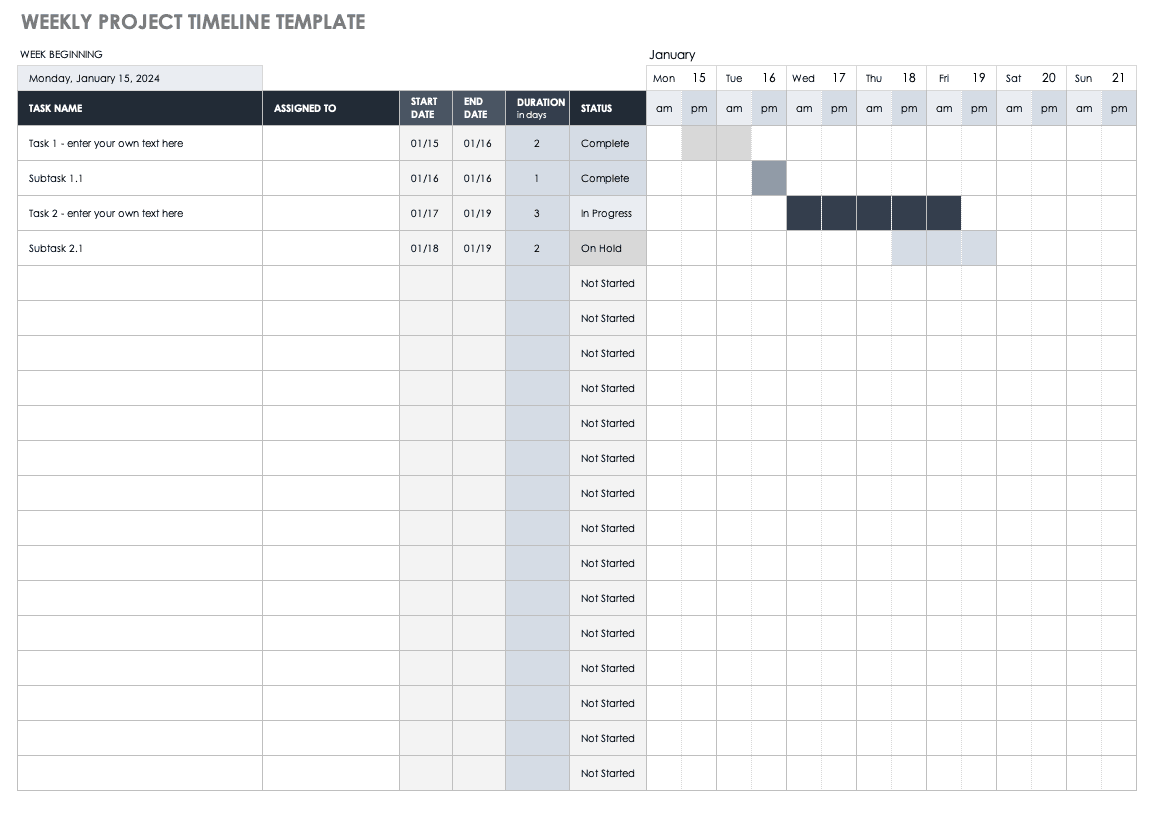
Download Weekly Project Timeline Template – Microsoft Excel
When to Use This Template: Project coordinators can use this template to manage the week-to-week logistics of project tasks. It is ideal for teams working on single-week sprints or managing weekly task interdependencies.
Notable Template Features: This dynamic template lets you enter task names, start and end dates, durations, and status (e.g., Not Started, In Progress, On Hold). The layout allows any team member to quickly determine how close a specific task is to completion.
Create a timeline in Smartsheet to build project roadmaps, or to plan, track, and manage tasks, work, and portfolios.
Excel Yearly Project Timeline Template
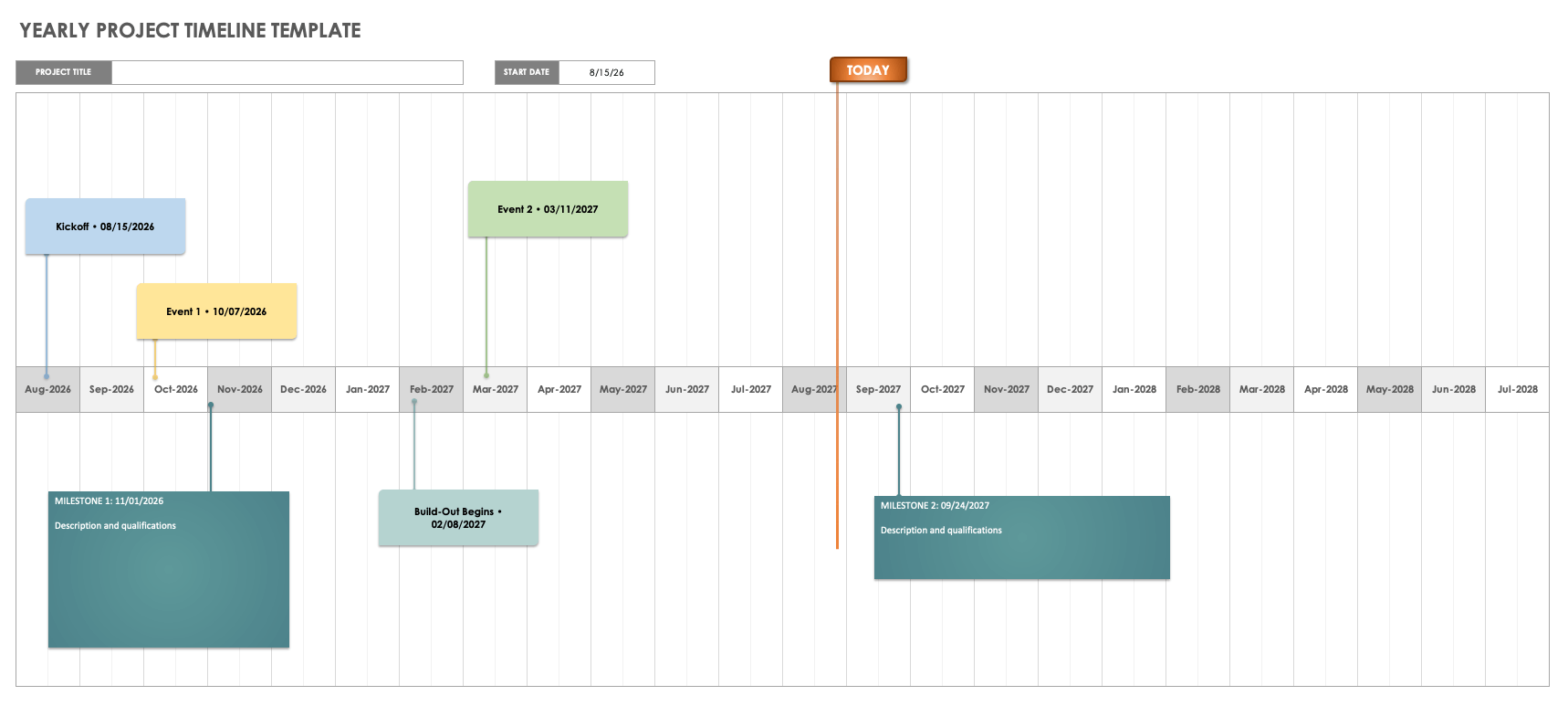
Download Yearly Project Timeline Template – Microsoft Excel
When to Use This Template: Use this high-level template to capture key milestones over the course of a full year, prioritize tasks visually, and ensure timely delivery of long-term projects.
Notable Template Features: The horizontal timeline allows you to arrange milestones chronologically. You can add descriptive text, delivery dates, and relevant details for each major event, providing a clear roadmap for the year ahead.
Learn how project timeline software can help you plan, visualize, and track projects from start to finish.
Excel IT Project Timeline Template
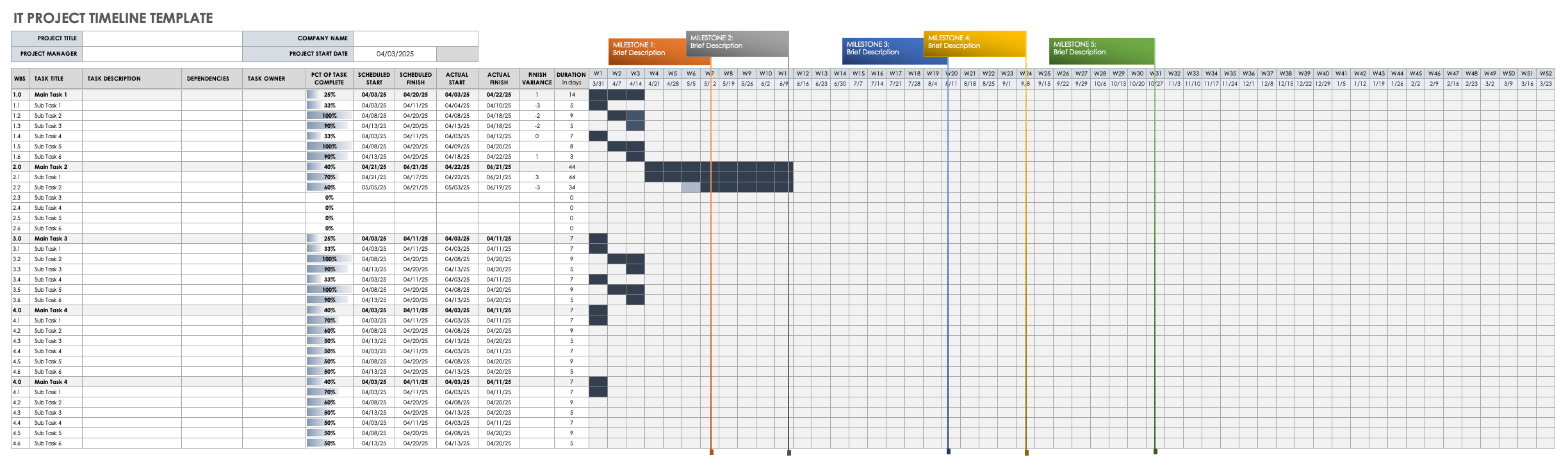
Download IT Project Timeline Template – Microsoft Excel
When to Use This Template: IT departments can use this comprehensive template to plan and complete technical projects. It provides a structure for listing tasks, subtasks, and dependencies specific to IT workflows.
Notable Template Features: The template includes columns for listing the work breakdown structure (WBS), task descriptions, and task owners. You can schedule start and end dates, compare variances between proposed and actual timelines, and visualize progress with a weekly calendar section featuring milestones.
Excel Project Tracker Timeline Template
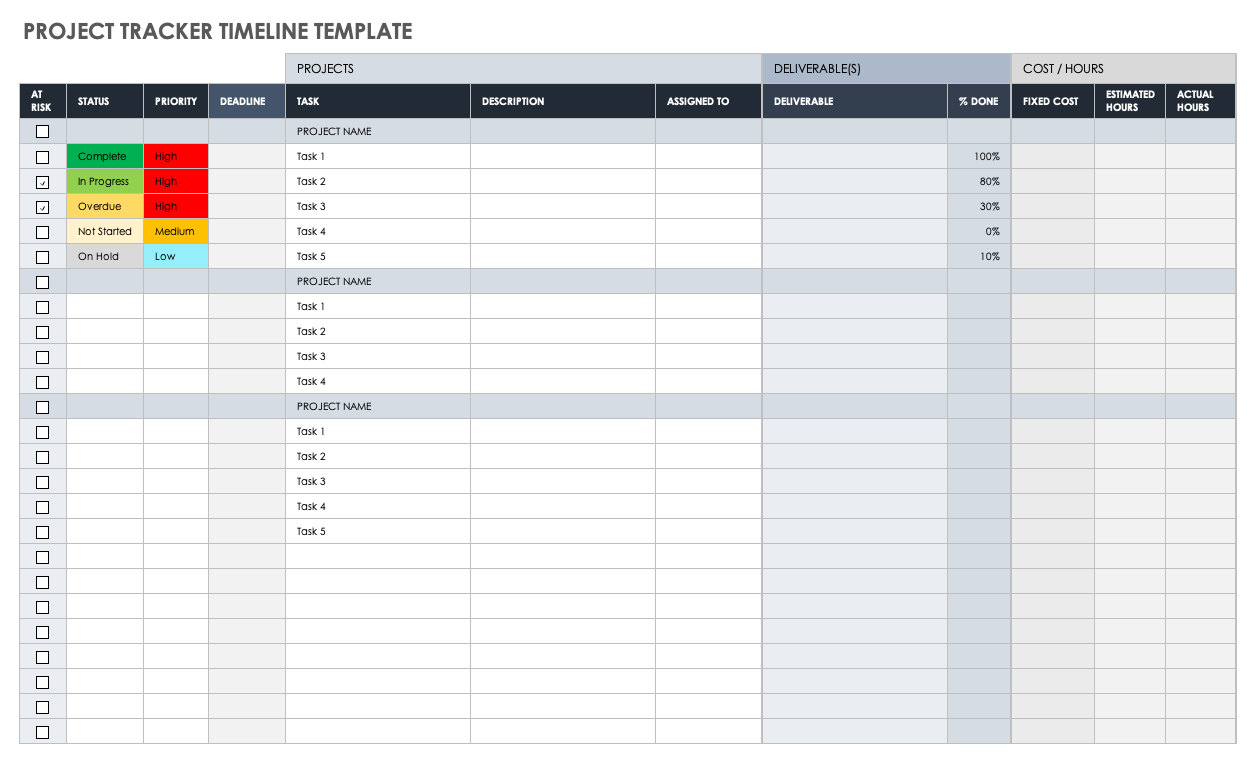
Download Project Tracker Timeline Template – Microsoft Excel
When to Use This Template: Use this detailed tracker to manage project tasks by priority and monitor costs, deadlines, deliverables, and budget hours in a single spreadsheet.
Notable Template Features: This template features columns for status and priority with color-coded keys (High, Medium, Low). It also includes sections for tracking fixed costs versus estimated and actual hours, giving you a clear view of resource usage and project health.
Excel Project Milestone and Task Timeline Template
Download Project Milestone and Task Timeline Template – Microsoft Excel
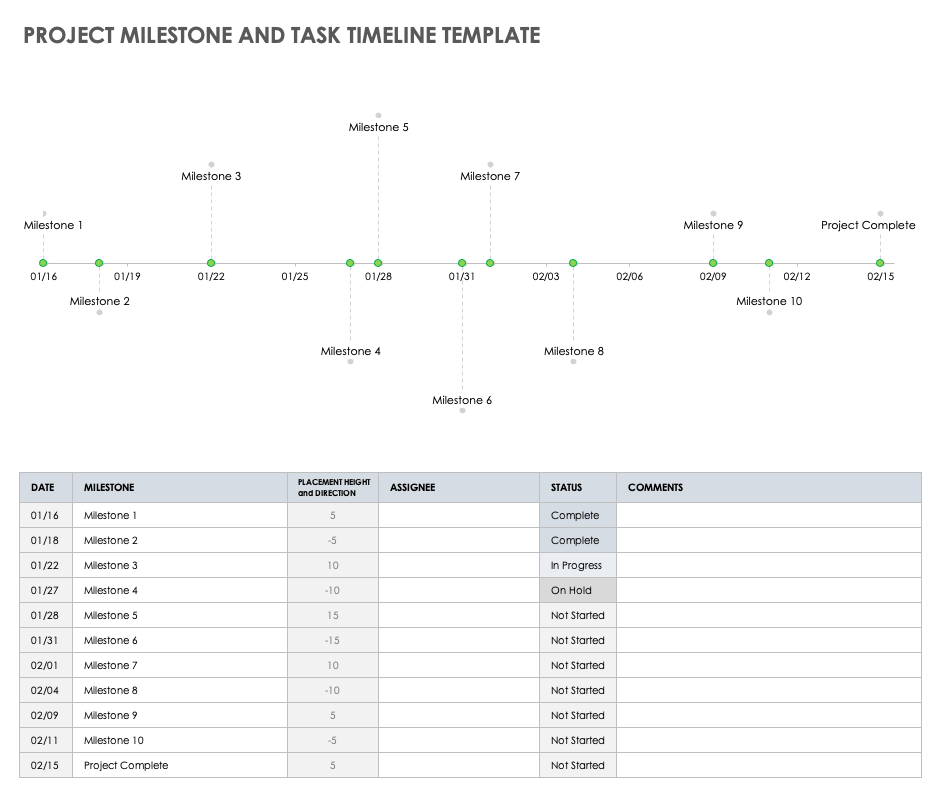
When to Use This Template: Use this template to create a clean, visual timeline of your project’s major events. It shows the sequence of key milestones without getting bogged down in task details, making it ideal for presentations and stakeholder updates.
Notable Template Features: This template features a visual timeline graph with adjustable milestone markers. Below the visual, a simple table allows you to list milestone dates, assignees, and status, providing a high-level snapshot of the project’s trajectory.
Excel Project Timeline Gantt Chart Template
Download Project Timeline Gantt Chart Template – Microsoft Excel
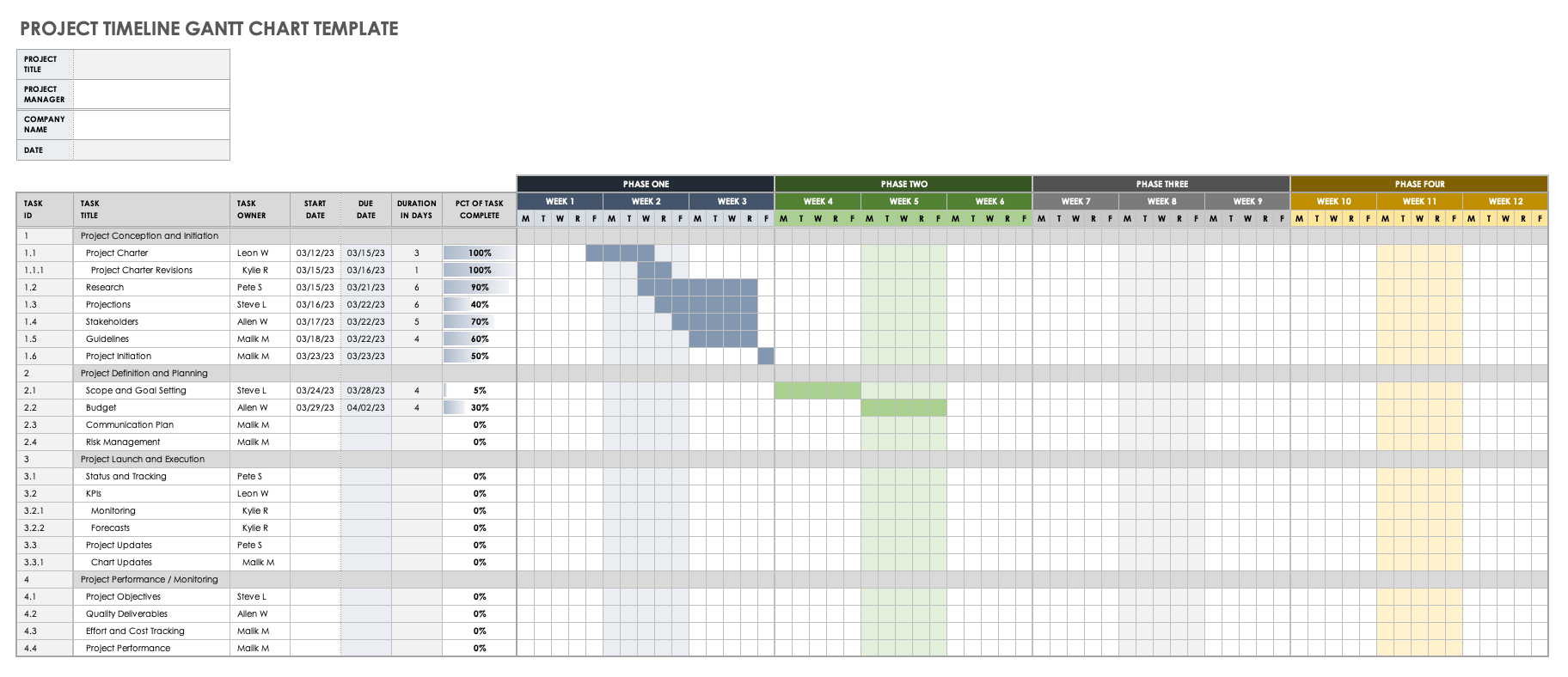
When to Use This Template: This all-inclusive Gantt chart provides team members with a proactive project timeline to break goals down into achievable tasks and visually guide the team through the execution process.
Notable Template Features: This template features customizable, color-coded phase columns to track the sequential progress of your project. You can assign task owners, set start and end dates, and visualize the entire project lifecycle in a classic Gantt format.
Excel Agile Project Timeline Template
Download Agile Project Timeline Template – Microsoft Excel
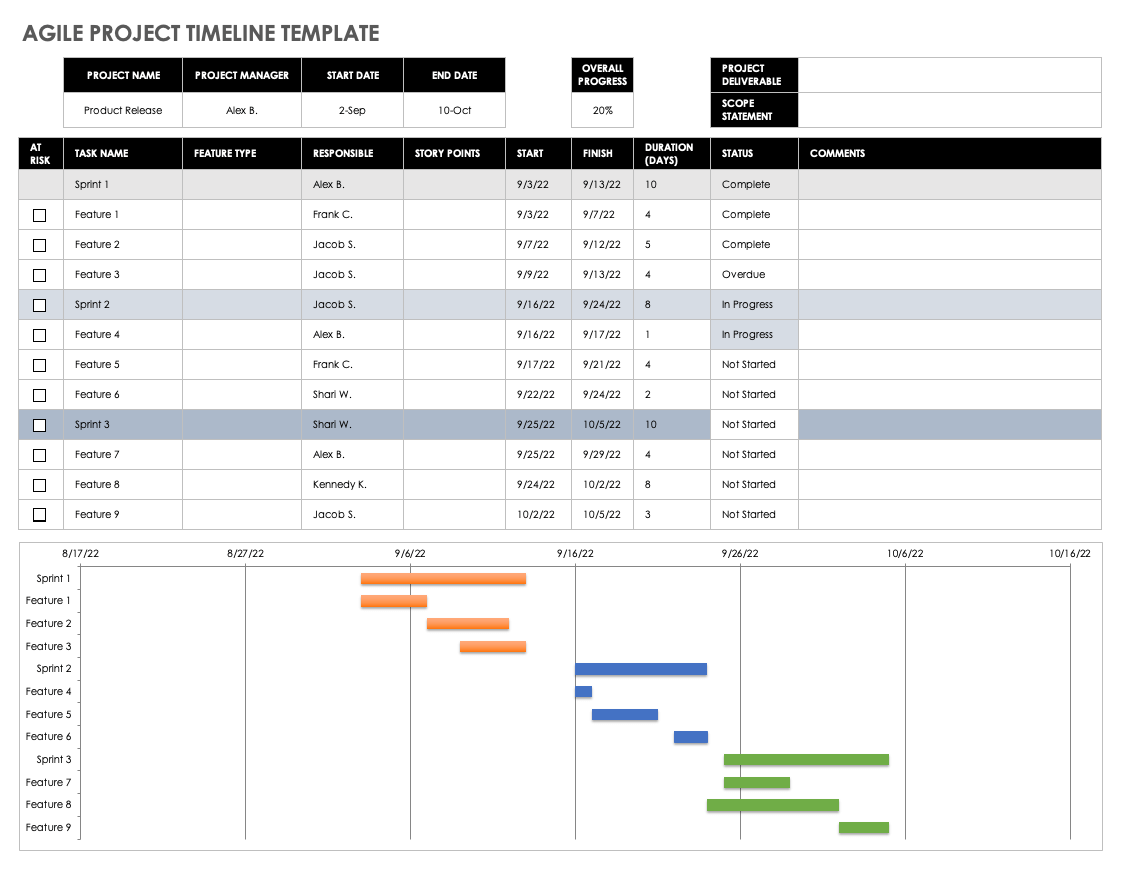
When to Use This Template: Agile teams can use this timeline for sprint-by-sprint task scheduling and monitoring. It’s the perfect tool for assigning story points during program increment (PI) planning and tracking status.
Notable Template Features: This template assigns weights or story points to each task. It includes a section for tracking the project’s overall status and project health and ensures you stay on track for on-time completion across multiple sprints.
Excel Daily Project Timeline Template
Download Daily Project Timeline Template – Microsoft Excel
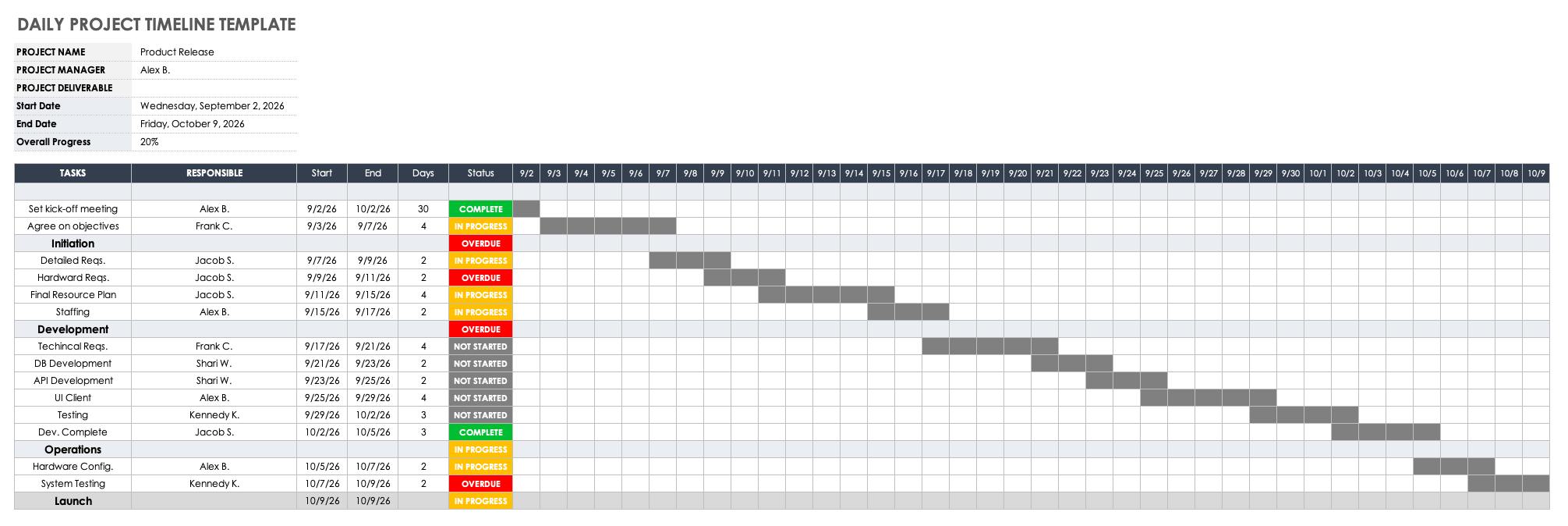
When to Use This Template: Use this template to clearly communicate deliverables and deadlines on a day-by-day basis. It works best for teams on short deadlines that need frequent, granular updates on project status.
Notable Template Features: This template requires you to enter details, owners, due dates, and current statuses for each task. The daily view helps stakeholders stay up-to-date on immediate progress and upcoming daily deadlines.
Excel Hourly Project Timeline Template
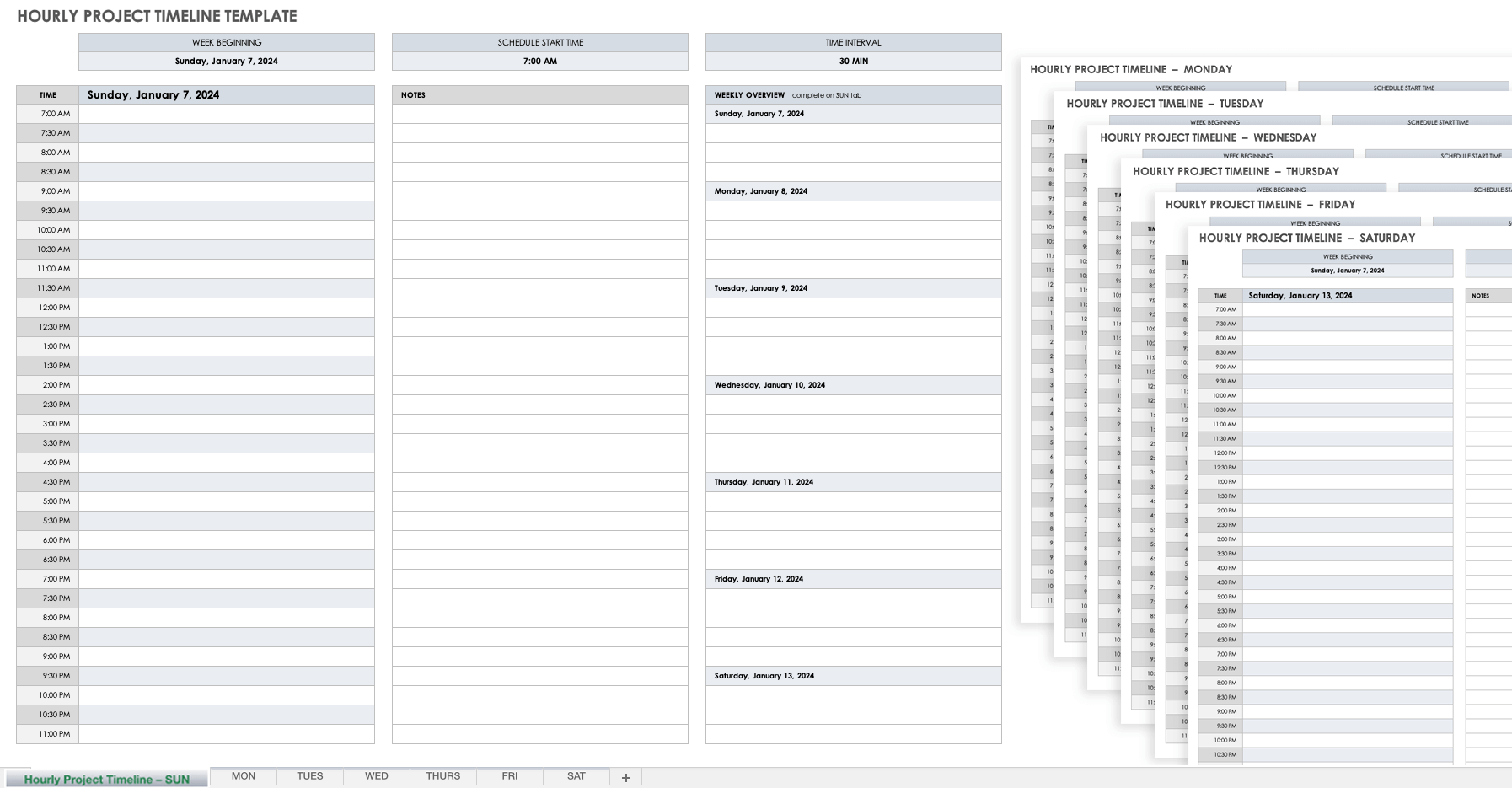
Download Hourly Project Timeline Template – Microsoft Excel
When to Use This Template: Break down workdays into specific hourly tasks using this simple template that can track progress precisely across any designated time period.
Notable Template Features: This template includes a visual day-by-day bar chart to show task progress. You can easily add the task owner, start and end times, and current status for every hour of the workday.
Excel Six-Month Project Timeline Template
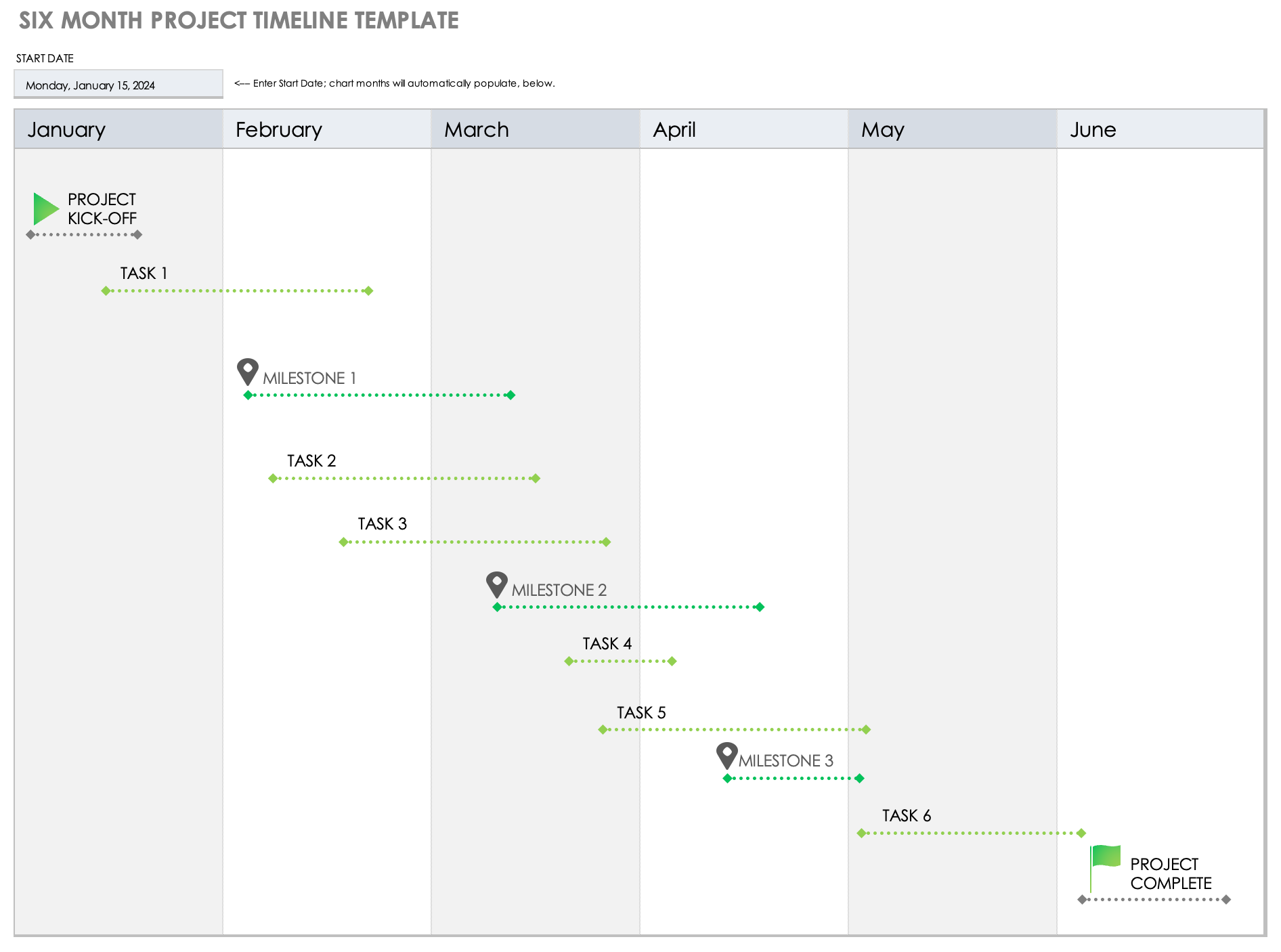
Download Six-Month Project Timeline Template – Microsoft Excel
When to Use This Template: This broad-strokes template can track tasks and milestones across a six-month period. Use it to ensure that you capture all deliverables for medium-term projects.
Notable Template Features: This visually dynamic timeline includes example text for primary actions like project kick-off and project completion. It allows you to list start and end dates and plot tasks visually over a half-year schedule.
Excel Three-Month Project Roadmap Template
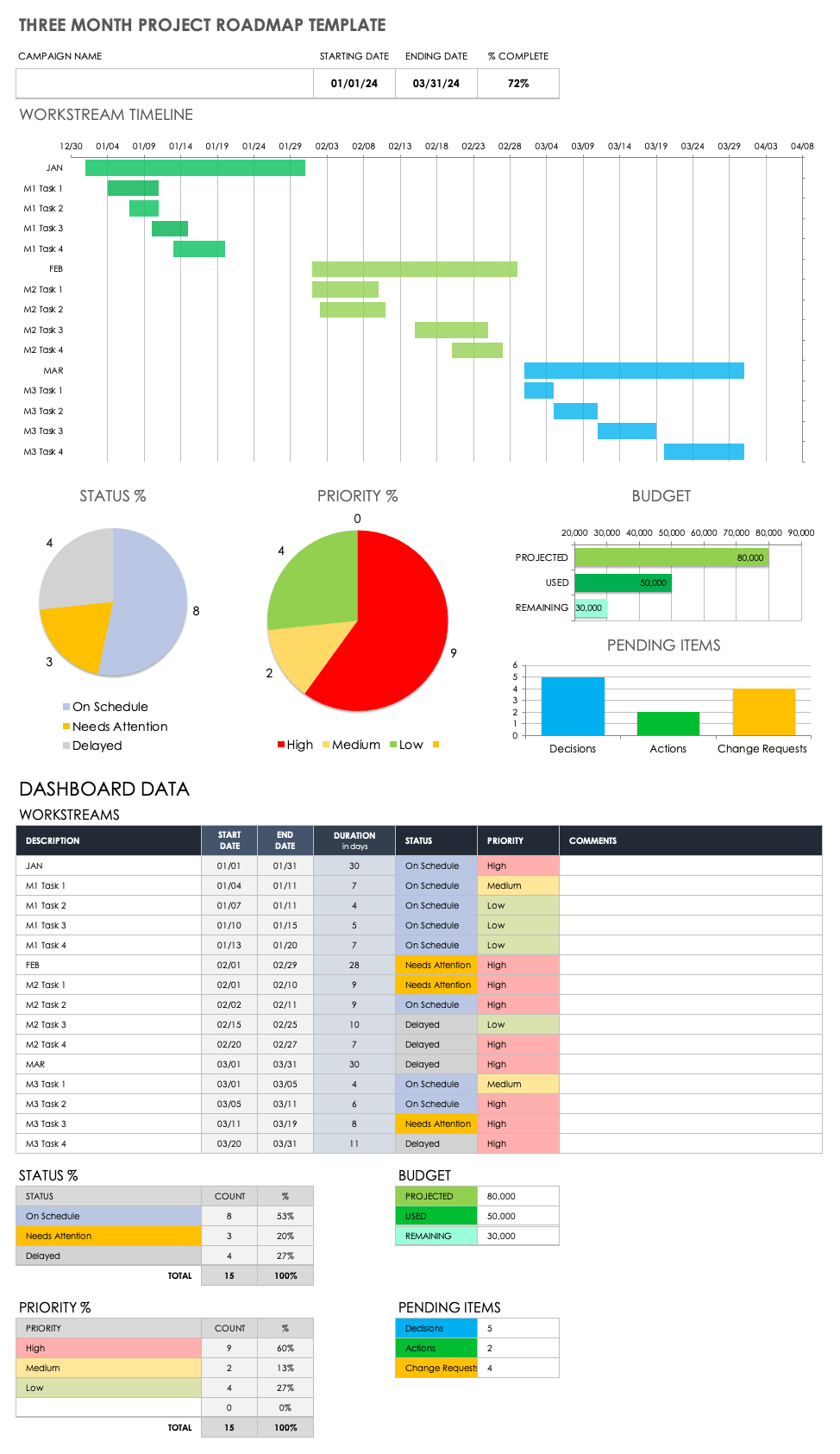
Download Three-Month Project Roadmap Template – Microsoft Excel
When to Use This Template: Use this dashboard-style roadmap to capture quarterly project goals and give team members at-a-glance insight into pending tasks and overall project status.
Notable Template Features: This template features a visually dynamic bar chart for the workstream timeline alongside status and priority pie charts. It includes tables to note status percentage and priority percentage, summarizing progress and highlighting critical tasks.
Excel Construction Project Timeline Template
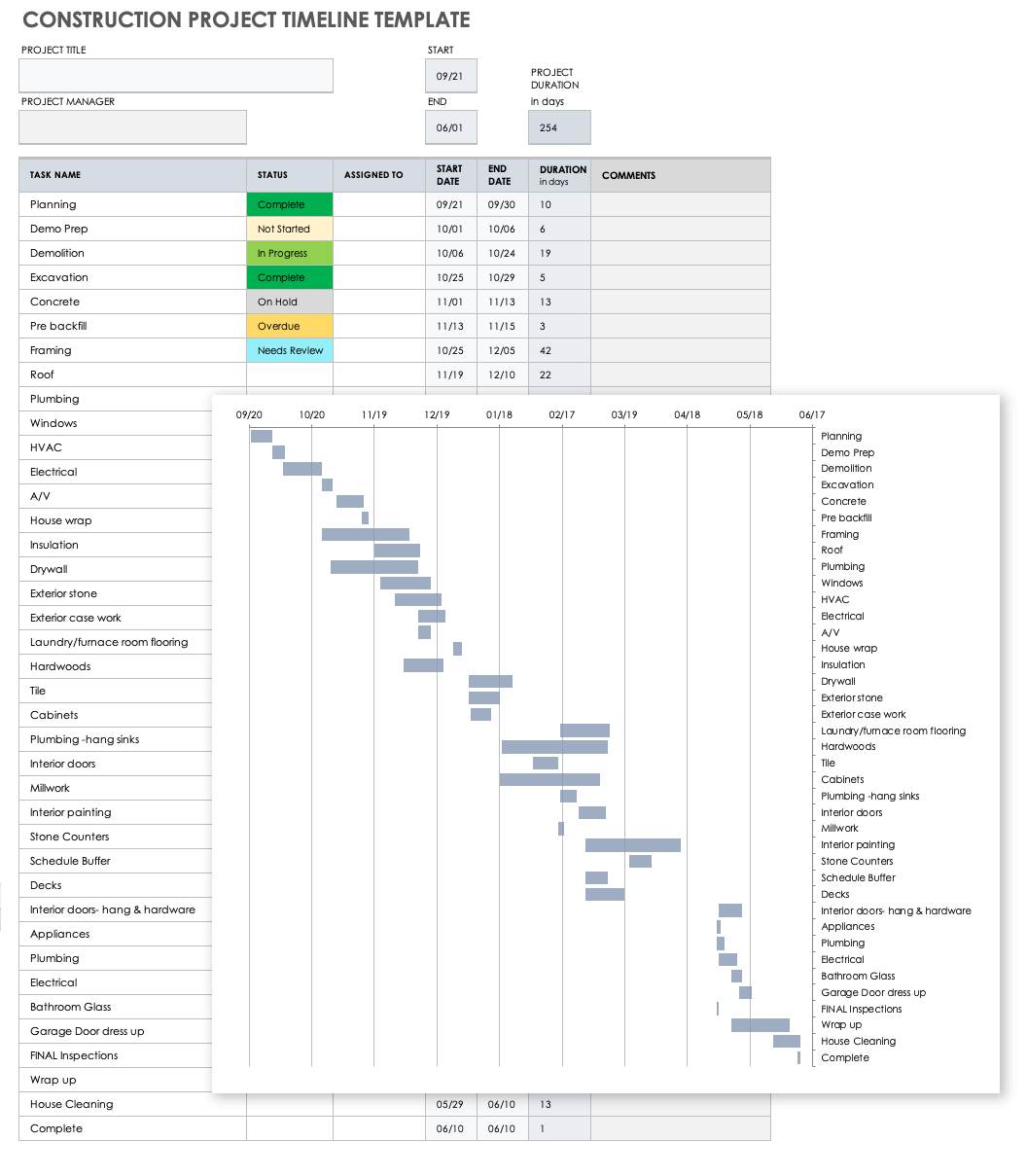
Download Construction Project Timeline Template
When to Use This Template: Construction project managers can use this template to ensure the team is on track to complete all required tasks. It facilitates timely completion and is easy to present to stakeholders.
Notable Template Features: This template includes pre-filled sample tasks such as excavation, concrete, framing, plumbing, HVAC, and electrical. It aids in comprehensive planning by listing these standard construction phases sequentially.
For additional resources and to get the most out of your construction project planning timelines, see this article on Excel construction management templates.
What is an Excel Project Timeline Template?
An Excel project timeline template is a visually dynamic tool that project managers can use to plan and monitor project progress. Use the template for a visual representation of your project’s goals, scope, and tasks to ensure timely project delivery.
As the primary vehicle for managing your project’s deliverables, a project timeline template provides a comprehensive method for tracking project tasks, assigning them to team members, setting delivery dates, and monitoring their progress. Timeline templates also serve as a roadmap for your project so that all stakeholders are aware of project goals. Use a project timeline template to add key project milestones so that it’s clear during project planning what primary actions or events need to be met, and when.
With its horizontal bar chart, a project timeline provides team members with a clear visual map of individual task delivery dates, priorities, and current statuses, as well as whether or not they have task dependencies.
While project timeline templates may vary, most of them include the following components to ensure that you account for everything on your project roadmap:
- Project Name: Enter the name of the project that you and your teammates will be undertaking.
- Task Name: Provide a name for each project task that needs to be completed in order to meet the criteria for project success.
- Task Owner: Assign the team member who is responsible for completing each individual project task.
- Start Date: Enter the date that each individual task needs to be started.
- End Date: Set the date for when the individual task must be completed.
- Duration: Review the task duration, which is calculated by each task’s defined start and end dates.
- Status: Select a status for each individual project task (e.g., Not Started, In Progress, On Hold, or Complete).
- Milestone: Define your project’s time-sensitive milestones that must be met in order for the project to be successfully completed.
Additionally, some project timeline templates include the following components:
- At-Risk Tasks: Identify tasks that are in danger of not being completed, and notify relevant team members.
- Department: Include the name of any department responsible for a project task or phase, or the department on which a task or project phase has a dependency.
- Objectives or Goals: List the project’s key objectives, such as the problem it will address and what goals it must meet by project completion.
- Project Scope: Provide a brief description of what is in scope for the project. This includes all aspects of the project, including tasks, activities, departments, timeline overview, key deliverables, and milestones.
- Sprint: For Agile teams, clearly label each sprint on your project timeline so that team members can see which sprint-specific tasks must be completed within a specific timeboxed period.
- Stage or Phase: Break your project timeline down into stages that include key tasks for each phase of the project.
- Task ID: Provide a unique identifying number for each task on the project for easy reference.
Accurately Track Your Project Timelines with Smartsheet
Timeline view in Smartsheet empowers users to plan, visualize, and collaborate on date-based work in real-time, enabling you to effortlessly organize tasks, track progress, and communicate status.
In just a few clicks, launch your project’s timeline on any sheet to visualize your work, understand the details, and adjust information, making it easy to track project progress, detect blockers, and communicate statuses.
Discover how timeline view in Smartsheet can help your team visualize date-based work and achieve greater efficiency and transparency across projects.
Learn more about timeline view in Smartsheet.