Manage work across platforms and programs to reduce duplicate efforts from developers and provide the visibility and summaries needed by stakeholders throughout the business.
Visualize your sales and pipeline data, make informed decisions, and align sales and implementation teams for efficient, successful delivery of your products and services.
Access your Smartsheet data alongside company data with Rovo’s dedicated Smartsheet connector, so you can deliver accurate, personalized AI insights across your teams.
By connecting Smartsheet to Glean, team members can quickly search sheets and other project data in Smartsheet to find the information they need, fast.
Index your sheet content and quickly find Smartsheet data using Copilot chat and search with the Smartsheet Microsoft 365 Copilot connector (in public preview).
Smartsheet conversations keep important discussions organized and in context — right where you manage work so your team can take action and achieve more, faster.
Keep the context and agility of Slack while gaining the flexibility to collaborate and execute on work in Smartsheet by receiving alerts about changes in your sheets.
Create documents, send them for signature, and track signing statuses — all from Smartsheet — to save time, reduce costs and errors, and drive your business forward.
Collaborate with your team on a virtual whiteboard and then automatically turn those ideas into structured project plans with the Lucidspark for Smartsheet integration.
Identify and combat cyberthreats across your cloud services with Defender for Cloud Apps, a comprehensive SaaS security solution with deep visibility, robust data controls, and advanced threat protection.
Create flexible connections between Smartsheet and other business systems to fuel powerful user and AI-generated data insights.
Meet your team where they work
Your business is complex — so are your teams. Different teams have differing needs for tools and data. Use Smartsheet integrations to create that visibility between systems so stakeholders all have the data they need to get their work done.
Get more from the tools you use today
Unlock the value of your enterprise tools with powerful automations that drive data connectivity and interoperability across your systems.
How our customers use integrations
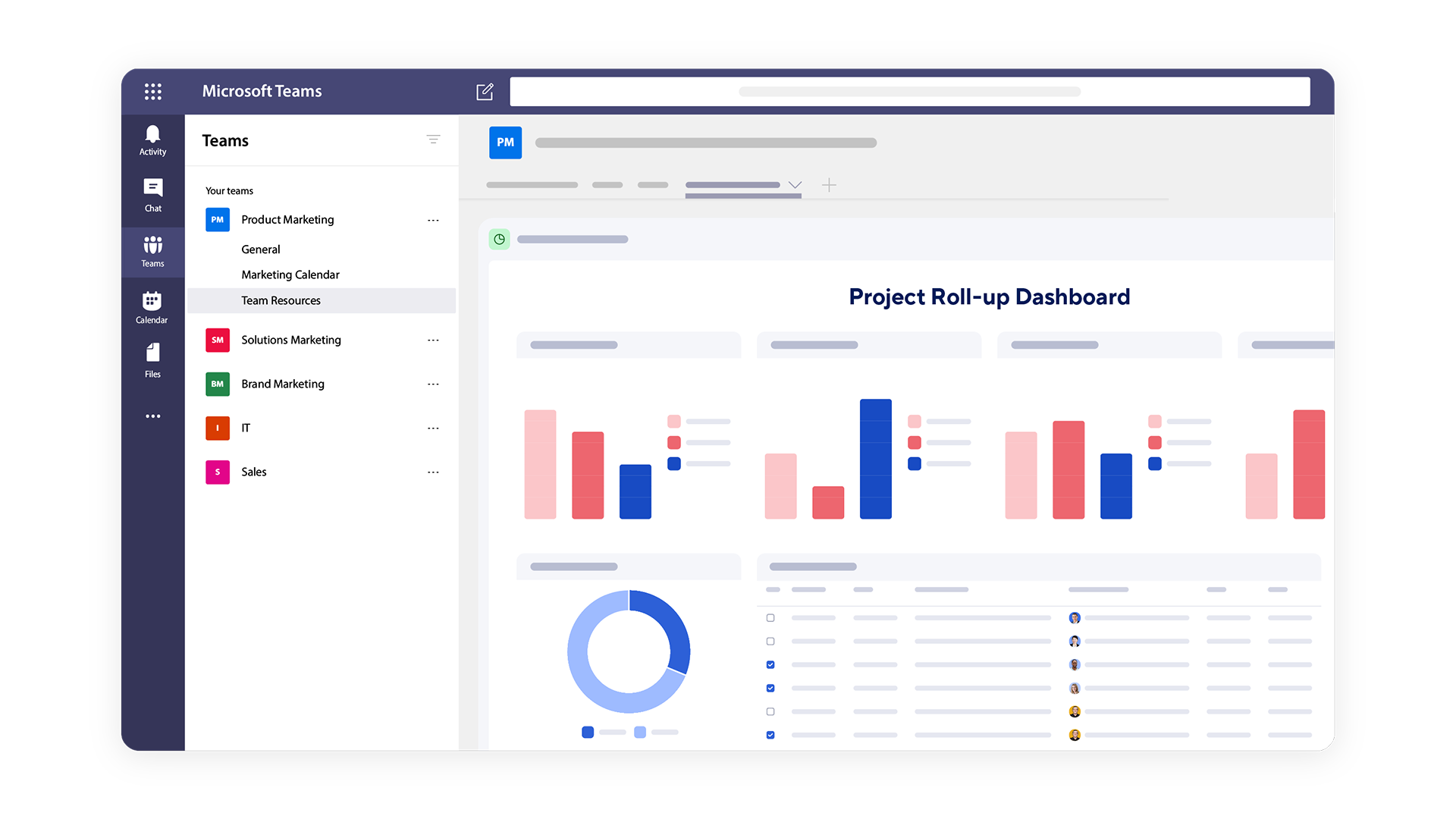
Use built-in comment features within Smartsheet and integrate with leading communication tools like Slack and Microsoft Teams.
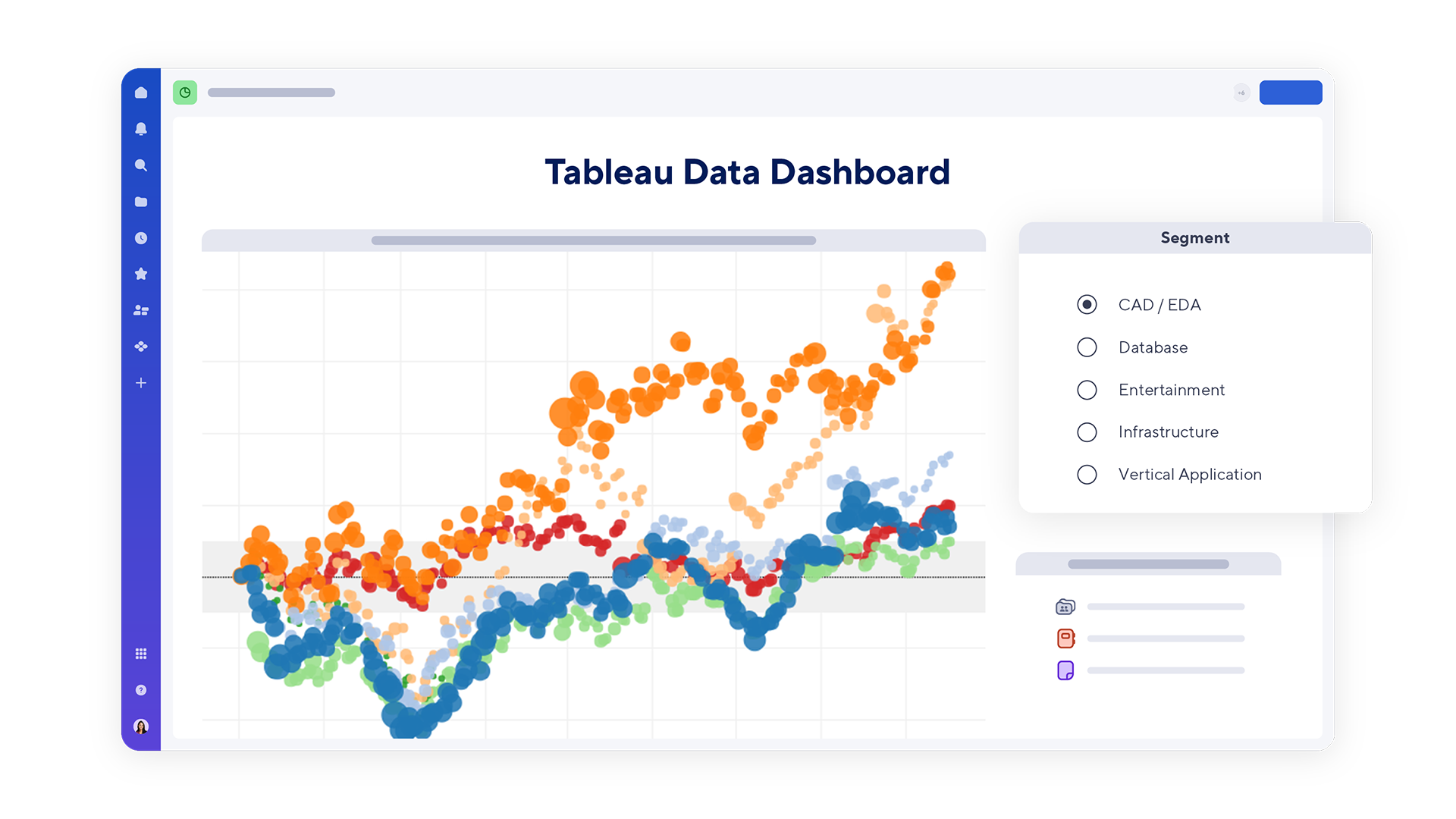
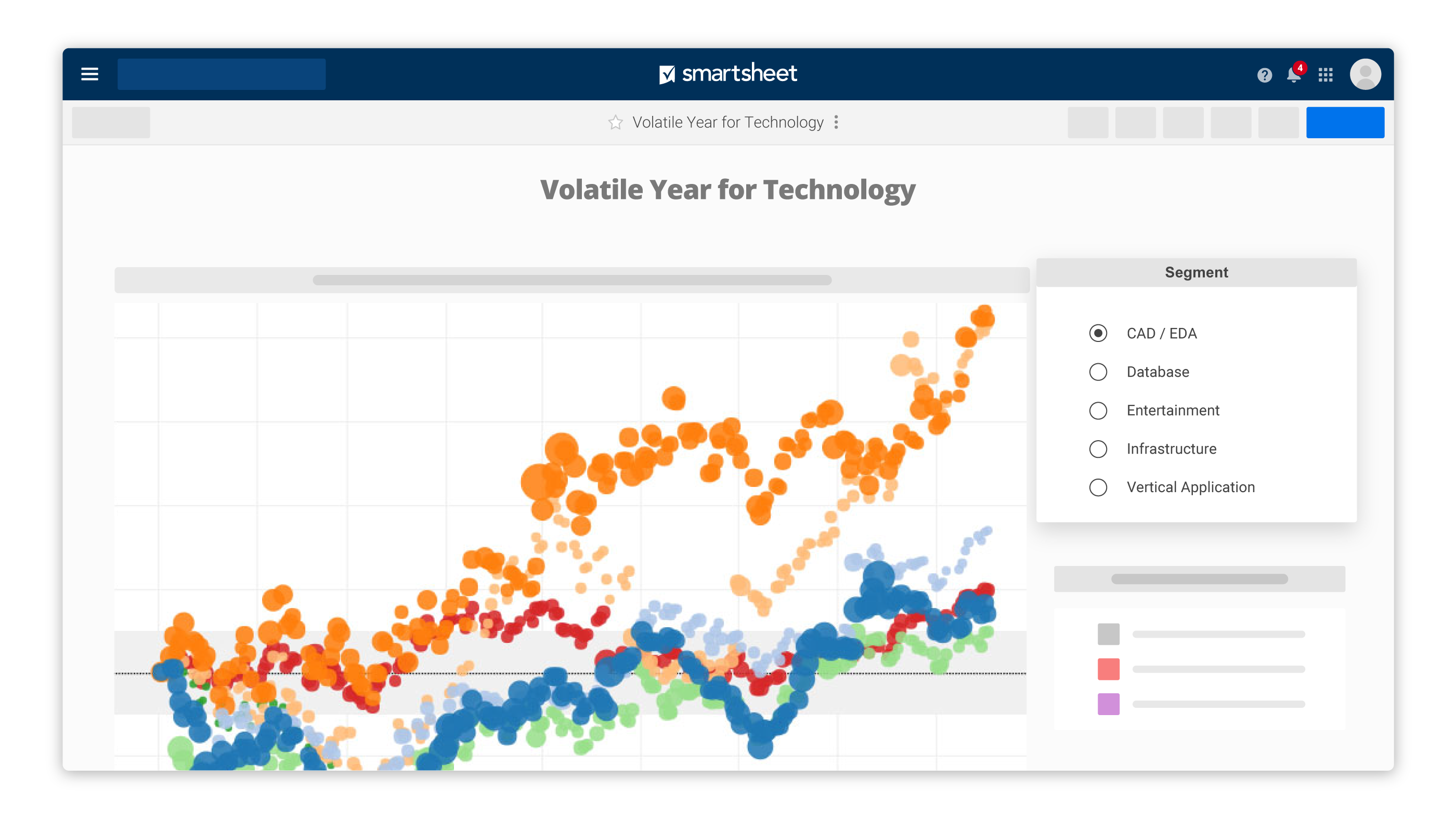
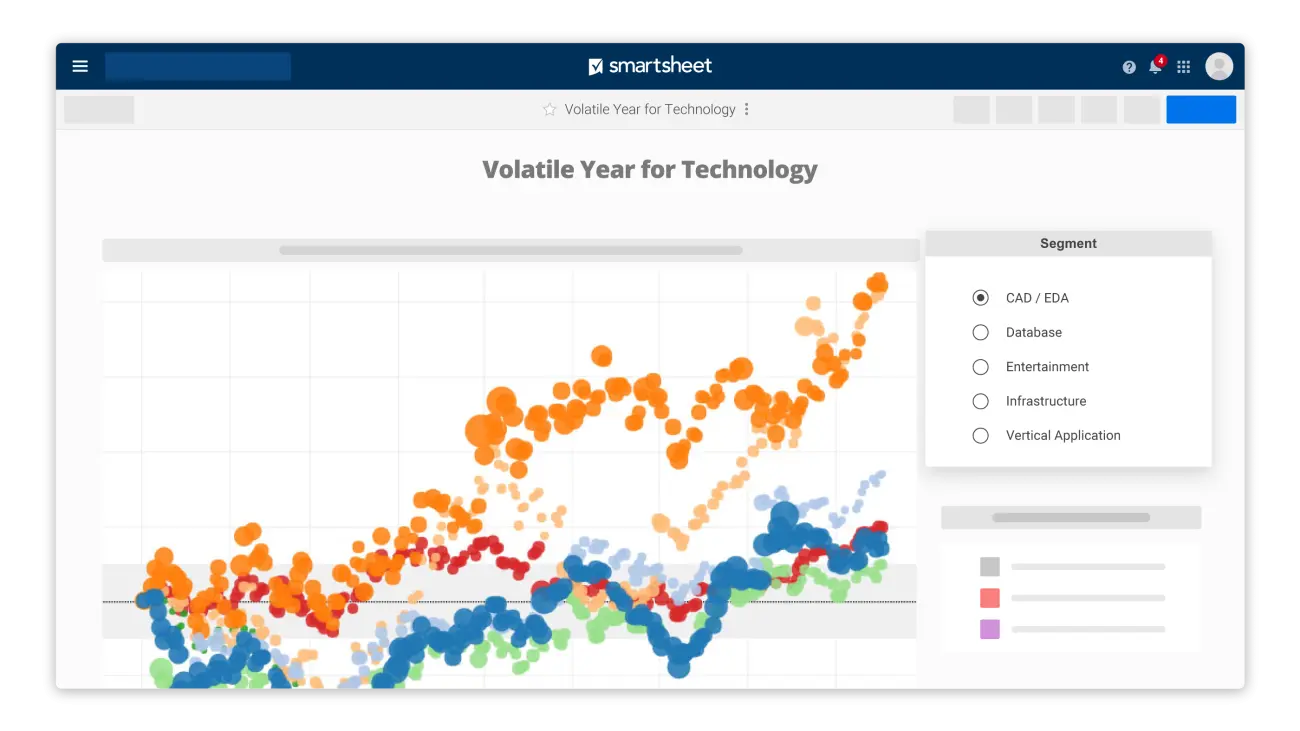
Create charts from Smartsheet and other data, and embed Power BI and Tableau analytics into Smartsheet dashboards and WorkApps.
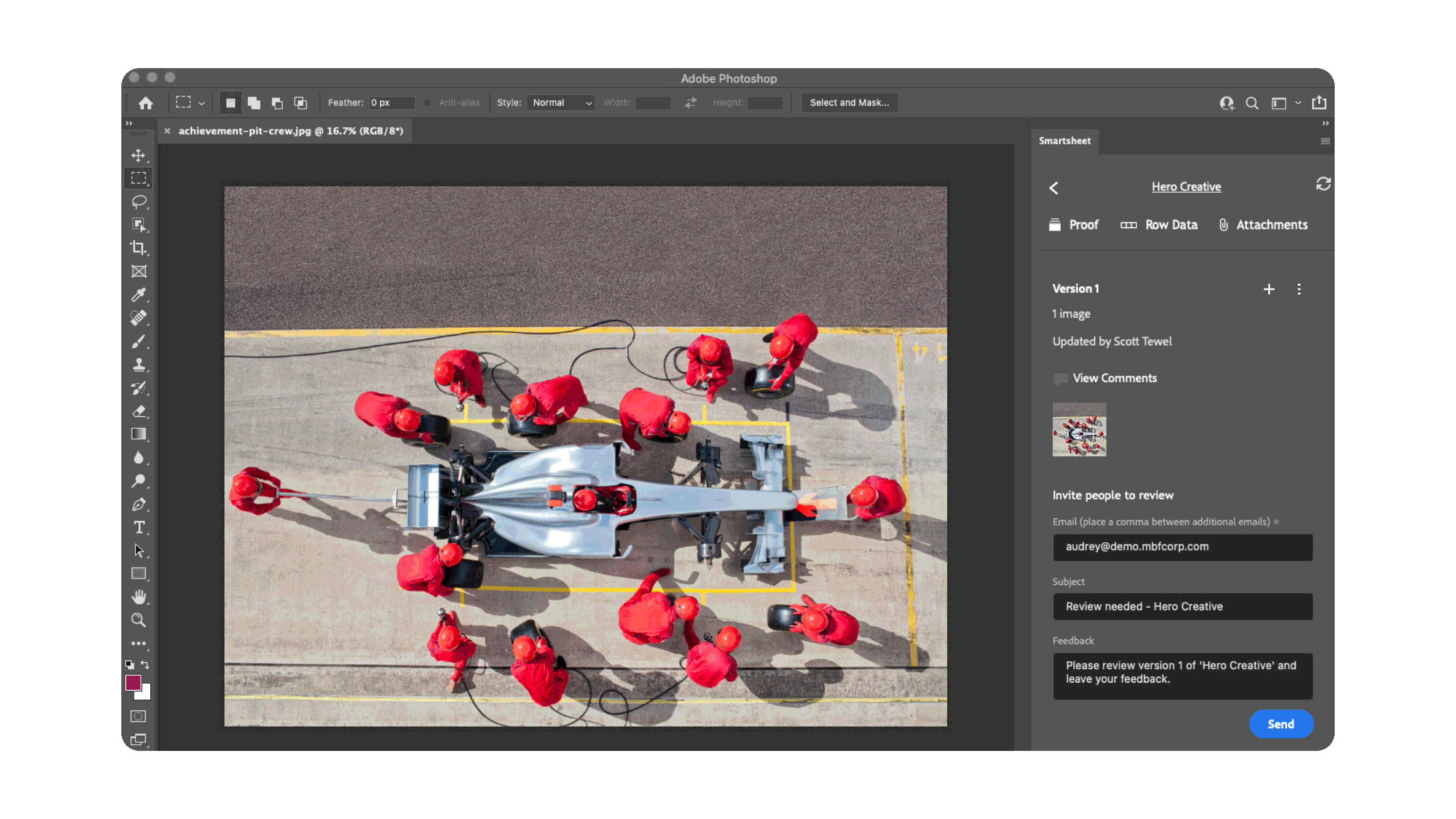
Use built-in content collaboration features and Smartsheet integrations with Adobe Creative Cloud and digital asset management tools to streamline content creation and management.
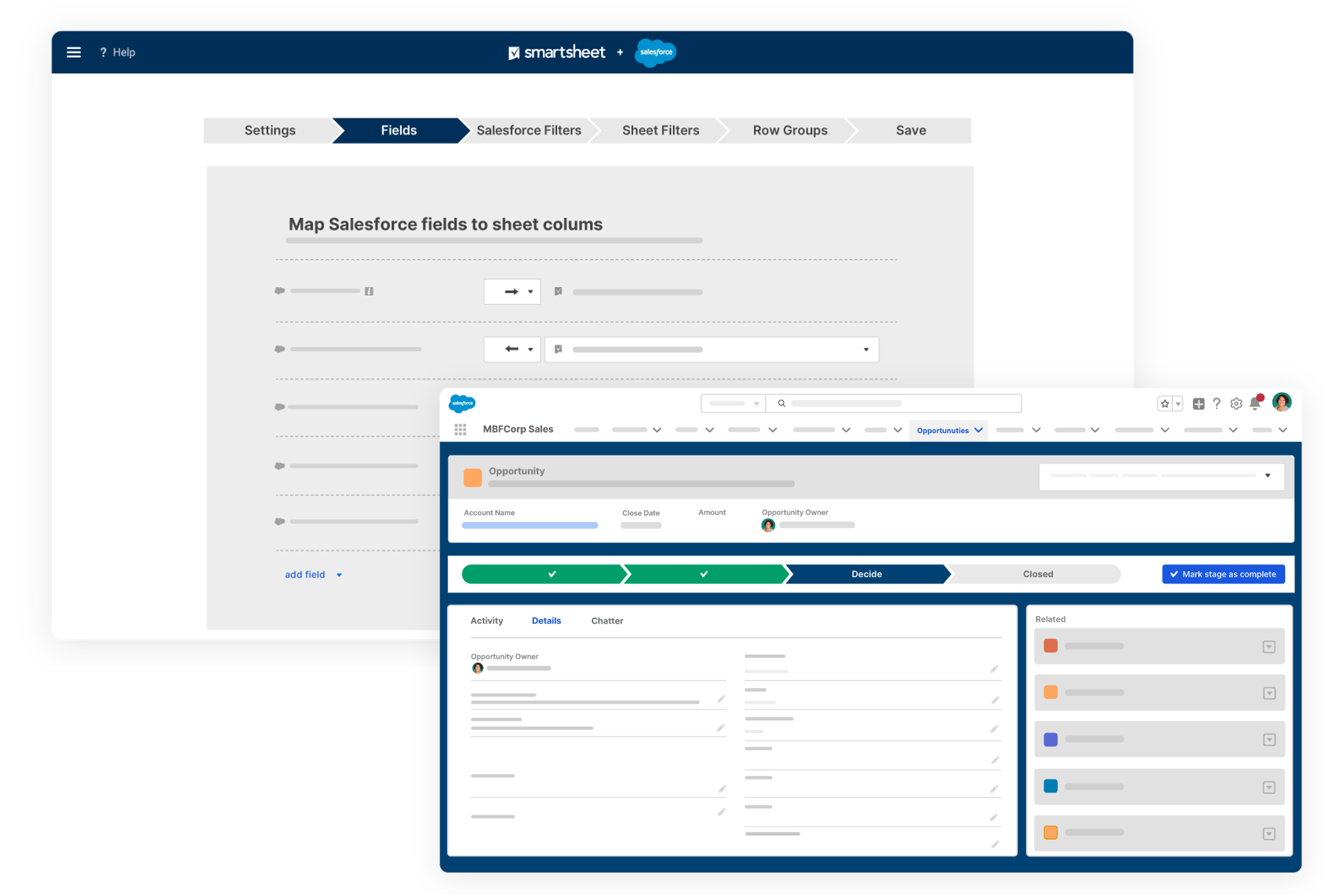
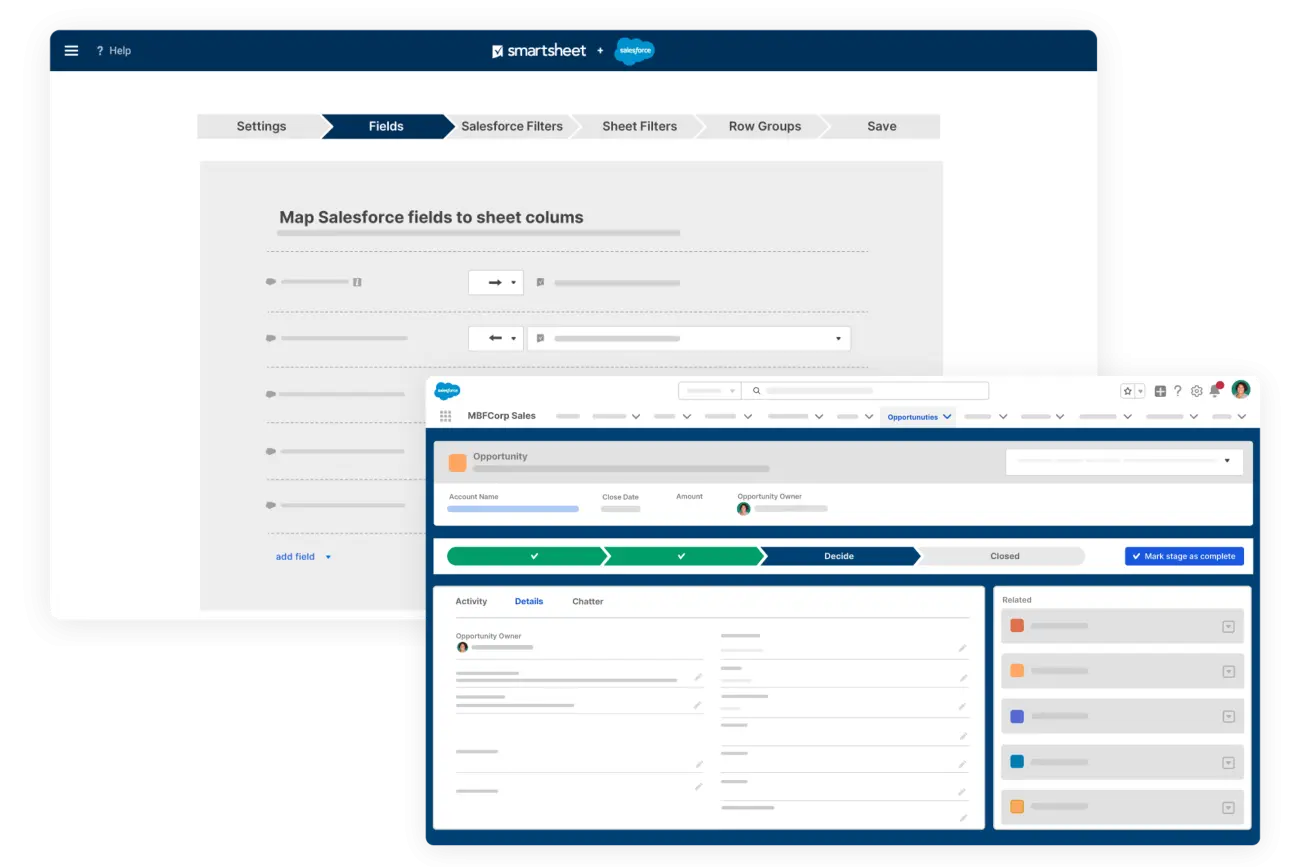
Use your Salesforce customer data with Smartsheet Control Center to auto-create project plans when deals close.
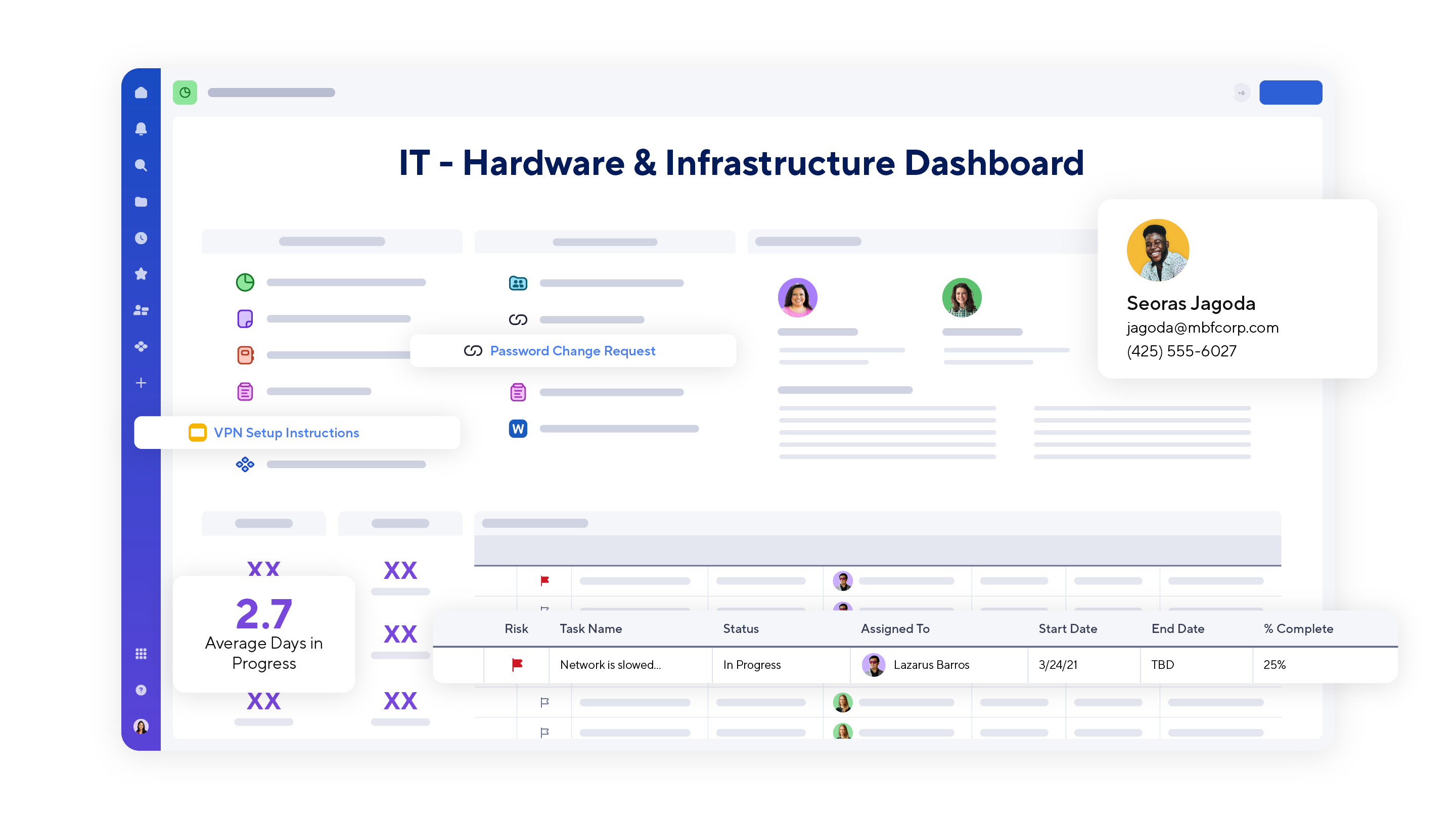
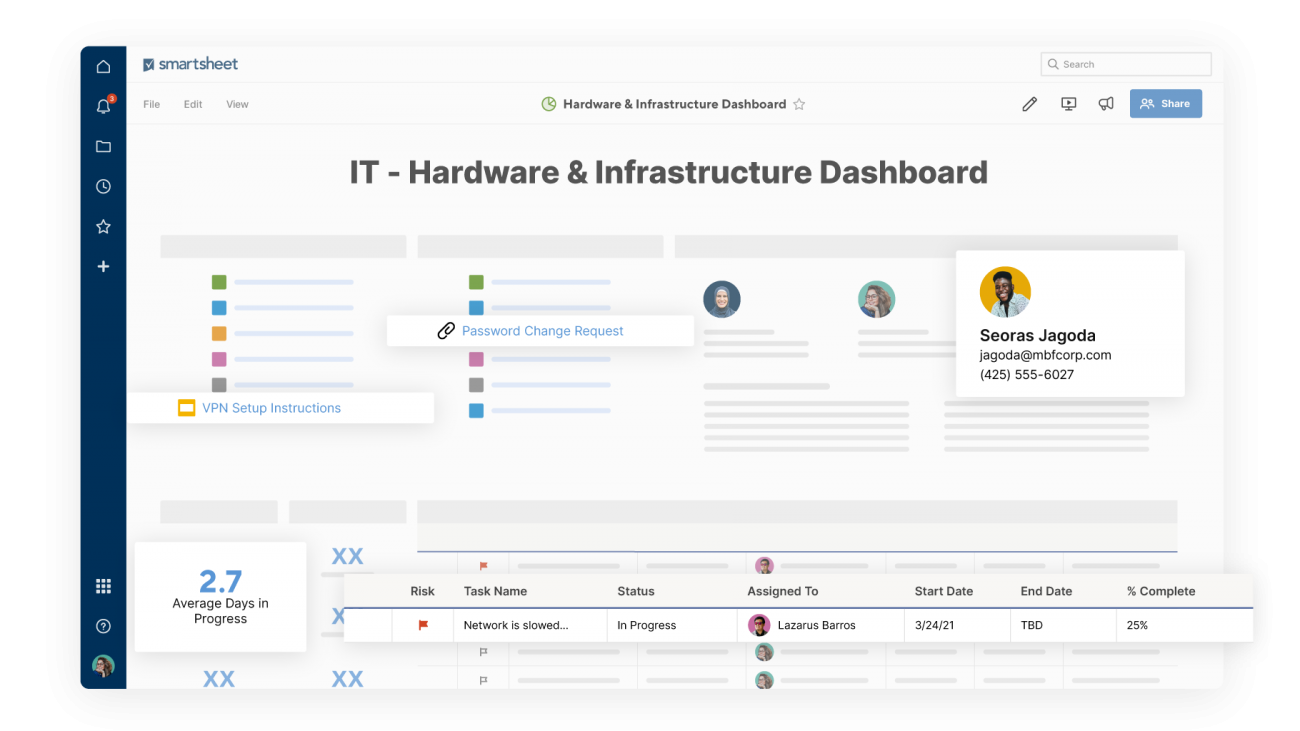
Provide stakeholders with ticket and request status through Smartsheet dashboards using data from systems like Jira or legacy systems via Data Shuttle.
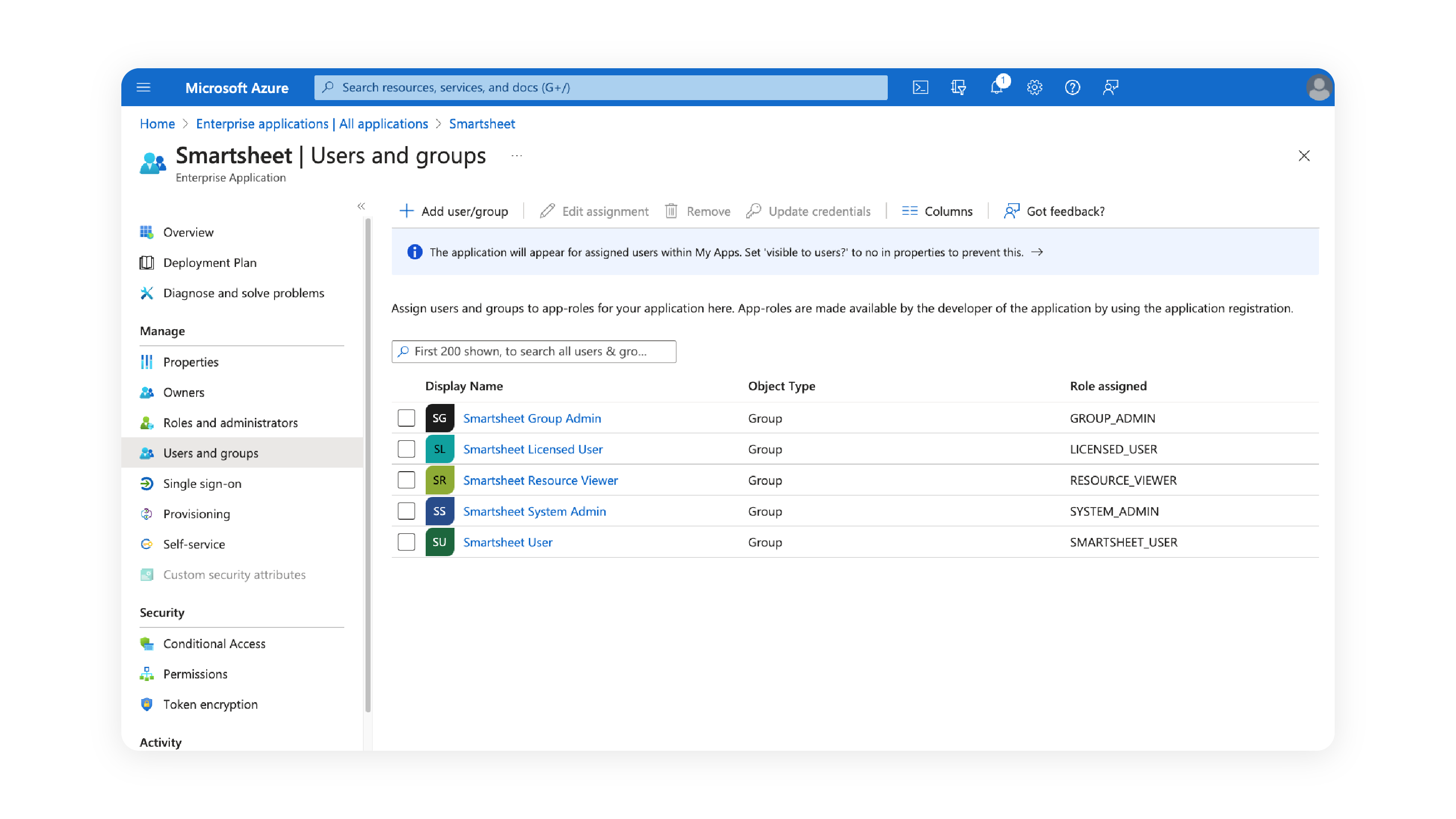
Integrate with leading enterprise IT tools you already use, like Okta and Microsoft Entra ID (formerly Azure Active Directory), to seamlessly manage users and permissions in Smartsheet.
How our customers use integrations
Use built-in comment features within Smartsheet and integrate with leading communication tools like Slack and Microsoft Teams.
Create charts from Smartsheet and other data, and embed Power BI and Tableau analytics into Smartsheet dashboards and WorkApps.
Use built-in content collaboration features and Smartsheet integrations with Adobe Creative Cloud and digital asset management tools to streamline content creation and management.
Use your Salesforce customer data with Smartsheet Control Center to auto-create project plans when deals close.
Provide stakeholders with ticket and request status through Smartsheet dashboards using data from systems like Jira or legacy systems via Data Shuttle.
Integrate with leading enterprise IT tools you already use, like Okta and Microsoft Entra ID (formerly Azure Active Directory), to seamlessly manage users and permissions in Smartsheet.
Data Shuttle
Simple data connections between any system and Smartsheet
Smartsheet Data Shuttle can create automated CSV and XLSX imports of data from most systems into Smartsheet. Follow our updated help content to get started today.
With Smartsheet, you can have everything. You can grab things from Power BI or Google Sheets and connect it with Jira and all these applications and systems. It’s like the glue for what you need to do. [...] It’s the single platform for collaboration, the deliverables and even workflows.
Smartsheet integrations enable you to automate routine workflows across tools, provide visibility into your work, and connect data across your enterprise systems like CRMs, HCMs, and ERPs. Smartsheet has over 175 integrations with the business tools you use today, such as Slack, Jira, Salesforce, and Tableau.
Some Smartsheet integrations are included in Business and Enterprise accounts, while some integrations are paid add-ons. To learn more about the integration in question, please review the information on our marketplace or contact us to learn more.
Learn more about the available Smartsheet integrations by reviewing our marketplace or contacting us.
The Smartsheet API is free and available for use for any users with a Smartsheet license on a Business plan or higher. For more information on the Smartsheet API, please review 5 steps for getting started with the Smartsheet API.
In addition, Bridge by Smartsheet provides a low-code option for integrating with a host of systems via pre-built system connections, APIs, and JavaScript.
For questions on Smartsheet-created integrations, such as Slack or MS Teams, please contact Smartsheet Support.
For questions on integrations created by our partners, please view the contact information available on the integration marketplace page.
In today’s remote and asynchronous work environment, your teams operate across dozens of systems — using a variety of tools to communicate, collaborate, house enterprise data, and analyze inputs for informed decisions.